EasyManua.ls Logo

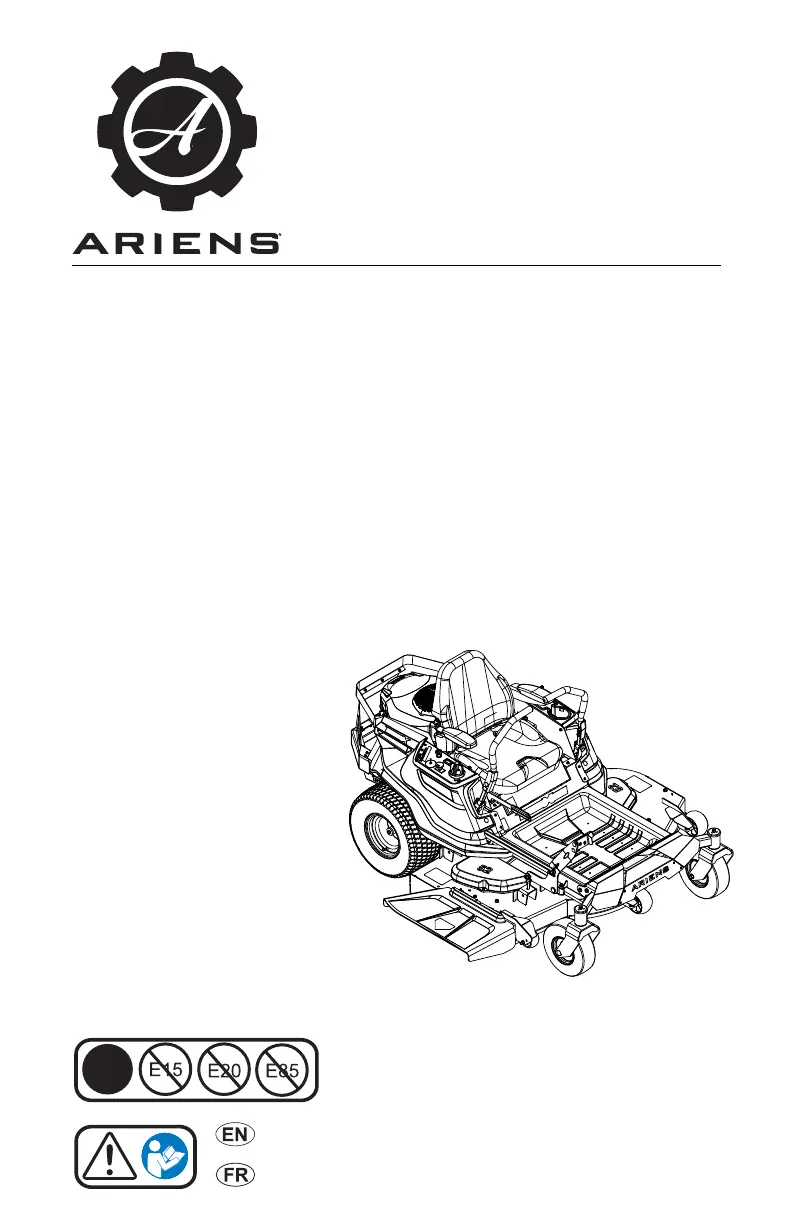
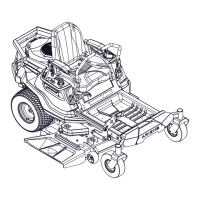
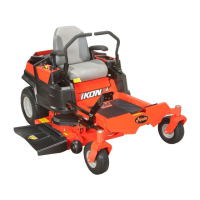
Ariens IKON-XL 52 - User Manual

Ariens IKON-XL 52
48 pages
Print Icon
To Next Page IconTo Next Page
Loading...
Operators Manual
Manuel du Utilisateur
05167900D 9/18
Printed in USA
ENGLISH
FRANÇAIS
E10
915220 – IKON-X 42
(SN 080000+)
915221 – IKON-X 42
(SN 080000 +)
915222 – IKON-X 52
(SN 080000 +)
915223 – IKON-X 52
(SN 080000 +)
915224 – IKON-X 42 CARB
(SN 080000 +)
915225 – IKON-X 52 CARB
(SN 080000 +)
915226 – IKON-XL 42
(SN 080000 +)
915227 – IKON-XL 52
(SN 080000 +)
915228 – IKON-XL 60
(SN 080000 +)
915229 – IKON-XL 60
(SN 080000 +)
IKON-X
IKON-XL
915237 – IKON-XL 42 CARB
(SN 080000 +)
915239 – IKON-XL 52 CARB
(SN 080000 +)
915241 – IKON-XL 60 CARB
(SN 080000 +)
Models

Questions and Answers

  • S
    simpsonalyssaAug 20, 2025
    Why won't my Ariens IKON-XL 52 engine start?
    • K
      Kyle EstradaAug 20, 2025
      Several issues could prevent your Ariens Lawn Mower engine from starting. The safety interlock system may not be engaged or could be faulty. The fuel tank might be empty, or the fuel supply could be contaminated, requiring replacement with clean fuel. The battery could be discharged, needing a charge, or the connection between the battery and cables might be poor, requiring tightening or cleaning. Also, check if the spark plug wires are loose or the spark plugs are faulty; connect the wires or replace the plugs as needed.
  • J
    Jill JacksonAug 22, 2025
    What to do if my Ariens Lawn Mower does not drive?
    • T
      timothy86Aug 22, 2025
      Your Ariens Lawn Mower might not drive because the transaxles are bypassed; if so, engage the levers. Other potential causes could be a faulty ground drive belt or faulty transaxles.
  • J
    Jennifer KlineAug 25, 2025
    Why my Ariens IKON-XL 52 engine does not start?
    • A
      Ashley WilsonAug 25, 2025
      Several issues can prevent your Ariens Lawn Mower engine from starting. The safety interlock system might not be engaged or could be faulty, so inspect that first. Ensure the fuel tank isn't empty and that the fuel supply is clean. Check if the battery is discharged and needs charging, or if the connection between the battery and cables is poor—tighten or clean them as needed. Also, make sure the spark plug wires are connected and the spark plugs aren't faulty. If these steps don't resolve the issue, there may be an electrical or engine problem, and you should contact your Ariens dealer.
  • C
    carol32Aug 26, 2025
    Why Ariens IKON-XL 52 does not drive?
    • D
      Dakota MckinneyAug 26, 2025
      If your Ariens Lawn Mower isn't driving, the transaxles may be bypassed; engage the levers. If that doesn't solve the problem, the ground drive belt or the transaxles could be faulty, and you should contact your Ariens dealer.
  • T
    thomas56Aug 27, 2025
    What causes my Ariens IKON-XL 52 Lawn Mower engine to overheat?
    • J
      Justin LopezAug 28, 2025
      If your Ariens Lawn Mower engine overheats, make sure the engine oil level is adequate by adding engine oil. Additionally, check if the cooling fins are plugged and clean the engine if necessary.
  • J
    jessesampsonAug 30, 2025
    Why is the PTO malfunctioning on my Ariens Lawn Mower?
    • D
      David AustinAug 30, 2025
      If the PTO malfunctions on your Ariens Lawn Mower, ensure the operator presence switch is activated by sitting on the operator seat. Other potential causes include a faulty operator presence switch, a faulty deck drive belt, or issues with the PTO switch, wiring, connectors, or clutch.
  • M
    Michelle KhanAug 31, 2025
    How to fix Ariens Lawn Mower engine running rough?
    • J
      Jeremy VanceAug 31, 2025
      If your Ariens Lawn Mower engine is running rough, the choke control knob might be in the 'on' position; move it to the 'off' position. Also, the air filter cartridge could be plugged, so clean or replace it. If the problem persists, the engine itself might be faulty, and you should contact your Ariens dealer.
  • V
    Vincent BestSep 2, 2025
    How to fix Ariens Lawn Mower that does not track straight?
    • B
      Bryan LeonSep 2, 2025
      If your Ariens Lawn Mower doesn't track straight, start by checking the tire pressure and ensure it's correct. If the problem continues, the steering levers may need adjustment. If neither of these steps resolves the issue, the transaxles and/or linkages might need adjustment, and you should contact your Ariens dealer.
  • R
    rachel15Sep 4, 2025
    How to improve the cutting quality of my Ariens IKON-XL 52?
    • J
      James ParkerSep 4, 2025
      There are several reasons why your Ariens Lawn Mower might have poor cutting quality. The mower blades might not be level, or the mower deck pitch could be incorrect, requiring adjustment. The mower blades could also be dull or faulty, so they may need sharpening or replacement. Ensure that your mowing speed isn't too fast, and check that the belt tension and condition are good, replacing the deck drive belt if necessary. Also, avoid setting the cutting height too low, and for very tall grass, mow twice.
  • K
    Keith RuizSep 6, 2025
    Why does my Ariens Lawn Mower engine run rough?
    • J
      Jessica ChandlerSep 6, 2025
      If your Ariens Lawn Mower engine runs rough, the choke control knob may be in the 'on' position; if so, move it to the 'off' position. Another potential cause is a plugged air filter cartridge, which needs to be cleaned or replaced.

Summary

WELCOME

REGISTER YOUR PRODUCT!

Register your product at time of purchase to activate warranty and establish communication.

MANUALS

Read and understand manuals for safety instructions and important information about unit controls.

DISCLAIMER

Ariens reserves the right to change products without notice. Descriptions and specifications were in effect at printing.

SAFETY

PRACTICES & LAWS

Practice safe working precautions and learn applicable rules and laws in your area.

EMISSION CONTROL SYSTEM

Equipment includes emission control components. Tampering is prohibited.

REQUIRED OPERATOR TRAINING

Read and understand the Operator's Manual and decals for your safety and proper equipment use.

SAFETY DECALS

Visual reminders of safety information. Understand and follow all messages on your unit.

Safety Decal Descriptions

Detailed explanations of the various safety decals found on the unit and their meanings.

Tipping Hazard

Instructions on how to avoid tipping the unit, especially on slopes, and operating limits.

Service Hazard

Safety precautions to follow before servicing the unit, including reading manuals and setting brakes.

CONTROLS AND FEATURES

Ignition Key

The ignition key controls power to the engine and starting operations.

Throttle Control Lever

Controls engine speed by moving the lever to fast or slow positions.

Height-of-Cut Dial

Adjusts the mower deck height for desired cutting height.

OPERATION

EMERGENCY STOPPING

Procedure to stop the unit immediately in an emergency situation.

BEFORE OPERATING UNIT

Check fuel, oil, air cleaner, and safety interlock system before starting the unit.

START THE ENGINE

Step-by-step instructions for starting the engine, including choke and throttle settings.

MAINTENANCE

MAINTENANCE SCHEDULE

Schedule of recommended maintenance tasks based on usage hours and time intervals.

SERVICE PARTS

List of common service parts and their corresponding part numbers for ordering.

CHECK MOWER BLADES

Instructions on how to check, sharpen, or replace mower blades for optimal cutting performance.

CHECK BATTERY

Procedures for checking, removing, cleaning, and charging the unit's battery.

TROUBLESHOOTING

Engine does not start

Troubleshooting guide for common causes and corrections when the engine fails to start.

Unit does not drive

Diagnosing and correcting issues related to the unit's inability to drive or move.

Poor cutting quality

Identifying causes and solutions for unsatisfactory cutting performance.

STORAGE

SHORT-TERM STORAGE

Instructions for preparing the unit for short-term storage, including cleaning and fuel system preparation.

LONG-TERM STORAGE

Procedures for preparing the unit for extended storage, including lubrication and battery care.

ACCESSORIES

Mulch Kit

Information on mulch kits for 42", 52", and 60" decks, including part numbers.

Bagger Kit

Details on the bagger kit, which requires an additional kit for 60" decks.

Headlight Kit

Information on the headlight kit for increased visibility during operation.

SPECIFICATIONS

Model 915220

Technical specifications for the IKON X 42 model, including engine, drive, size, weight, and tires.

Model 915224

Technical specifications for the IKON X 42 CARB model, including engine, drive, size, weight, and tires.

Model 915226

Technical specifications for the IKON XL 42 model, including engine, drive, size, weight, and tires.

Outdoor Power Equipment Limited Warranty

Warranty Term Exclusions

List of components and parts that are not covered under the standard warranty terms.

Exclusions - Items Not Covered by This Warranty

Details on damages, misuse, or alterations not covered by the Ariens warranty.

Pro-Rated Battery Warranty

Information on the pro-rated warranty coverage for the unit's battery.

Ariens IKON-XL 52 Specifications

General IconGeneral
Cutting Width52 inches
EngineKawasaki FR691V
Engine Displacement726 cc
Engine Power23 hp
TransmissionHydrostatic
Deck MaterialSteel
Cutting Height Range1.5 - 4.5 in

Related product manuals