IncreaseTemp Button AND DecreaseTemp Button
Used to adjust (increasing/decreasing) temperature settings in 1°C/1°F increments
NOTE:The control is capable of displaying temperature in degrees Fahrenheit or degrees Celsius. To
convert from one to the other, press and hold the IncreaseTemp Button AND DecreaseTemp Button at the
same time for 3 seconds.
Fan Speed Selection Button
Controls the fan speed. Press to control the fan speed in four steps – HIGH, MID, LOW and AUTO. The
selected fan speed light will illuminate.
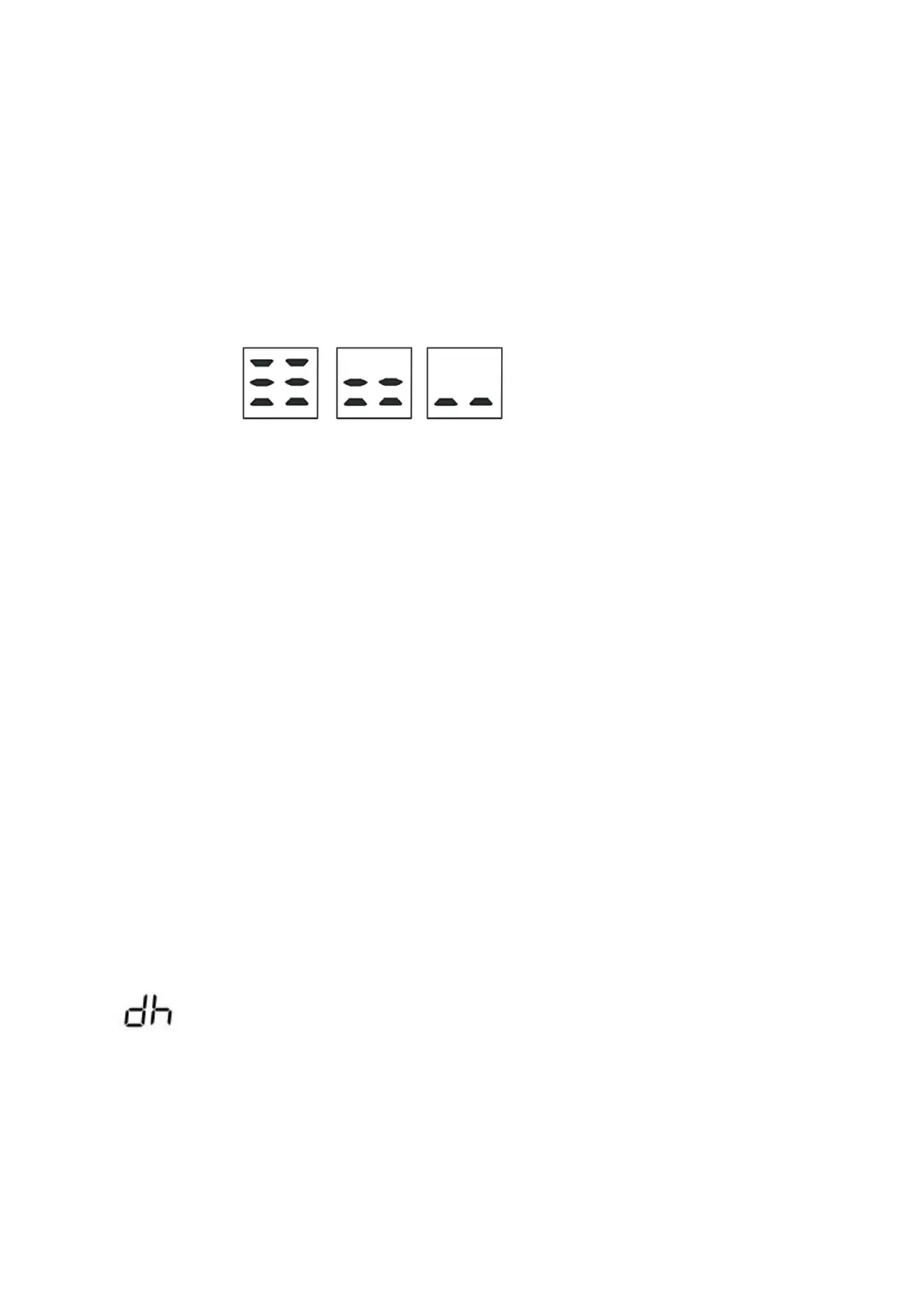
NOTE: AUTO Fan Speed the LED screen indicates the below.
Tmier Button
Used to initiate the AUTO ON start time and AUTO OFF stop time program
LED display
Shows the set temperature in °C (Degrees Celsius) or °F (Degrees Fahrenheit) and the Auto-timer settings.
Shows Error codes and protection code(
Please refer to
SELF-DIAGNOSIS and TROUBLESHOOTING).
Sleep Function & Swing Function
you must use the remote control
COOL operation
●Press the “Mode” button until the “COOL” indicator light comes on.
●Press the“Increase Temp Button”AND“Decrease Temp Button”to select your desired room temperature.
The temperature can be set within a range of 18°C~32°C/64°F~90°F.
●Press the “Fan Speed” button to choose the fan speed.
FAN operation
●Press the “Mode”button until the “FAN” indicator light comes on.
●Press the “Fan Speed” button to choose the fan speed. The temperature cannot be adjusted.
●When using the appliance in this mode, the air hose does not need to be attached.
DRY operation
●Press the “Mode” button until the “DRY” indicator light comes on and the LED screen indicates the below.
● While in this mode, you cannot select a fan speed or adjust the temperature. The fan motor operates at
LOW speed.
● Keep windows and doors closed for the best dehumidifying effect.


 To Next Page