
 Need help?
Do you have a question about the Arista DCS-7050SX3-48YC12 and is the answer not in the manual?
Directs users to Arista Networks documentation for safety information and warnings.
Provides contact methods for obtaining technical support from Arista Networks.
Provides guidelines to prevent ESD damage during equipment installation and servicing.
Explains how to connect the switch to the data center ground using grounding pads.
Covers the correct procedure for connecting power cables to the switch.
Guides users through the manual configuration process, including ZTP cancellation and initial setup.
Details the steps for removing and installing power supply modules.
 General
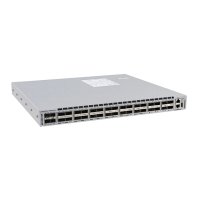
| Model | DCS-7050SX3-48YC12 |
|---|---|
| Type | Switch |
| Manufacturer | Arista Networks |
| Form Factor | 1U |
| Operating System | Arista EOS |
| CPU | Intel x86 |
| RAM | 8 GB |
| Flash Storage | 32GB |
| Latency | 800ns |
| Power Supply | Dual, Hot-swappable |
| Operating Temperature | 0°C to 40°C |
| Ports | 48x 25Gb SFP28, 12x 100Gb QSFP28 |





 To Next Page