- 13 - - 14 -
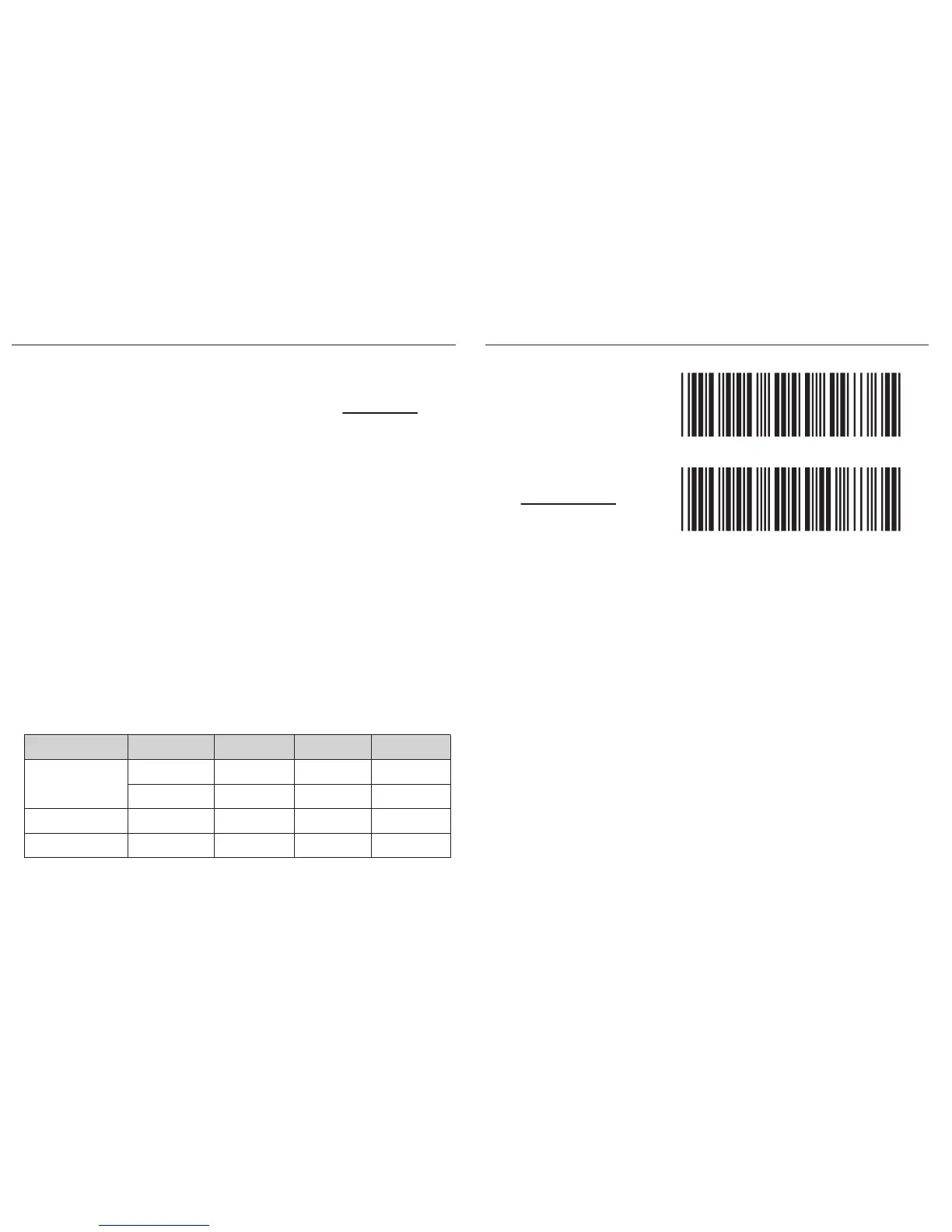
. E053$
. E054$
DISABLE
ENABLE
In Batch Mode, data will be temporarily stored in memory buffer
(2KB RAM) when the scanner is out of range or in poor connection
quality. Once the scanner gets back in range, the stored data will
be sent back to the host immediately, which will also be erased in
memory buffer at the same time.
Batch Mode can only function in the following conditions:
1. The scanner has been connected to a host device.
2. The scanner is NOT in Memory Mode.
The scanner’s interface is Wireless by default. However, it can also
be used as a tethered scanner by scanning above barcodes.
Funcon Support Matrix
BATCH MODEINTERFACE SELECTION
. C006$
*.C006$*
USB-VCP
. C008$
*.c008$*
USB-HID
. C035$
*.c035$*
WIRELESS
Interface Profile
Batch Mode Memory Mode Ez Ulity
N/A
N/A
Wireless
USB-HID
*Note: 1. Memory Mode is only supported by certain models.
2. For Ez Utility(PC-based software utility), please contact your local distributor.
USB-VCP
BT HID
BT SPP



 To Next Page