85Troubleshooting
Pro 3 Floodlight Camera
User Manual
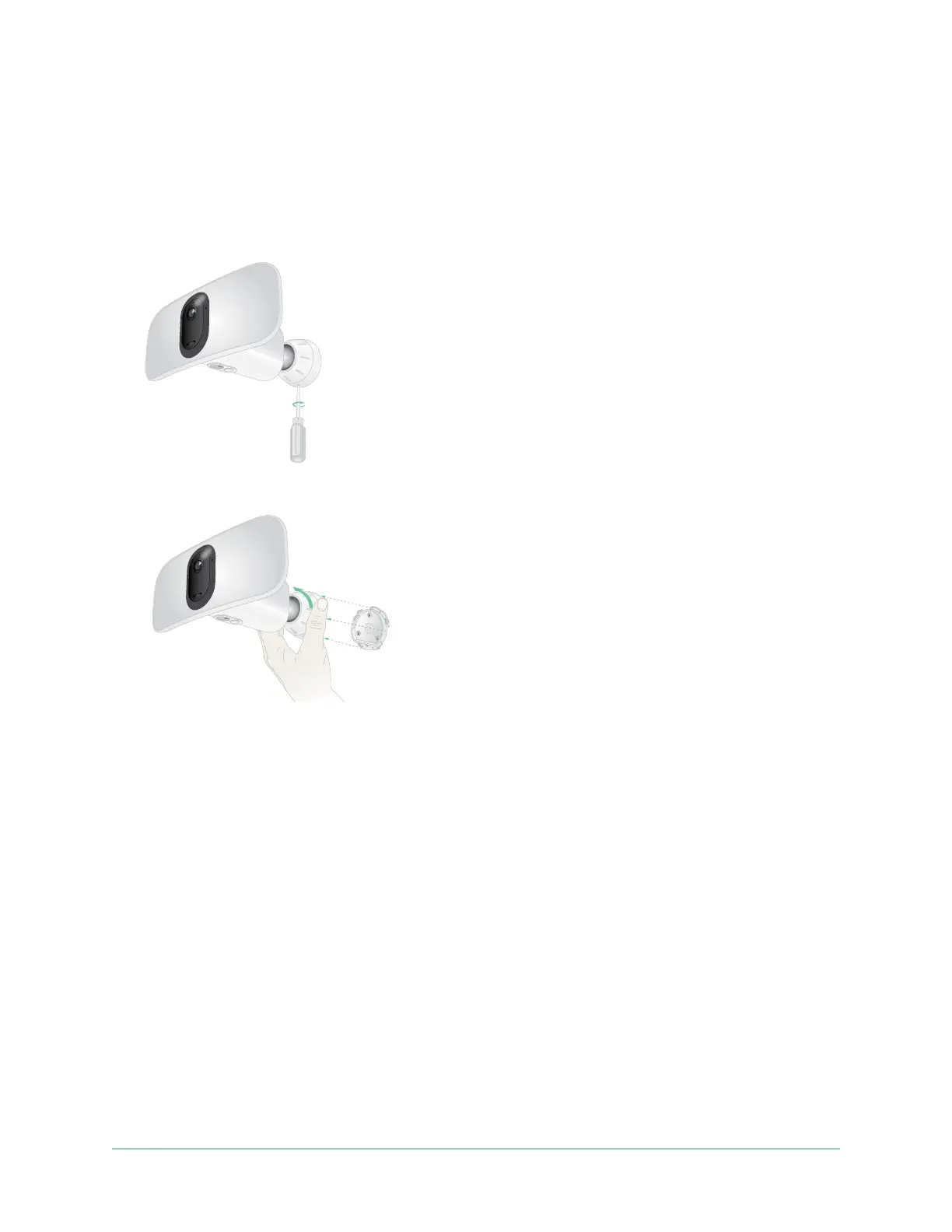
Remove a mounted oodlight from the wall
Note: You don’t need to remove the camera housing from the wall plate in order to reposition
your camera or to charge the battery.
1. Use a Phillips screwdriver to loosen the screw at the bottom of the camera housing’s grip.
2. Turn the camera housing counter-clockwise, and pull it from the back plate.
3. Unscrew the screws from the wall plate, and remove the wall plate from your wall.



 To Next Page