45
Modes, Rules, and Smart Alerts
Change Motion Sensitivity
You can easily change the sensitivity level for Arlo Pro cameras.
¾ To change the sensitivity level for a camera:
1. Tap the Arlo icon on your mobile device.
If you are using a computer, enter arlo.netgear.com in the address bar of a
browser.
The Devices page displays.
2. Tap or click Mode.
A list of cameras displays.
3. Tap or click the Arlo Pro camera.
The Mode page displays.
4. Tap or click Edit next to the mode.
The Edit Rule page displays.
5. Tap or click Edit next to the rule that you want to edit.
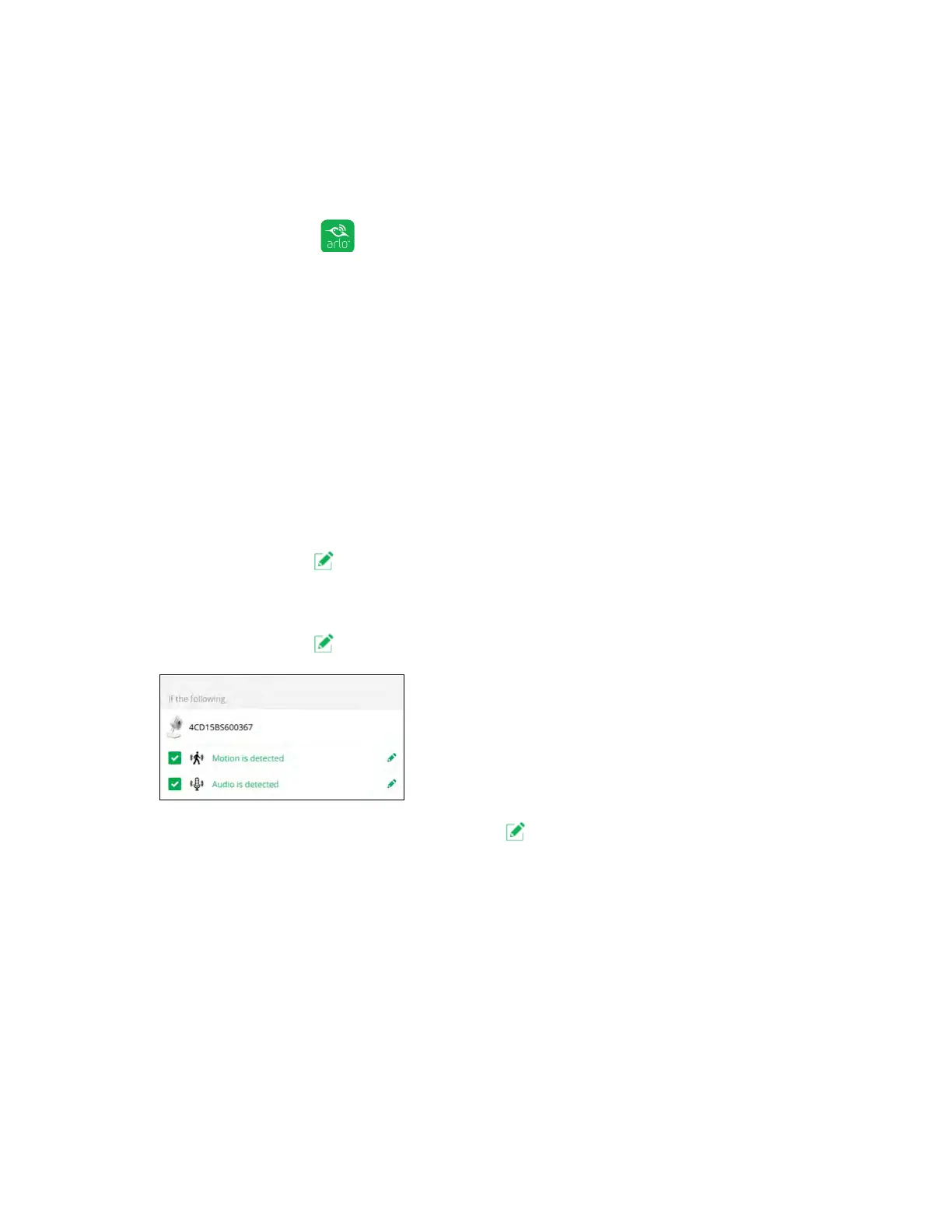
6. Under If the following, tap or click Edit next to Motion is detected.
The Motion detection settings page displays.
7. Move the slider to adjust the sensitivity level for motion detection for this
camera.
If you used a mobile device to specify the settings, your settings are saved.
8. If you used a browser to specify the settings, click Save.
Your settings are saved.



 To Next Page