Settings
60
4. Tap or click Time Zone.
The Time Zone page displays.
5. Tap or click a time zone.
6. Tap or click Done.
If you are using a mobile device, your settings are saved.
7. If you are using a computer, click Save.
Your settings are saved.
Camera Settings
Turn O the Camera LED
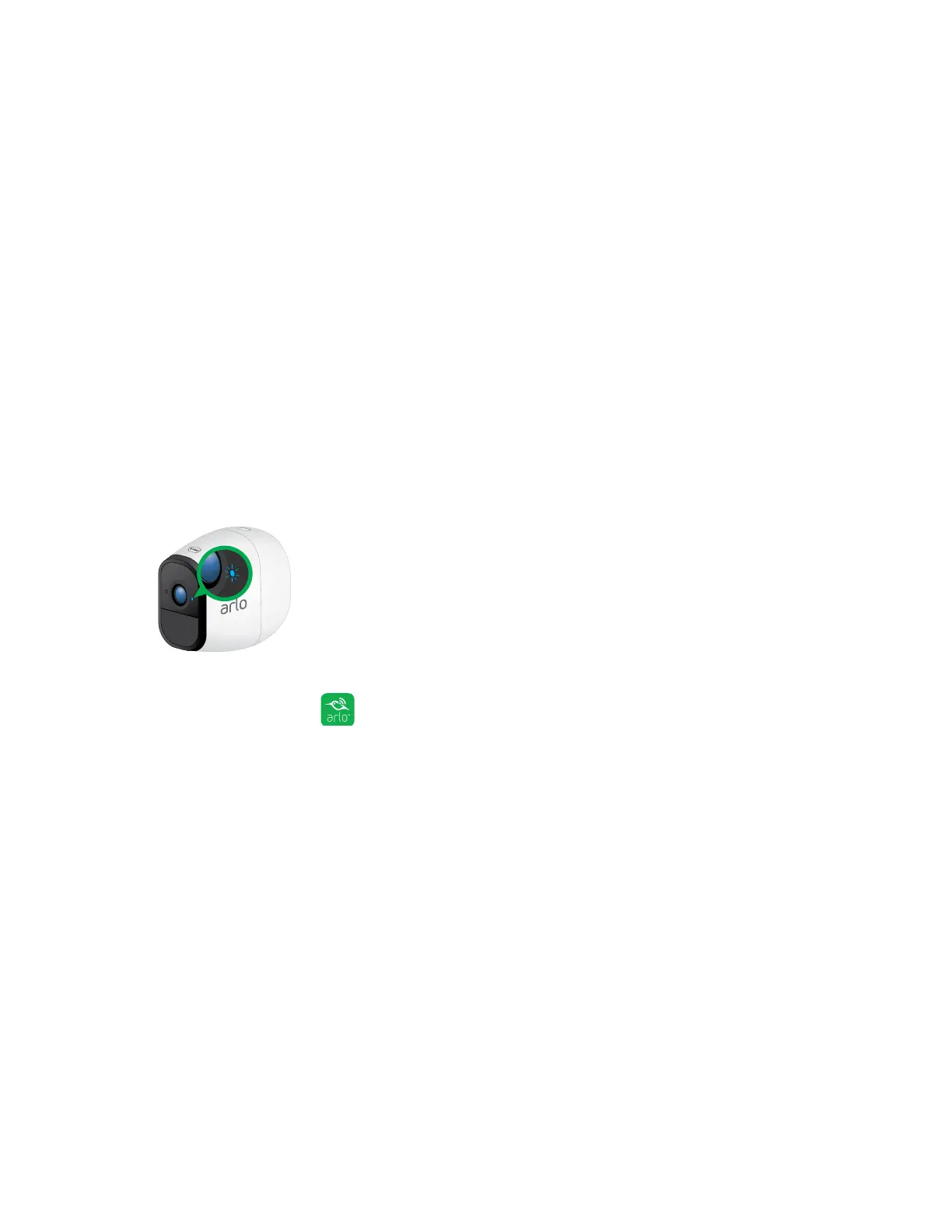
The LED on the Arlo Pro camera lights in dierent colors. You can turn o this LED.
¾ To turn o the LED on the Arlo Pro camera:
1. Tap the Arlo icon on your mobile device.
If you are using a computer, enter arlo.netgear.com in the address bar of a
browser.
The Devices page displays.
2. Tap or click Settings > My Devices.
A list of devices displays.
3. Tap or click the camera.
The camera settings display.
4. Tap or click Status Light.
If you are using a mobile device, your settings are saved.



 To Next Page