Use SmartThings With Arlo Cameras
75
6. Tap Cameras > Netgear Arlo.
7. Tap Arlo (connect).
8. Tap Connect to Arlo.
9. Enter your Arlo login credentials
10. On the bottom of the page, accept the Privacy Policy.
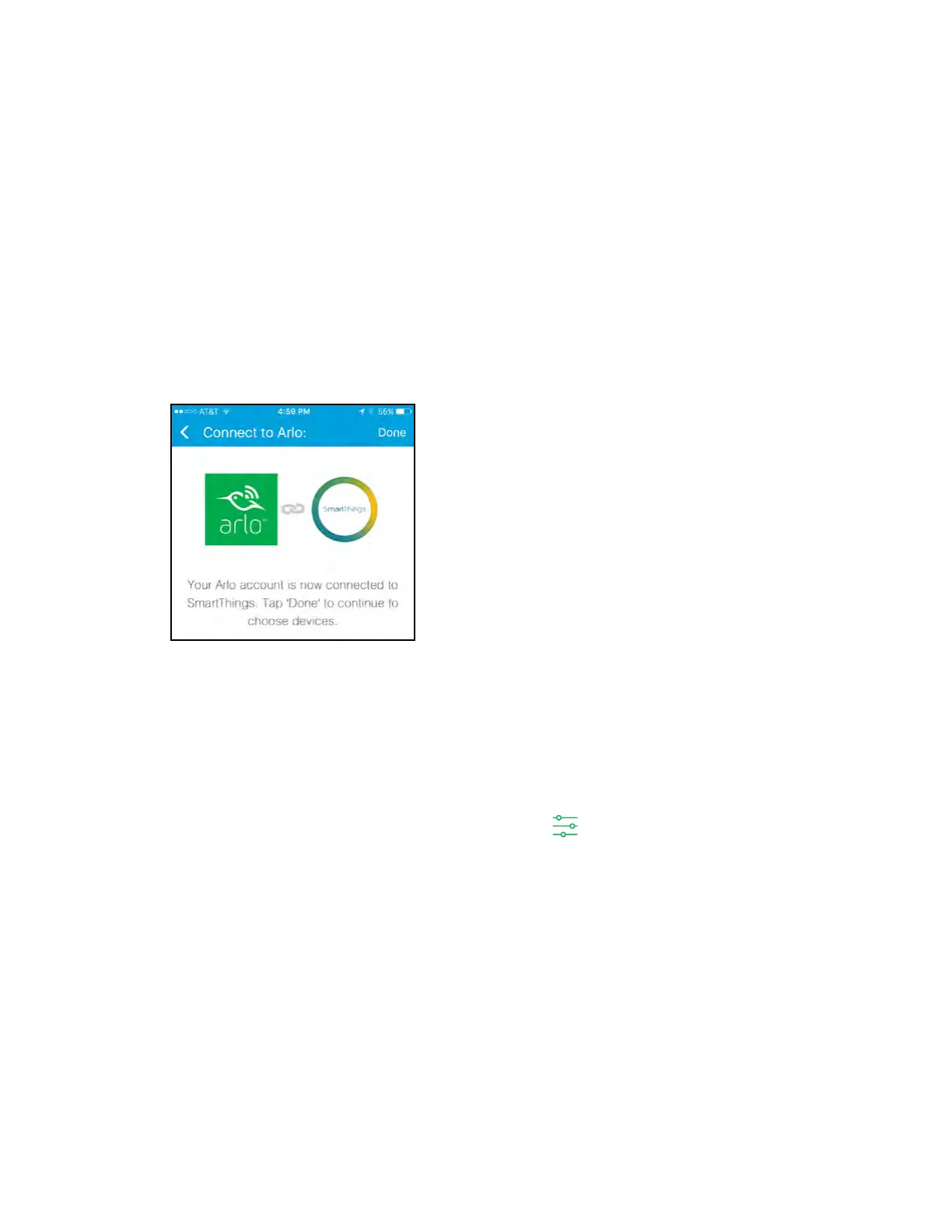
11. Tap Done at the upper‑right corner.
12. Tap Connect to Arlo Cameras and select the cameras that you want to sync
with the SmartThings app.
13. Tap Done > Next > Done.
14. Tap My Home > Things.
15. To change your camera’s settings, tap the settings icon.
Note: Repeat this step for each camera that you synced with your SmartThings app.
Your Arlo Wire‑Free Cameras are in the SmartThings mode in your Arlo app.
For more information about integrating your Arlo cameras into the SmartThings app,
visit
https://support.smartthings.com/hc/en-us/articles/209529506-Netgear-Arlo-Wire-
Free-Camera.



 To Next Page