1110
Sync Your Cameras With the Base Station
6
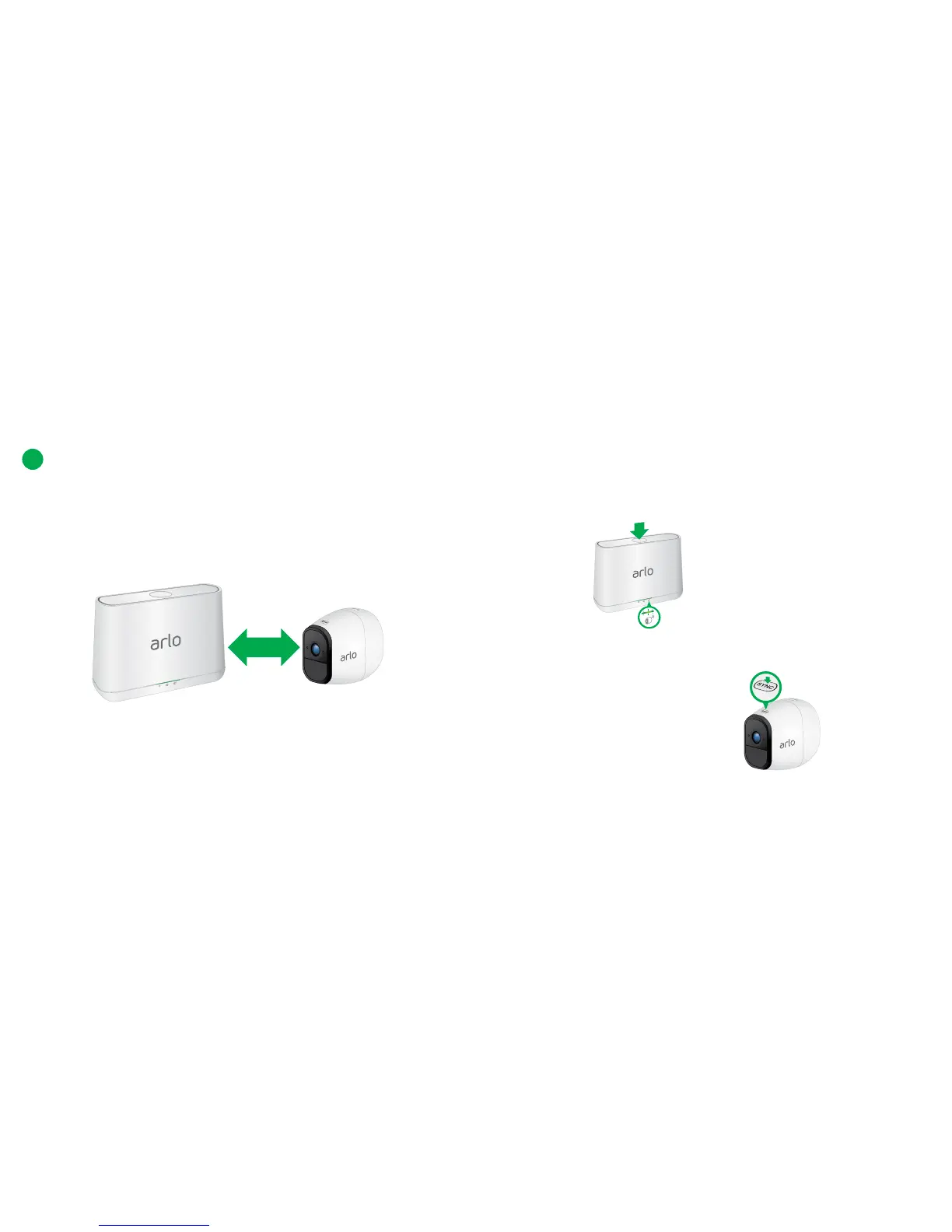
a. Bring the camera within 1 to 3 feet (30 to 100 centimeters) of the
base station.
Note: Cameras must be synced one at a time.
b. Press the Sync button on the top of the base station for
about two seconds and then release the button.
c. Wait for the Sync Status LED to blink green.
d. Press the Sync button on top of the camera for about two
seconds and then release the button.



 To Next Page