1312
The camera is ready for viewing.
The LED blinks amber if the sync is not successful. You must repeat the
sync process.
Syncing more than one camera?
Go to Page 9 and repeat steps 5a through 5d for each camera.
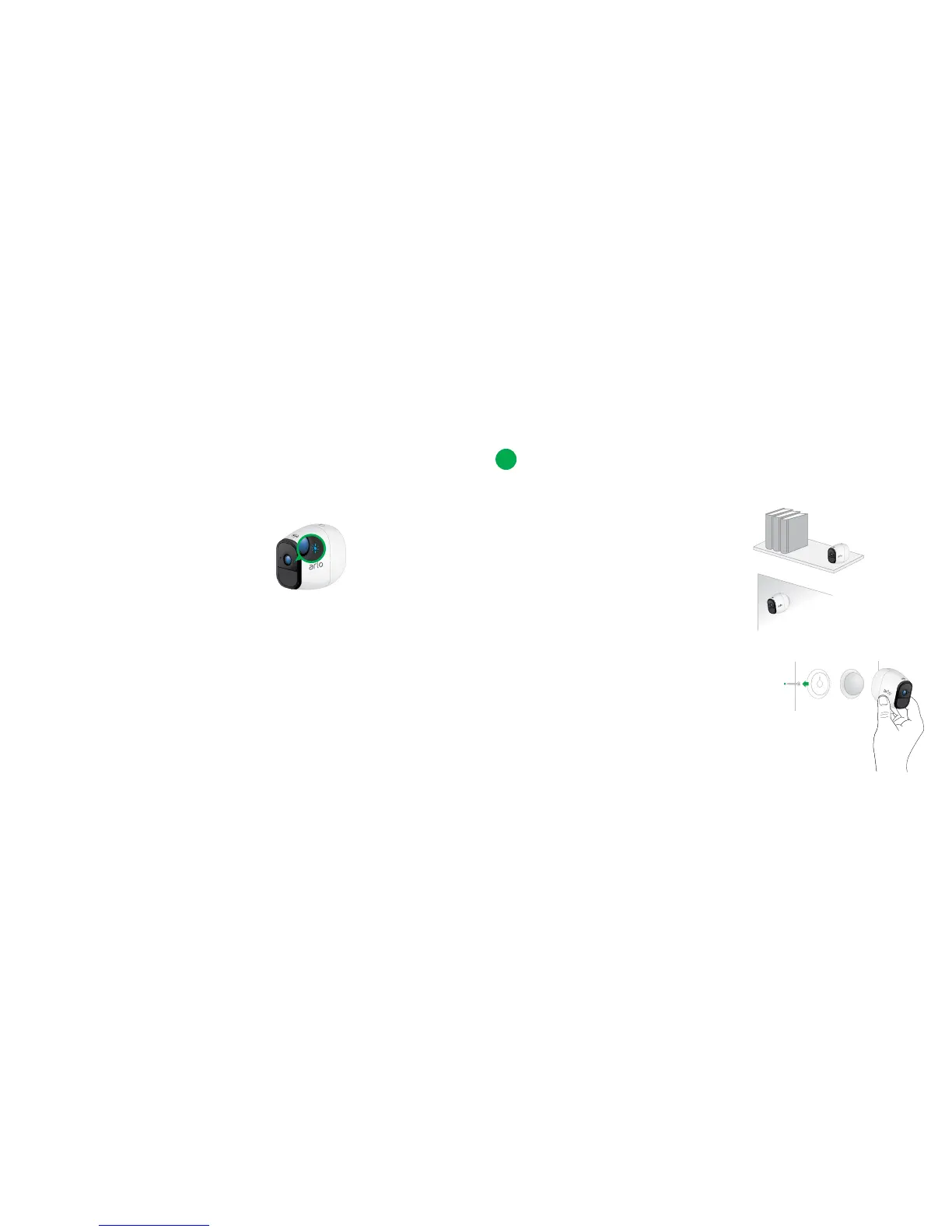
A blue LED on the camera blinks slowly when the sync process starts. The
blue LED blinks rapidly to confirm syncing.
You can place your camera on a shelf or other flat surface, or you
can mount it to the wall.
Tip: Use the Arlo app in Position mode
(found in Camera Settings) to help aim the camera.
Place or Mount Your Cameras
7
¾ To mount your camera to the wall:
Fasten the mounting screw into the wall,
and hang the magnetic mount from the
screw.
If you’re mounting the camera to drywall, be
sure to use the plastic drywall anchors that
are provided.
Tip: You can also use double-sided tape instead of screws.



 To Next Page