42Ultra Image Quality Features
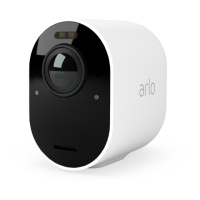
Ultra Series 4K UHD Wire-Free Security Camera System
User Manual
3. Tap the camera.
4. Tap Video Settings.
5. Tap Auto Zoom and Track.
Use Auto Zoom and Tracking when you’re live streaming
1. Open the Arlo app.
2. Tap the camera feed.
3. Pinch and drag to zoom in to any area you would like to see enhanced.
4. Let go aer you have zoomed in.
An indicator on the live feed shows that Arlo is enhancing the image.


 To Next Page