63Change Your Arlo Settings
Ultra Series 4K UHD Wire-Free Security Camera System
User Manual
WARNING: The loudest siren setting, which is the default for the siren, is more than 100
decibels. Do not test the siren while people or pets are close to the base station. Prolonged
exposure to the siren might cause hearing damage.
To turn the base station siren on and o using the Arlo app:
1. Open the Arlo app.
2. Tap Turn Siren ON.
3. Tap Yes to conrm that you want to turn on the siren.
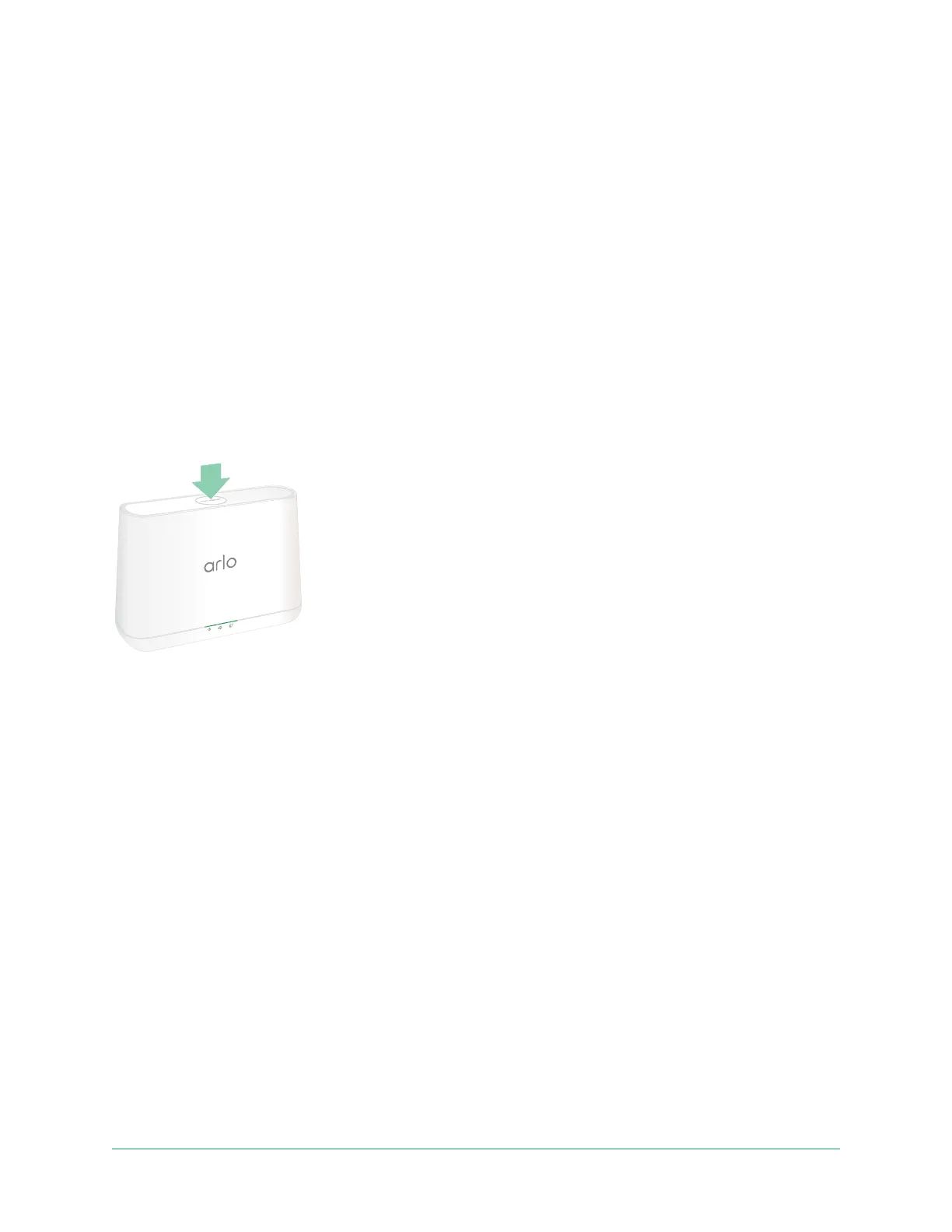
Base station siren button
The Base Station with Siren model VMB4000 has a button located on the top.
WARNING: The loudest siren setting, which is the default for the siren, is more than 100
decibels. Do not test the siren while people or pets are close to the base station. Prolonged
exposure to the siren might cause hearing damage.
Pressing this button turns the siren on and o.
View device information
You can view the rmware version, hardware version, and the serial number.
1. Open the Arlo app.
2. Tap Settings > My Devices.
3. Tap the device.
4. Tap Device Info.



 To Next Page