7Get Started
Eseential Spotlight Camera
User Manual
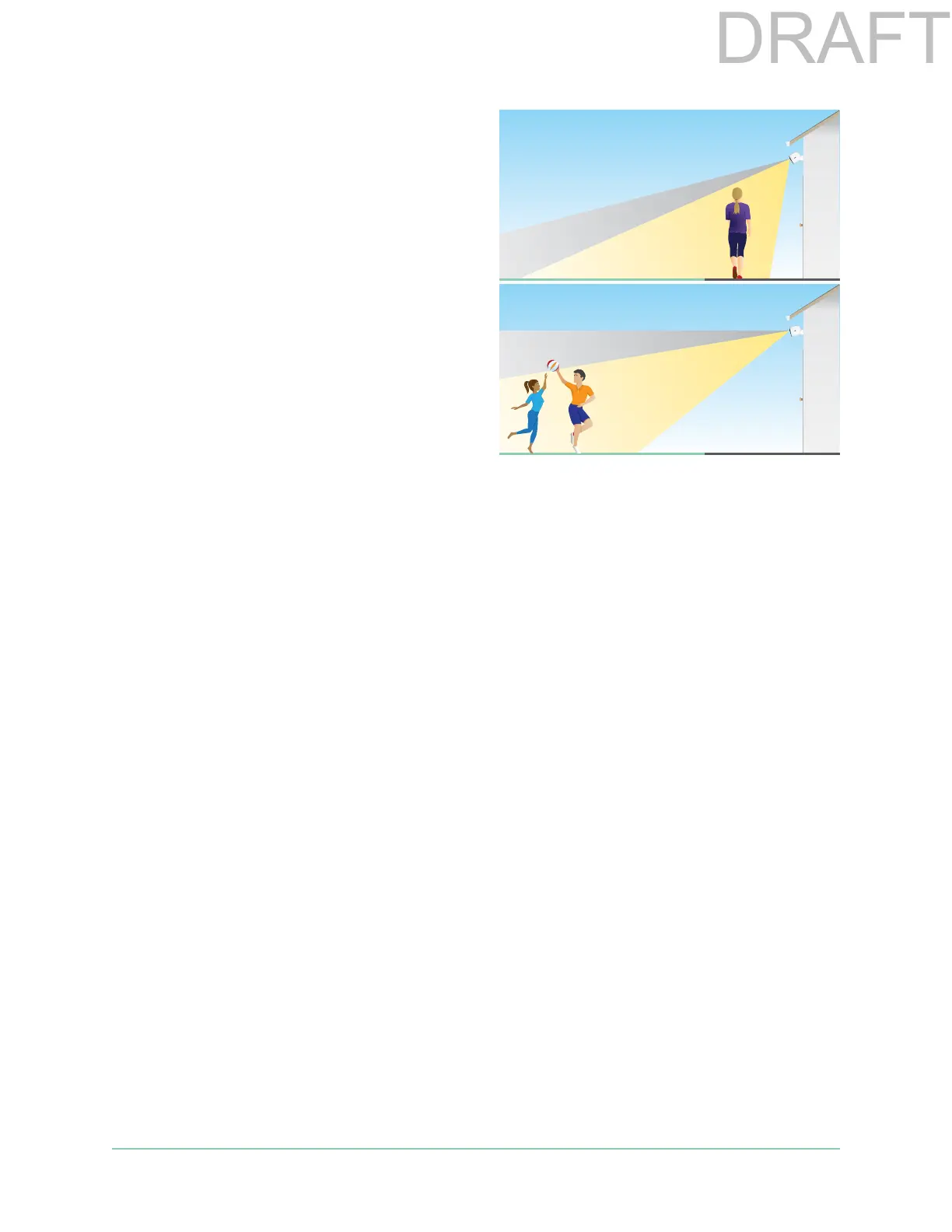
To monitor motion occurring farther away,
such as children playing on a lawn, aim the
camera higher to frame the area within the
lower two-thirds of the image.
It’s best to position the camera so that motion
is moving from side-to-side across its eld
of view rather than directly toward or away
from the camera. Also, though the camera can
detect motion up to 25 feet (7.6 meters) away,
the best area for motion detection is 5 to 20
feet (1.5 to 6 meters) from the camera position.
Use camera positioning to aim your camera
Camera positioning is available only when the camera is not streaming, recording motion, or
using the Motion Detection test. During camera positioning, the camera streams video as fast
as possible, without buering. You can aim your camera while watching on your smartphone
and making near real-time adjustments to the camera position. This means that you might
see lower-quality video while you are positioning your camera.
To position your camera:
1. Open the Arlo app.
2. Tap Settings > My Devices.
3. Select the camera.
4. Tap Device Utilities > Camera Positioning.
The camera starts streaming video. The signal strength bar indicates the WiFi signal that
your camera is receiving at its current location.
Test motion detection
You can use the motion detection test to nd the right motion sensitivity setting for each
camera.
1. Open the Arlo app.
2. Tap Settings > My Devices.



 To Next Page