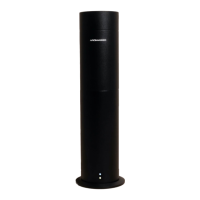
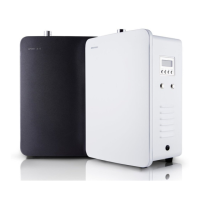
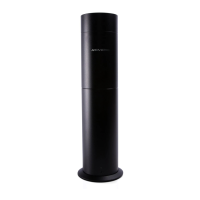
SETTING UP YOUR AROMA360 DIFFUSER DIFFUSER LED COLOR KEY
REMOTE CONTROL FUNCTIONS
RESETTING THE REMOTE CONTROL
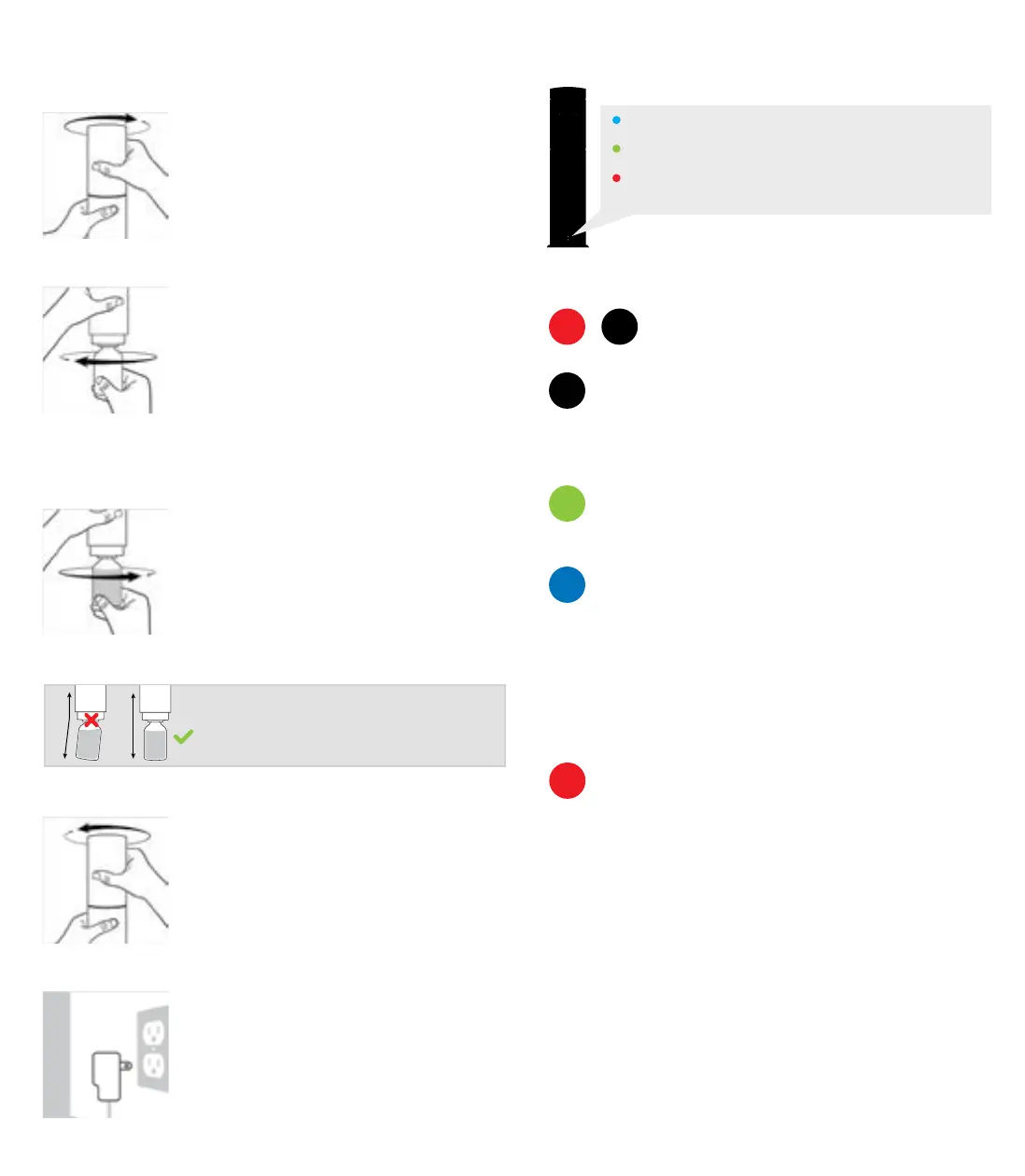
1 To open your Aroma360 diuser rotate the
upper half of your device in a
counterclockwise motion, while firmly
holding the bottom half.
2 Remove the empty Aroma360 bottle from
the diuser by turning it clockwise. The
empty bottle is included in your equipment
to be used in the cleaning process of your
diuser.
Please refer to the Maintenance section of
this instruction manual to learn about the
proper cleaning procedure.
3 Once you have selected the Aroma360
scenting oil of your choice, carefully screw
the bottle counterclockwise into the
diuser.
4 Once you have screwed on the Aroma360
oil, close the unit tightly by sliding the
upper half back into place and turning
clockwise.
5 Connect the power adapter into the
diuser’s power port and plug it into a 110V
power outlet. Position the power cord to
prevent it from being a tripping hazard.
Important!
Make sure the bottle is screwed in tight and
parallel to the top half of the Aroma360
Blue LED Light - Indicates the device is powered on
Green LED Light - Indicates the scent is being diused
Red LED Light - Flashes when any button on the
remote control is being pressed
On and O - Powers the device On and O
Density + (plus) - Increases aroma’s density by 10%.
Press 10 times for maximum density
Density - (minus) - Decreases aroma’s density by
10%. Press 10 times for minimum density
Pressing “Aroma” will cause the unit to work
continuously. Adjust the settings according to the
density desired.
The blue buttons allow you to control the scent
concentration by adjusting the scenting interval.
The options are: 20%, 35%, 50%, 65%, 80%, 95%
20% - Diuser will diuse scent for 40s and pause for 160s
50% - Diuser will diuse scent for 100s and pause for 100s
95% - Diuser will diuse scent for 180s and pause for 10s
Allows the diuser to run continuously for a specified
amount of hours.
1h = 1 hour, 4h = 4 hours, 8h = 8 hours
Please follow these steps to reset the remote control to
its factory settings:
1 Unplug the diuser from the power outlet.
2 Hold down the blue button on the remote labeled
“35%” for 5 seconds while plugging the diuser back
into the wall outlet. A red light will flash on the diuser.
3 Avoid pressing any buttons on the remote for 10
seconds as it takes time for the receiver within the
device to reset itself.
ON
Density
AROMA
AROMA
20%
1h
OFF


 To Previous Page
 Loading...