EasyManua.ls Logo

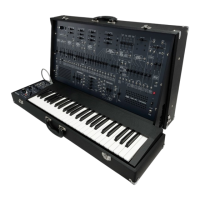
ARP 2600 - Unpacking and Setting Up the ARP 2600

ARP 2600
118 pages
Print Icon
To Next Page IconTo Next Page
To Previous Page IconTo Previous Page
Loading...
II
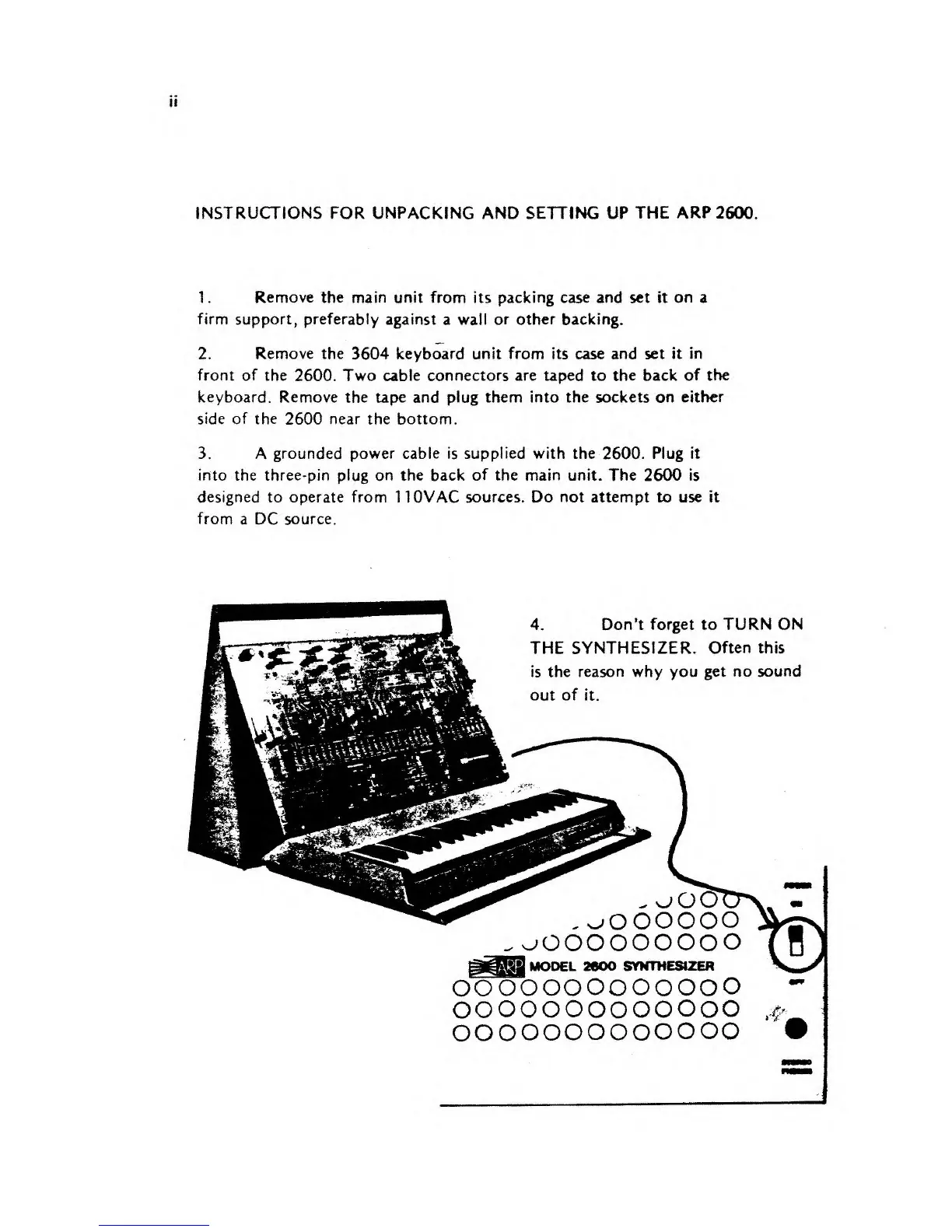
INSTRUCTIONS FOR UNPACKING AND SETTING UP
THE ARP
2600
1.
Remove the
main unit from
its
packing case and set it
on
a
firm support, preferably
against
a
wall
or other backing.
2.
Remove the
3604 keyboard
unit from its
case and
set it in
front of the
2600. Two
cable connectors are taped to the back
of the
keyboard. Remove
the
tape and plug them into the sockets on
either
side
of the
2600
near
the bottom.
3. A
grounded power cable is
supplied
with the 2600. Plug it
into the three-pin plug on the back
of
the
main
unit. The 2600 is
designed
to
operate from
1 10VAC
sources. Do
not
attempt to use it
from
a DC
source.
4.
Don't forget to
TURN ON
^*v
%*m*
-
**
"-'&-*
**tf
THE SYNTHESIZER.
Often
this
is the reason why you get
no sound
out
of
it.
V
-fc
a- -*i
hvrr
.
-
>
. fc«-
'^
4* AT*
*P%
-* .-^
3*.
Ej£*| 4&i
«^r
.
***'*"}*>
-* "
w
w
*e
m*
r
?K
,.**
i_:"
.*#-
oooooo
jOOOOOOOOO
.'f
SYNTHESIZER
oo
oooooo ooooo
ooooooooooooo
oo
ooooo
oooooo

Other manuals for ARP 2600

Related product manuals