ARP Control v5.x Troubleshooting Guide 0 © 2013-2020 ARPC L.L.C. All rights reserved.
5 04/20/202
Fan
Setting
ON Temperature
°F
OFF Temperature
°F
000 Fan Off
001 110 95
002 115 100
003 120 105
004 125 110
005 130 115
006 135 120
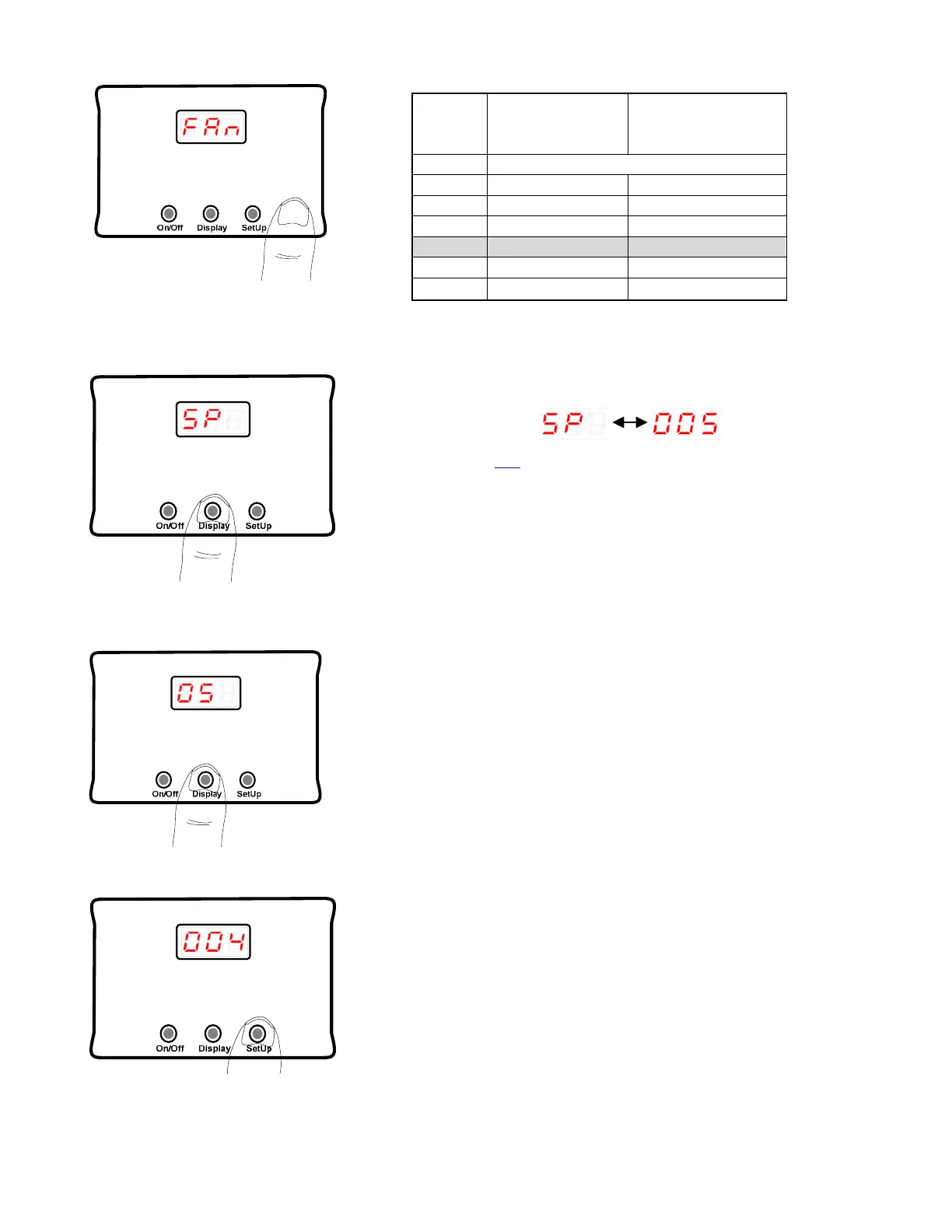
2.12 SP Setting
SP raises the set-point value of the ARP Control. The
default setting for SP is 5.
See section 8.2 for further information.
2.13 OS Setting
The OS setting is used for the restart of the refrigerator.
This value is rarely, if ever changed.
The default setting of OS is 5.
See section 8.3 for further information.
2.14 Adjustment of SP or OS Settings
By pressing the SetUp button the control enters into the
adjustment mode. Both SP and OS are adjusted in the
same manner as described below.



 To Next Page