ARP Control v5.x Troubleshooting Guide 0 © 2013-2020 ARPC L.L.C. All rights reserved. 9 04/20/202
If you do not want to save any
changes, just turnoff the control
by holding the On/Off button
without storing changes. This
feature is so that one can exit
SetUp without making any
changes if it is thought a mistake
was made.
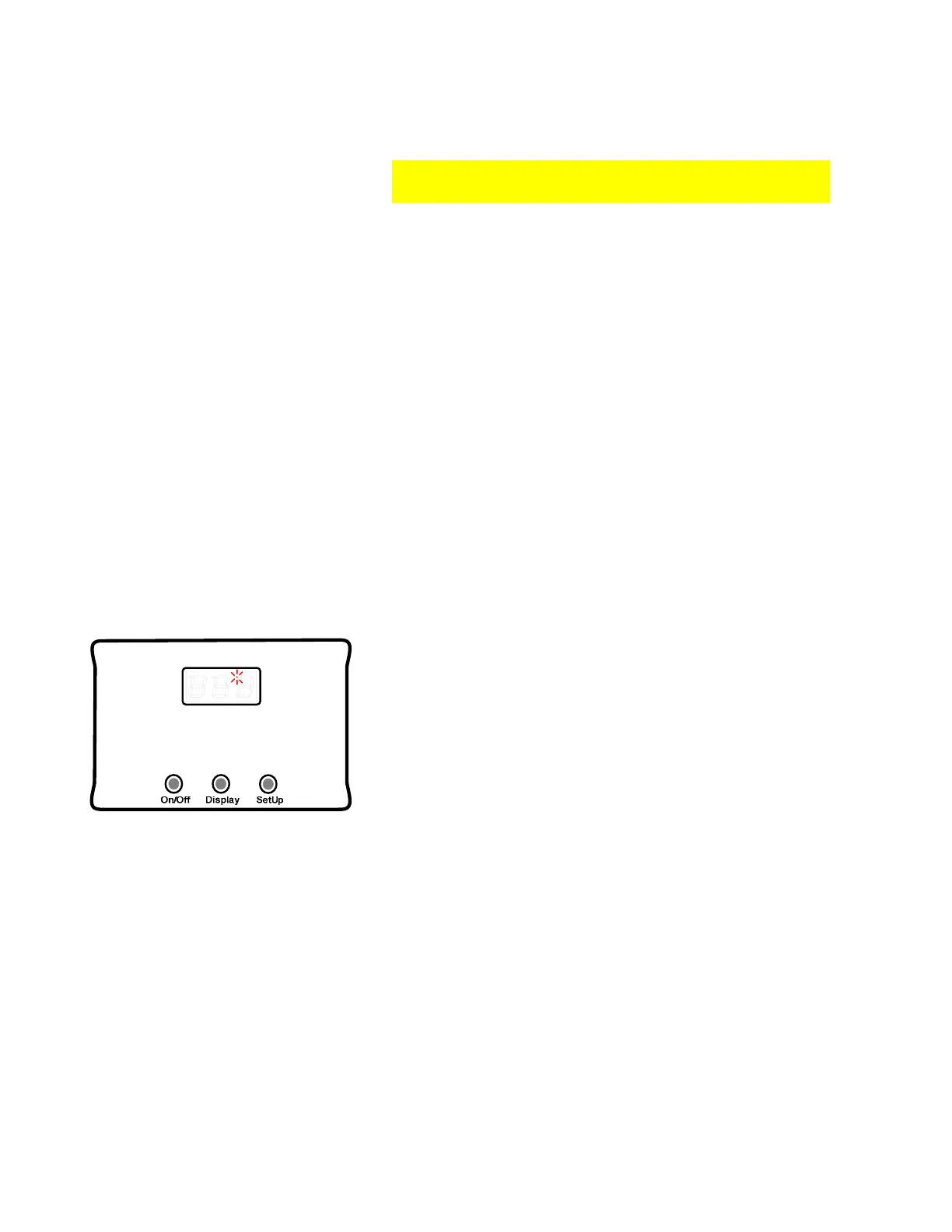
Otherwise, after using the above Store Settings, hold
down the On/Off button until OFF advances across the
screen as seen in the figure to the left.
Remember to turn on the ARP Control in the ARP
mode after using the SetUp mode. .
ARP ERROR MESSAGES
IEC Type Accessory; Redundancy; Systematic Faults & Self-Checks
The ARP Control is a hybrid single channel IEC type accessory safety controller with a periodic
self-test structure. Software is designed using a single microcontroller unit (MCU) compliant to
ISO TS 16949:2009 to execute functions as required with optional periodic self-tests which will
occur every 24 hours when activated. The self-test checks most of the critical functions of the
electronic control. The reason that the ARP Control is referenced as a hybrid is that it is similar
to a dual MCU controller in that the ARP has an external watchdog timer (exWDT) that will turn
off the refrigerator and sound an alarm (v5.1) if the MCU becomes stuck and stops processing
code. The exWDT will try and restart the MCU, but if it is unsuccessful, depending on the
version of control, the operator is alerted to take appropriate action based on the operator’s
discretion. Because the ARP is an accessory safety controller, the ability to control the
refrigerator process is similar to a thermal fuse on the power supply to the fridge which limits
the controls ability for testing and self-checks.
Fridge OFF; Buzzer Sounding (v5.1); Right Dot Illuminated
If the Fridge Defend MCU has a critical error, and the
external watchdog timer (exWDT) asserts control, the
control will turn off power to the yellow wire which
controls the fridge. The right dot will be illuminated
without flashing. This is the only occurrence of the right
dot being illuminated without flashing. Check to see that
the control has 12VDC at the red wire. If so, disconnect
red wire; wait 30 seconds, reconnect. If the error does
not go away please contact support.
3.1 Error Message List
The following charts are divided up into the types of error messages:
• Operational Errors: These are errors that will display as the control is running or the
user is performing a test with one of the buttons.
• Startup or Periodic Test Errors (SPT): These are errors that will be tested at startup,
and thereafter every 24 hours when PEr = on, see section 2.17.
The Nature of Error column gives a brief description of the error. Go to the Section column to
find where to read more about the particular error. The Audible Alarm (V5.1 only) column
gives a definition of the alarm when it is turned on, see 2.20 for alarm setting.
Operational
Error Section Nature of Error
Audible Alarm
(v5.1 only)
XYZ 3.2
Numbers on Display (not an error)
*Err
3.3
Control Variable Erasure
Opn
3.4
Boiler Sensor Error Short beep every second



 To Next Page