En
4.1. Enter the opening code (user or master) and press .
You will hear 2 beeps.
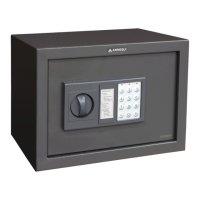
4.2. You have 5 seconds to turn the knob clockwise and open
the safe.
Note: If an incorrect code is entered 3 times in a row, the safe
will emit several beeps and lock for 20 seconds.
Close the safe door and turn the knob anticlockwise.
If you do not have the opening codes or the batteries have run
out, you can open the safe with the emergency key.
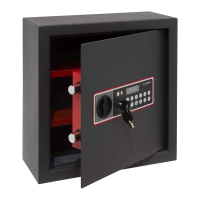
Remove the lock cover, insert the key and turn it anticlockwise.
Next, turn the knob clockwise and pull to open the safe.
Note: If you are opening with the emergency key because the
safe has locked after the wrong codes have been entered,
the key will open the door but the beep will continue for
the 20-second locking period. To stop this, you will need to
remove the batteries.
7.1. Battery status check
Each time you enter the correct code to open the safe, the
electronic system will check the battery status. If they are
running out, the red light will turn on after the green light.
If this happens, replace the batteries with new ones as soon
as possible.
7.2. Sound control
To use the safe in silent mode, press
6 . If you want the
safe to emit sounds again, press 6 once more.
2.1. Programming the user code
2.1.1. With the safe door open, enter the user code (initial
code 000000), press
and then press .
2.1.2. Enter the new user code (3 to 6 digits) and press
. You will hear 3 beeps.
2.1.3. Enter the new user code again and press
. You
will hear a long conrmation beep.
If there is an error, the red light will turn on. Restart the
process from point 2.1.1.
Note: If necessary, press
to delete the last digit entered.
2.2. Programming the master code
2.2.1. With the safe door open, enter the master code
(initial code 888888), press
and then press .
2.2.2. Enter the new master code (3 to 6 digits) and press
. You will hear 3 beeps.
2.2.3. Enter the master code again and press
. You will
hear a long conrmation beep.
If there is an error, the red light will turn on. Restart the
process from point 2.2.1.
Note: If necessary, press
to delete the last digit entered.
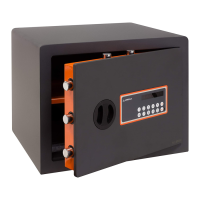
Open the safe, remove the plastic cover on the inside of the
door and insert 4 AA 1.5V batteries, checking that the polarity
is correct to ensure the safe functions properly.
This safe allows you to programme 2 opening codes (user and
master) of 3 to 6 digits.
Initial user code: 000000
Initial master code: 888888
For security reasons, it is important to change them and set
up new codes of your choice.
1. INSERTING THE BATTERIES
2. PROGRAMMING THE OPENING CODES
4. OPENING THE SAFE
5. CLOSING THE SAFE
6. OPENING WITH EMERGENCY KEY
7. OTHER CHECKS AND CONTROLS
Do not store the emergency key inside the safe
IMPORTANT
Periodically (every 6 months) check the condition of the
battery compartment to detect possible signs of rust,
sulphation, etc.
Grease/oil any mechanical moving parts, such as locks and
bolts.
8. MAINTENANCE
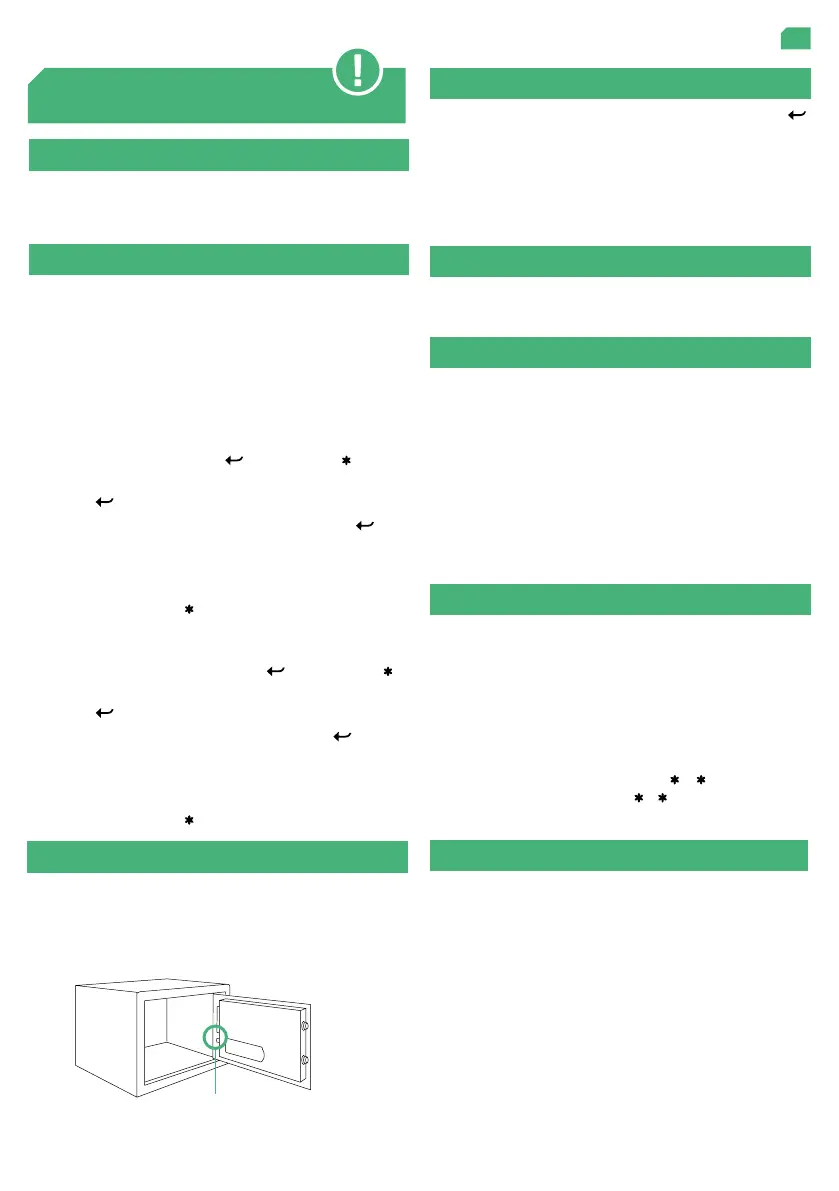
If you forget the opening codes, use a non-sharp object to
press the green reset button on the side of the door, near the
hinge. Hold it down for 3 seconds and you will hear a long
beep, the green light will blink once and the safe will return to
its original conguration.
3. RESETTING CODES
Reset button


 To Next Page