28 Getting started
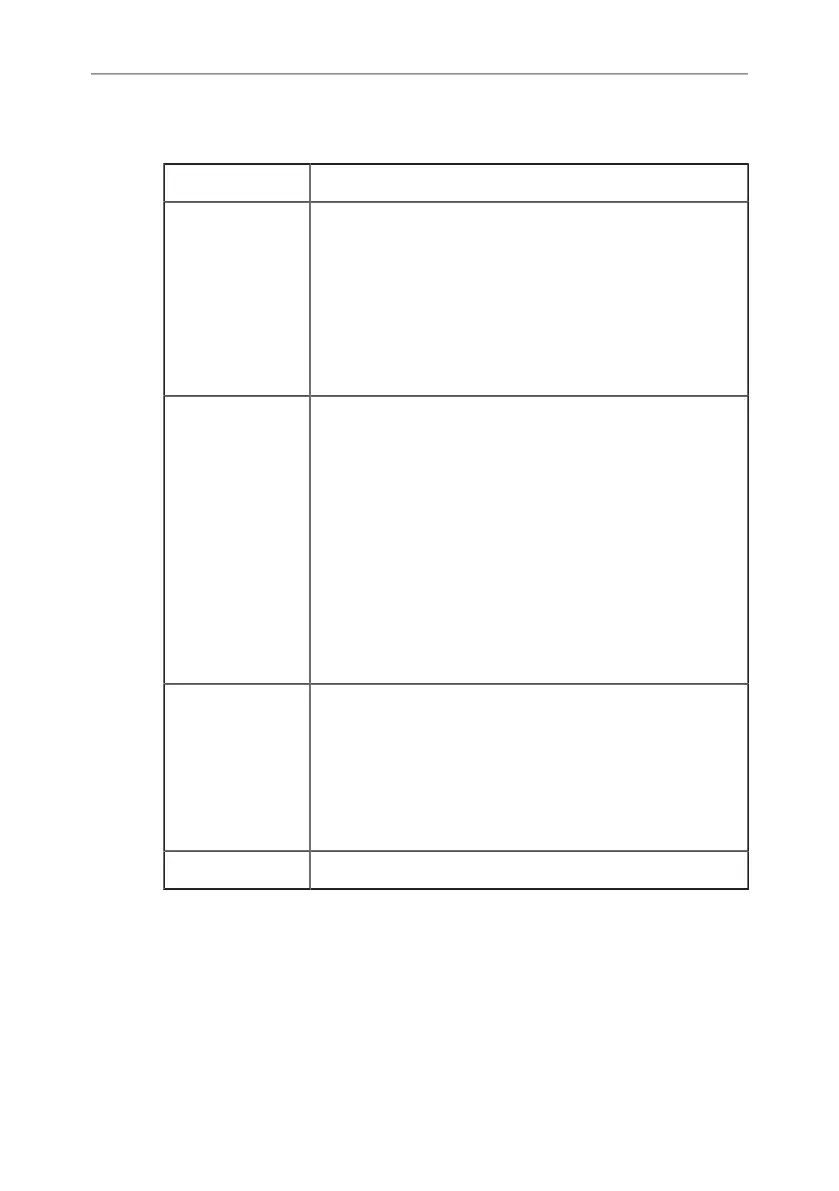
8.3 Status LEDs
LED Status
Signal
•
LOW = low link signal strength (instable
link)
•
MID = medium link signal strength (sta-
ble link)
•
HIGH = high link signal strength (stable
link)
Network
•
Solid: Connection is established
•
Normal blinking: Device is in searching
mode (receiver) or listen mode (transmit-
ter)
•
Fast blinking: During link setup mode
(very short period)
•
Fast blinking: During registration (Pairing
button was pressed)
•
Very fast blinking: System Error
Video
•
Solid: Video signal is established and
locked in
•
Normal blinking: Video source is not
supported
•
Very fast blinking: System error
Power Shows if wireless video device is powered


 To Next Page