32 Software update
11 Software update
The software update can be performed by the customer. To
do a firmware up- or downgrade it is necessary to connect the
ARRI WVS device via USB to a Windows computer that runs
the ARRI Wireless Video Upgrade software. It is necessary to
have the current firmware installation file to perform the upgrade.
The software guides the user through the process of up- or
downgrading.
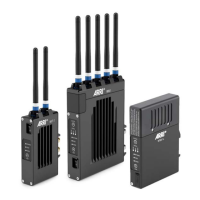
Use a USB Mini cable (K2.0014216) for ALEXA LF, ALEXA
SXT W, Wireless Video Transmitter WVT-1 and Wireless Video
Receiver WVR-1 devices.
Use a USB Micro cable (K2.0024039) for Wireless Video
Receiver small WVR-1s devices.
WARNING!
Do not switch off power and do not remove the USB cable
during the update as this may damage the devices!


 To Next Page