Copyright 2017 – ARRIS Enterprises Inc. All rights reserved.
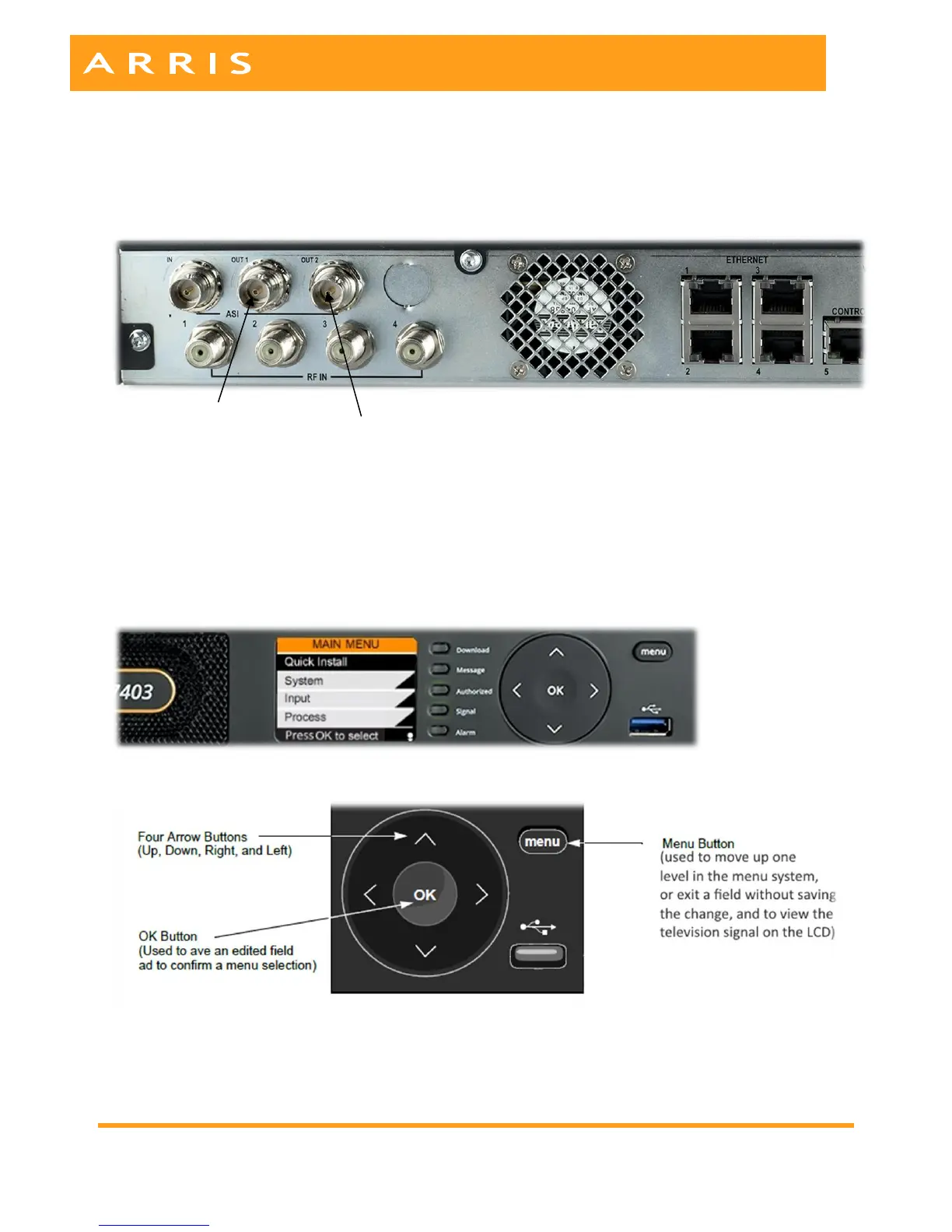
ASI OUT 1: Is the “Pass-through” port that will output MPEG4 HD Video services without transcoding or
other processing.
ASI OUT 2: Is the “Transcoded” port that will output MPEG2 HD and SD video services.
Note: If using the IP output please refer to page 41 of the user manual, for detailed instructions.
4. Connect to AC power
When connected to AC power the unit takes about 90 seconds to boot up.
When the unit has fully booted the main menu will appear.
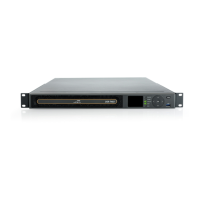
DSR-7403 Front Panel Control Buttons


 To Next Page