LOADING STAPLESTOOL SPECIFICATIONS
43
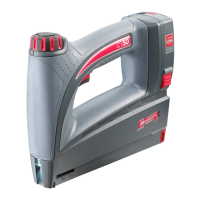
Battery Voltage: 3.6V
Battery Capacity: 1500 mAh
Charging Time: about 3 hours
Magazine Capacity: Up to 100 staples
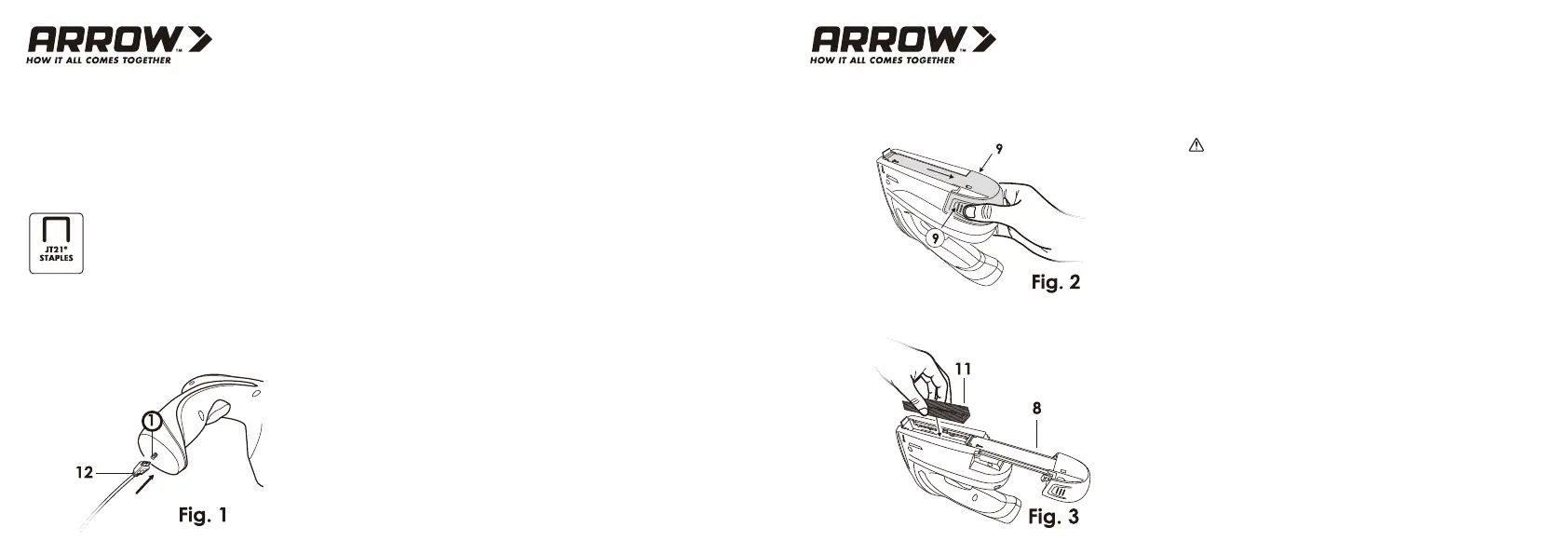
Insert the charging Cord (12) into the Charging Cord Input (1) and
plug the Charging Cord into a power outlet. (Fig. 1)
STAPLE SPECIFICATIONS
CHARGING
Width of staples: 11.4 mm externally
Staple lengths: 6–10 mm
6 - 10 mm
Fire staples:
The Battery Indicator LED (5) will illuminate red while the unit is
charging and turn green once the unit has fully charged.
NOTE: The initial charge could take about 3 hours. Do not fully
charged battery if it is not to be used for an extended period of time.
The battery can be recharged at any time during use.
When in use, the battery indicator LED will only illuminate when the
Trigger (3) is pressed. If the LED is green, the battery has power. If
the LED is red, the battery level is low.
Press the power SWITCH (2) to the “OFF” position, Hold the unit
upside down.
Squeeze both sides of the Magazine Release (9) and slide the
Magazine to the open position (Fig.2)
Staples:
Load staples (11) into the magazine channel. (Fig 3) Close the
Magazine until it clicks into place.
NOTE: The Refill Indicator Window (6) can be utilized to view the
amount of staples loaded in the tool
Keep hands away from trigger while loading.
WARNING:



 To Next Page