7
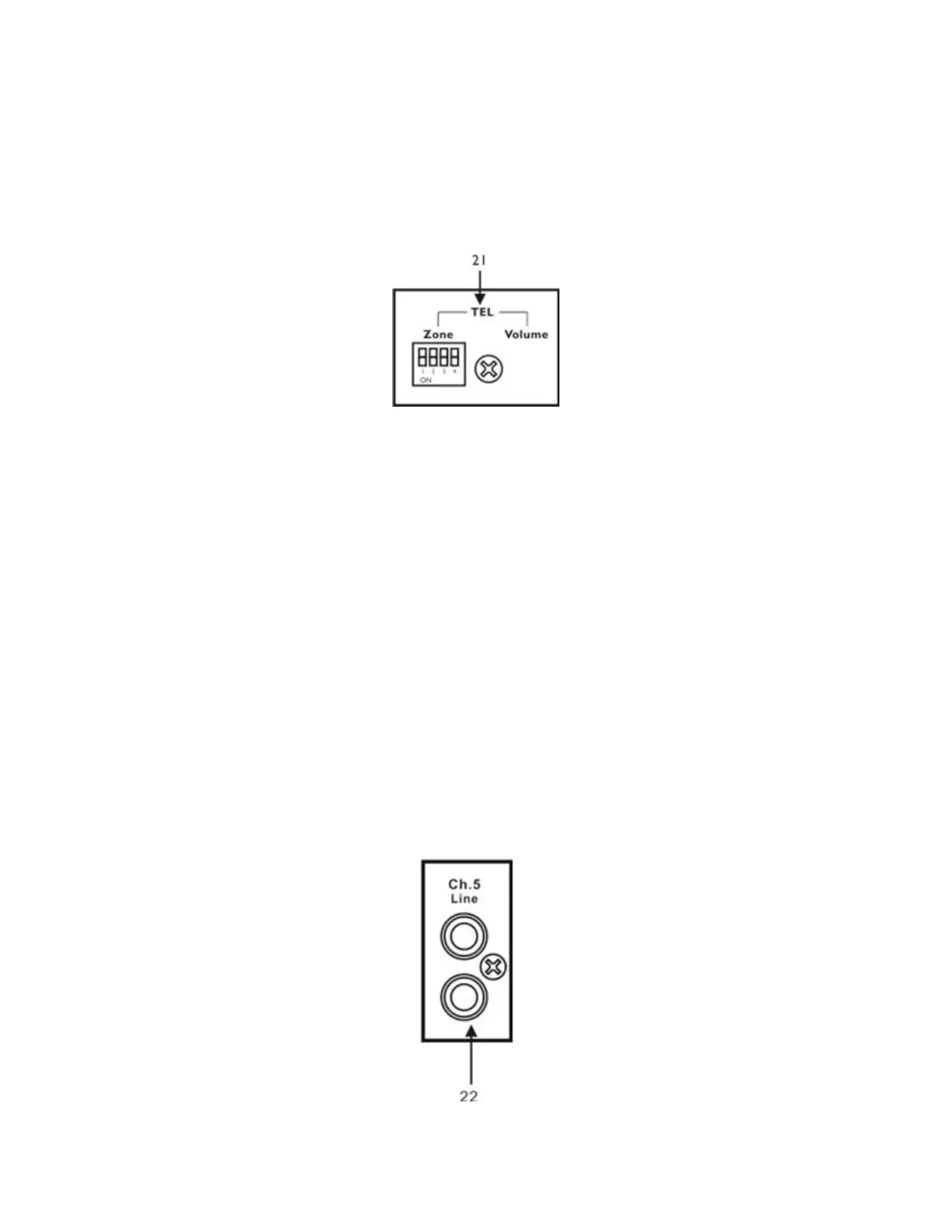
21. Tel. Input
a Zone
This function will duck the signals present on zones 1 through 4 when the dip switch is engaged
for each zone. Set the switch to the low position to enable sending this phone signal to the
corresponding Zone output.
b Volume
When the DIP switches are engaged, it then controls the volume of the sound source, that is
connected to the “Tel Paging” barrier terminals. Turning the pot clockwise increases the volume
of the corresponding source. Keep this control at its' minimum setting when this function is not
used.
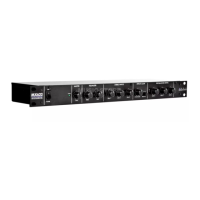
22. “Line IN” inputs
An audio source with a high-level output signal, such as a Tuner, CD Player or any Digital audio source.
There is an input sensitivity switch to adjust for suitable for a variety of audio sources. This is an RCA-
type coaxial connector, for an unbalanced audio source.



 To Next Page