5
12. Power
The LED is the power indicator. When the MX524 is powered on, this RED LED will light up. When the
MX524 is powered down the RED LED light will go off.
13. Power switch
When the switch is set to the ON position, the MX524 is powered on. When the switch is set to the OFF
position the MX524 is powered down.
Rear Panel Connections
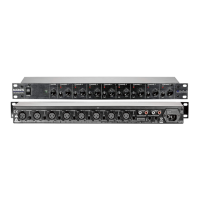
14. AC Input
This is the power inlet connector jack. This connects the unit to the main power source.
15. AC fuse
The fuse protects the unit from current surges and over voltages issues. The fuse should only be
replaced with the same size and style.



 To Next Page