34
2.2.5 eMCM Status After Commission
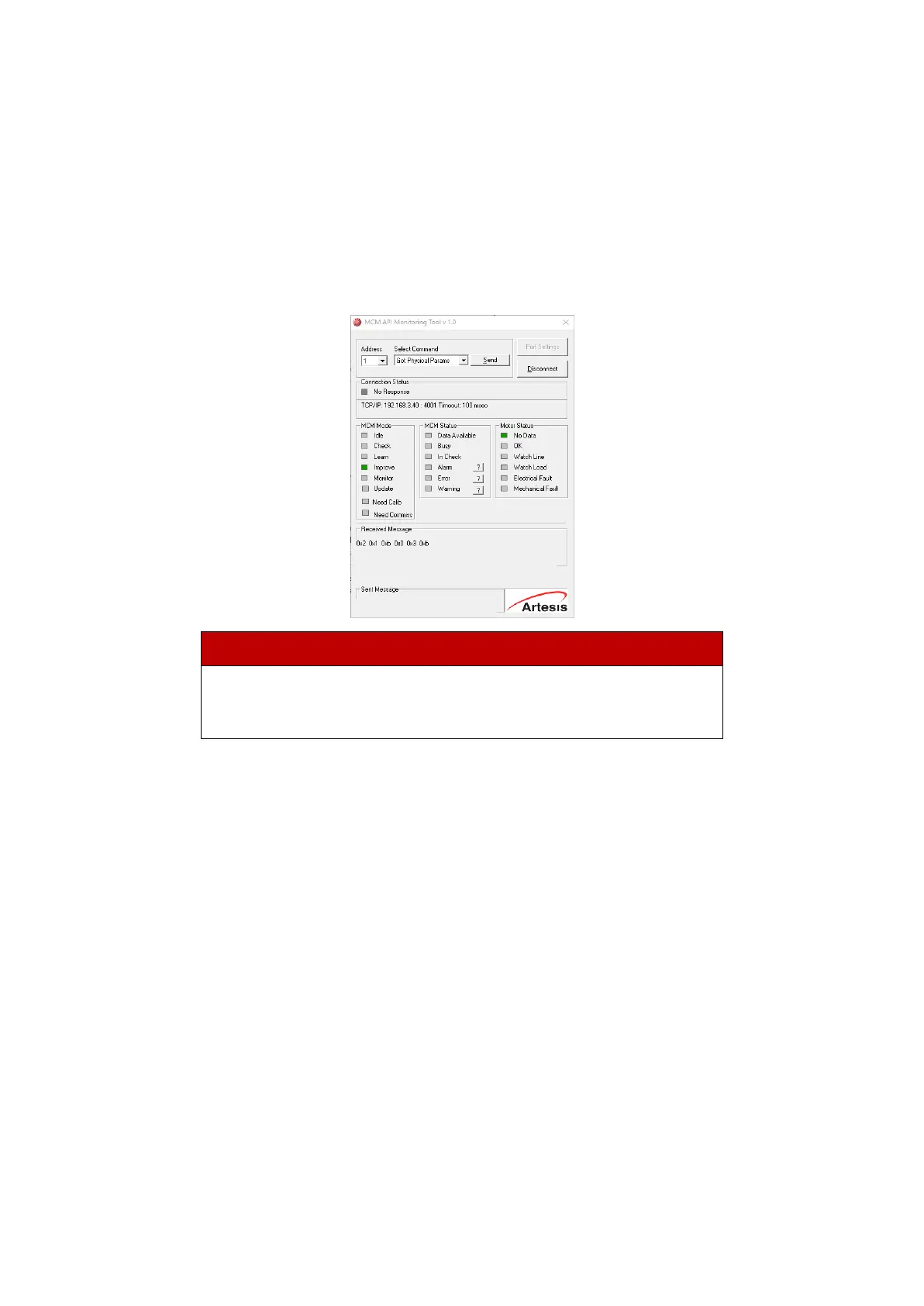
Once CHECK mode has finished, MCM API Monitoring Tool will show either the status "LEARN" or a
warning or alarm indication. At this point Get Physical Params command can be used to cycle
through a list of calculated physical parameters. If an alarm is present, pressing Alarm, Error or
Warning buttons will cycle through the list of alarms, errors or warnings. Many of the alarm
conditions relate to the calculated physical values and it is often useful to check the calculated
values of the relevant parameters when trying to understand the origin of an alarm condition. Using
Commission command will return to the commissioning state.
For a detailed description of alarms, errors and warnings, see section
Appendix 1: MCM Error, alarm and warning conditions.
2.3 Commissioning with HMI
In addition to the MCM API Tool software, the eMCM device can be commissioned via the HMI
Panel. With this method, commissioning can be done without computer communication.
First, the HMI panel is connected to the eMCM device via the HMI port. By pressing the Menu
button, Setup is selected with the up and down buttons and by pressing the OK button, the menu
is accessed.


 To Next Page