eMCM Commissioning
1. Communication Setup
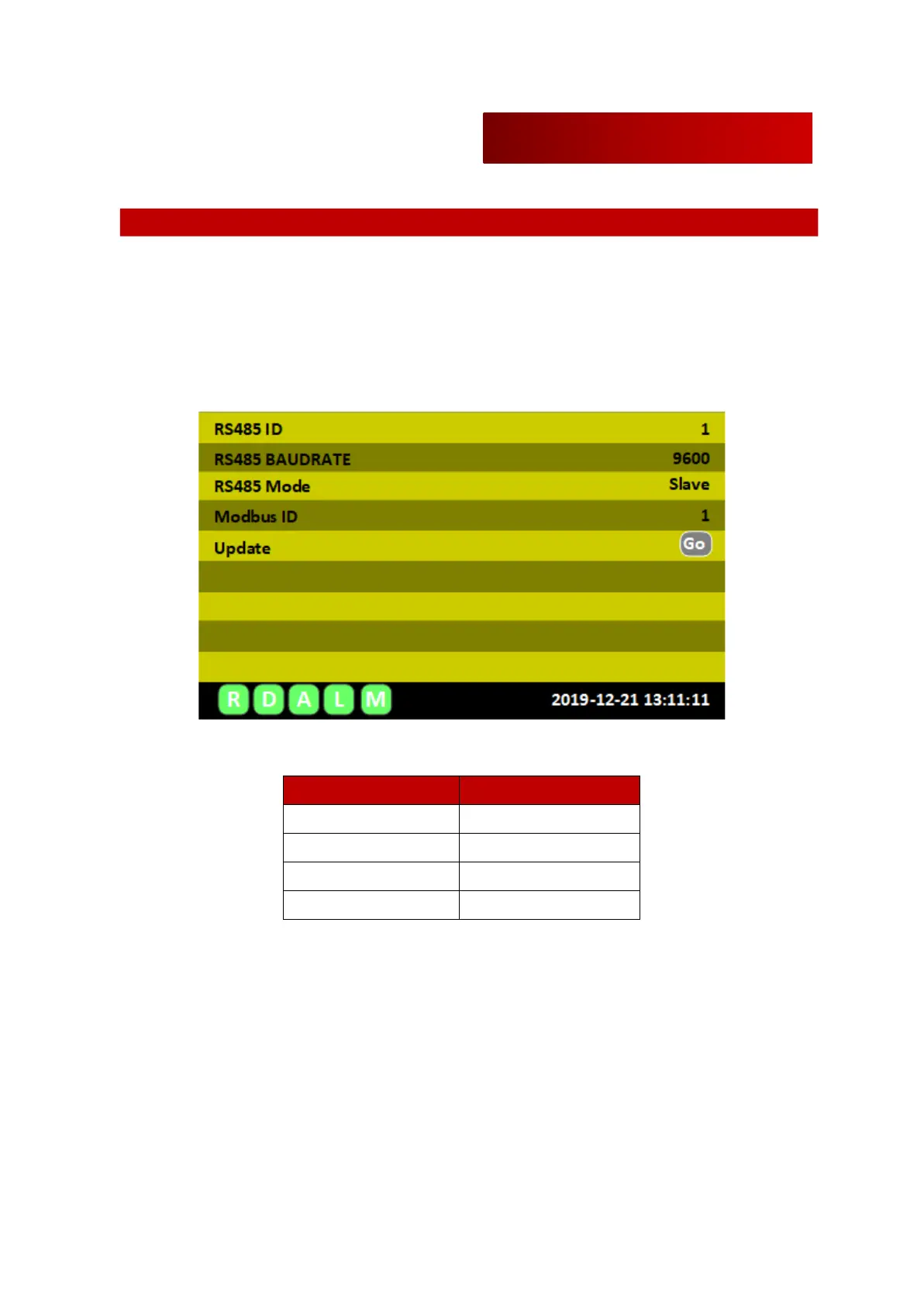
User can connect to eMCM with serial (RS485) or LAN(TCP/IP). Communication settings can be seen
in the Setup>General on HMI module.
1.1 Serial Port Option
Serial port settings are under Setup>General>RS485 on HMI module. User should select same
communication speed as set in eMCM. Because eMCM uses RS-485, user need to use RS-485 to
RS232 converter for connecting to PC.
Default serial port setting values of eMCM are shown below.


 To Next Page