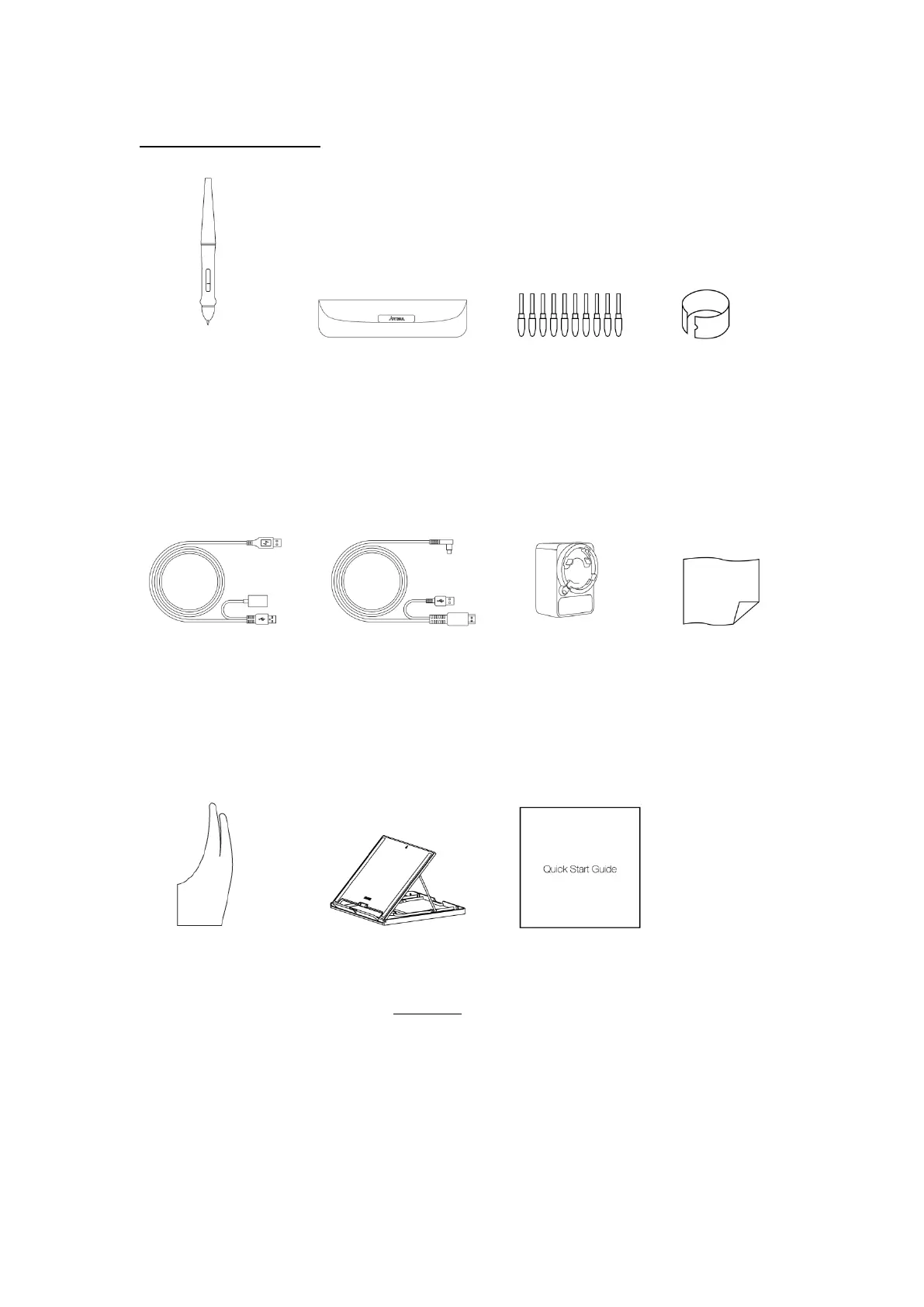
1.2.4 Other Accessories
Stylus Pen Pen Bag Pen Nibs Pen Nib Clip
-
USB Y-Cable 2 in 1 Cable AC Adapter Cleaning Cloth
-
Glove Stand (Optional) Quick Start Guide
1.3 Setting up Display
1. Open up the stand, and then put the display on the stand..
2. Connect the display to your computer with 2-in-1 cable.
3. Connect the power adapter to the power cable.


 To Next Page