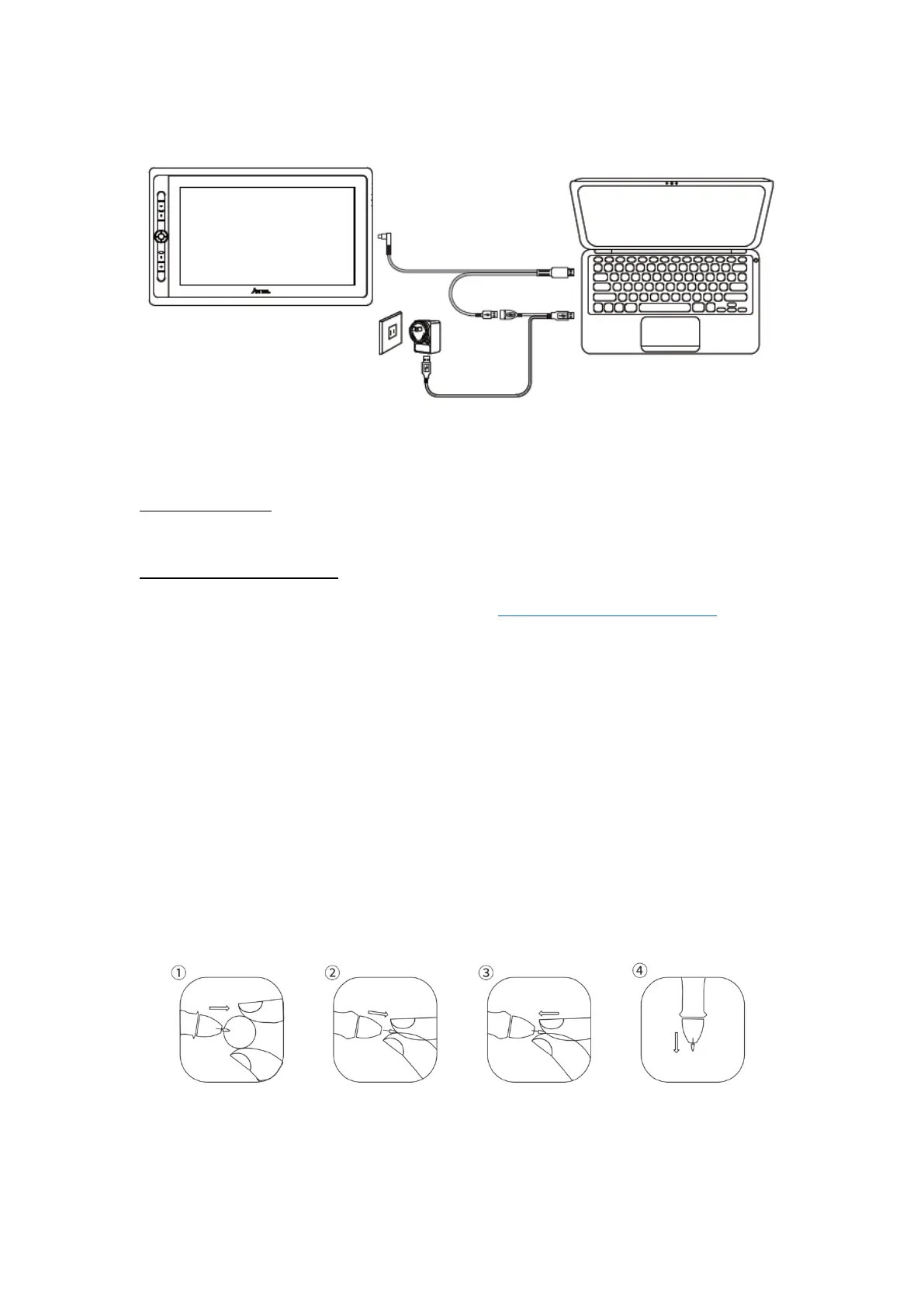
4. Press the power button to power on the display.
1.4 Driver Installation
1.4.1 OS Support
Windows 7 or later, Mac OS 10.12 or later
1.4.2 Install via Download
Please download the driver from our website: www.artisul.com/downloads
Notice:
1. Before installing, you need to uninstall other driver of similar products, including
the old driver of this product.
2. Before installing, please close all graphics software and anti-virus software to
avoid unnecessary mistake.
3. Before installing, you need to connect your Artisul product to the computer.
1.5 Pen Nib Replacement
The nib will be wear out after using for long time, then you need to replace a new
nib.


 To Next Page