9
EN
1.6 OSD Settings
Press and hold Power Button for two seconds to turn off
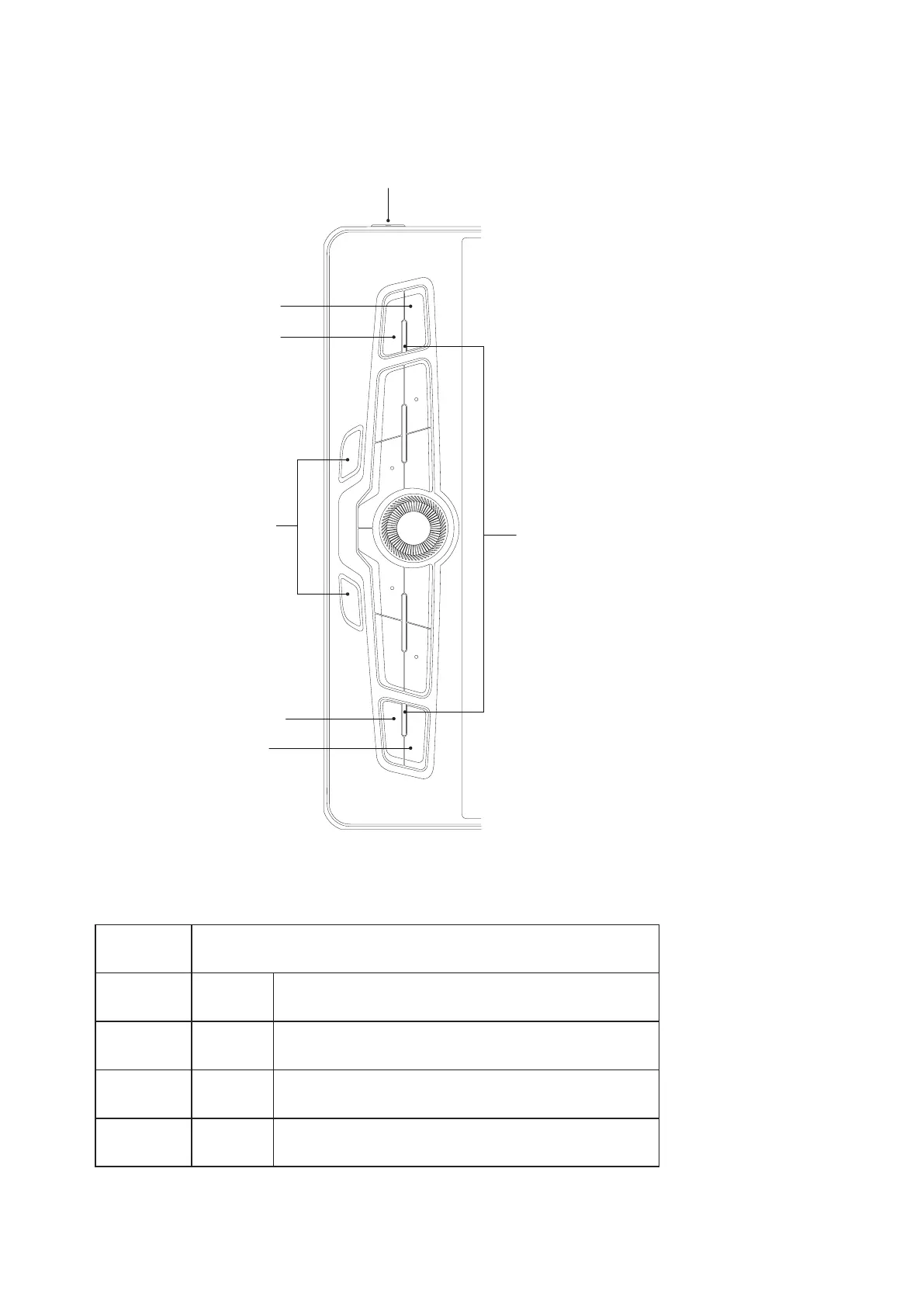
The default functions of the four keys: Menu, Auto, Up, and Down in OSD mode
:
Status Indicator:
Video signal received: No light
No signal: red light
OSD mode: slow flashing white light
K3: Menu
K4: Auto
K13: Down
K14: Up
Press and hold press key
K1 and K2 to enter
or exit OSD mode
K1
K2
Default
Press Key
Functions of the four keys in OSD mode
K3 Menu Main Menu, Confirm
K4 Auto Back to the previous menu, till exit
K13 Down -, increase, page up
K14 Up +, decrease, page down



 To Next Page