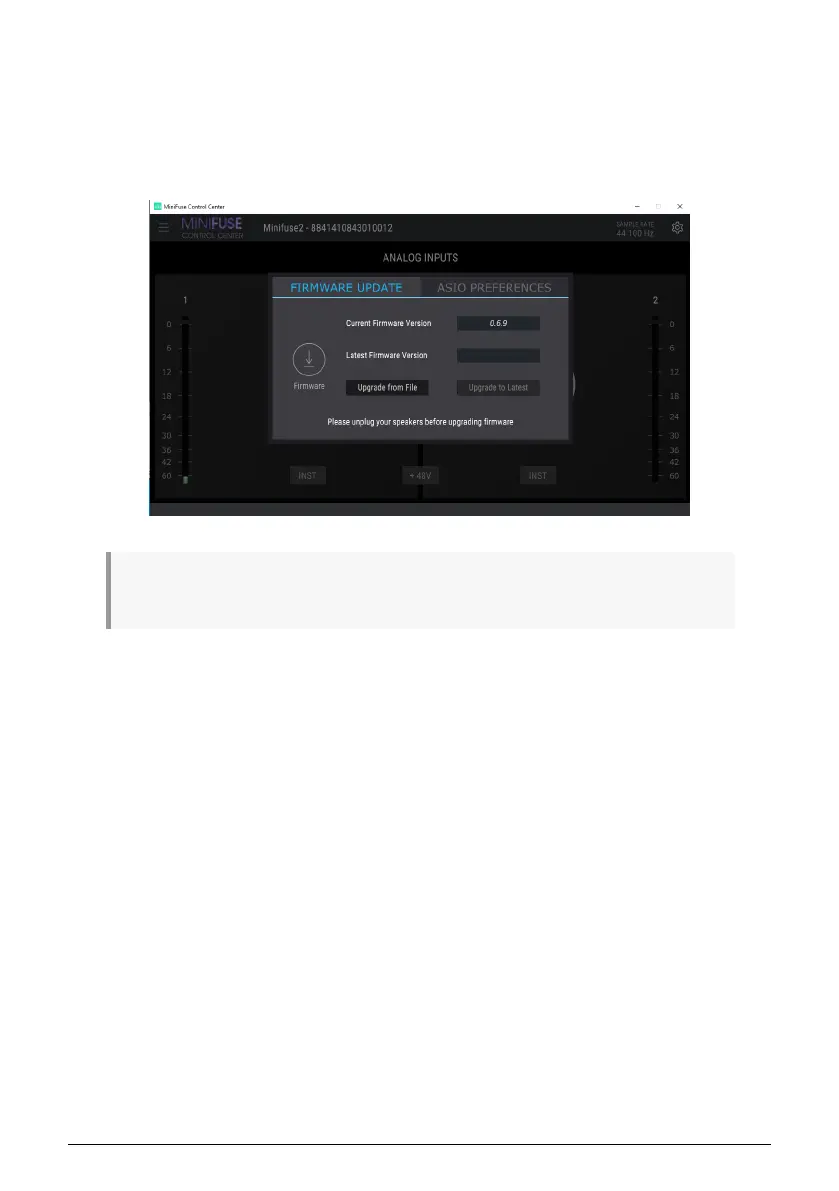
On Windows, there is an additional tab in the Gear panel - ASIO Preferences. Here you can
select the buffer size to be used when running in ASIO mode, and enable or disable Safe
Mode.
In some cases, using a lot of processing in a DAW (e.g. with effects or plugins), or setting
low buffer sizes on an older PC can cause the CPU load to be very high. A high CPU load
can increase the risk for audio dropouts (pops) to occur. In these cases, Safe Mode can be
enabled to avoid the risk of audio dropouts.
ASIO is a Windows audio protocol that is optimized for low-latency and high-fidelity. We
recommend using the ASIO driver provided by Arturia for best results.
Arturia - User Manual MiniFuse 2 - MINIFUSE CONTROL CENTER 21


 To Next Page