Aruba 510 Series Campus Access Points | Installation Guide 3
LEDs
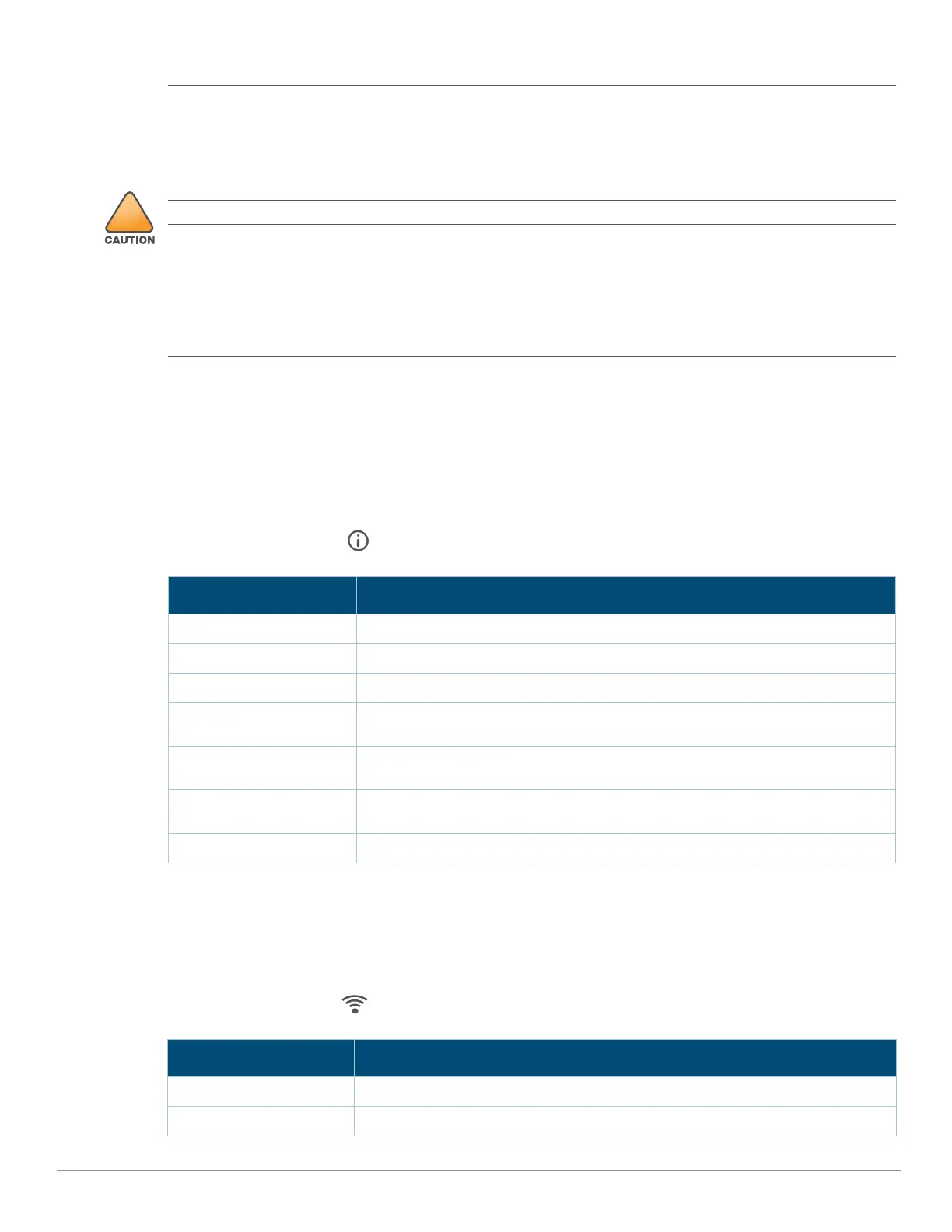
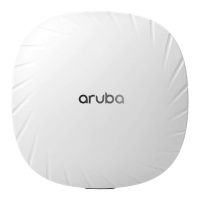
The LED displays located on the front panel of the access point indicate the following functions:
System Status
The System Status LED indicates the operating condition of the access point, See Table 1.
Table 1 System Status LED
Radio Status
The Radio Status LED indicates the operating mode of the access point’s radios. See Table 2.
Table 2 Radio Status LEDs
External antennas for this device must be installed by an Aruba Certified Mobility Professional (ACMP) or other
Aruba-certified technician, using manufacturer-approved antennas only.
The Equivalent Isotropically Radiated Power (EIRP) levels for all external antenna devices must not exceed the
regulatory limit set by the host country/domain.
Installers are required to record the antenna gain for this device in the system management software. A list of
approved antennas can be found at: http://www.arubanetworks.com/assets/og/OG_AP-510Series.pdf.
Les antennes externes pour cet appareil doivent être installées par un professionnel de la mobilité certifié Aruba
(ACMP) ou un autre technicien certifié Aruba, en utilisant uniquement des antennes approuvées par le fabricant.
Les niveaux équivalents de puissance à rayonnement isotrope (EIRP) pour tous les périphériques d'antenne
externe ne doivent pas dépasser la limite réglementaire définie par le pays hôte / domaine.
Les installateurs doivent enregistrer le gain d'antenne pour cet appareil dans le logiciel de gestion du système.
Une liste d'antennes approuvées peut être trouvée à http://www.arubanetworks.com/assets/og/OG_AP-
510Series.pdf.
Color/State Meaning
Off Device Powered off
Green- solid Device ready, fully functional, no network restrictions
Green- blinking
1
1. Blinking: one second on, one second off, 2 seconds cycle.
Device booting, not ready
Green- flashing
2
2. Flashing: mostly on, fraction of a second off, 2 seconds cycle.
Device ready, fully functional, either uplink negotiated in sub-optimal speed
(<1Gbps)
Amber- solid Device ready, restricted power mode (limited PoE power available, or IPM
restrictions applied), no network restrictions
Amber- flashing Device ready, restricted power mode (limited PoE power available, or IPM
restrictions applied), uplink negotiated in sub-optimal speed
Red System error condition - Immediate attention required
Color/State Meaning
Off Device powered off, or both radios disabled
Green- solid Both radios enabled in access mode



 To Next Page