Page 1-7
1
Installation Process
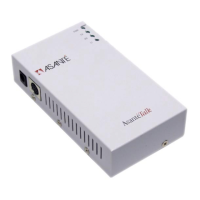
AsantéTalk is designed to allow Apple Macintosh systems such as the
new iMac using the on-board Apple Ethernet adapter to communicate
with existing LocalTalk devices such as printers and other Macintosh
computers.
The AsantéTalk connects a LocalTalk network (or printer) and an Ether-
net network (or your iMac). After you have installed it on both net-
works, devices on the two networks will be able to communicate
through the AsantéTalk.
Installation Steps
1
Connect the AsantéTalk to your LocalTalk net-
work or printer.
2
Connect the AsantéTalk to your iMac or existing
Ethernet network.
3
(Optional) Configure your iMac to communicate
over Ethernet.


 To Next Page