Installation Process
Page 1-8
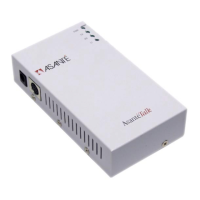
Attaching the AsantéTalk to your LocalTalk
network:
Connect a LocalTalk adapter to the DIN8 port on the AsantéTalk. Con-
nect your LocalTalk cable to the LocalTalk port on the adapter.
∆
See the Quick Start Guide for more information.
1
The AsantéTalk supports a maximum of eight (8)
devices plus the AsantéTalk, or nine (9) nodes
maxim
um.
2
The LocalTalk network must be configured as a
“bus” network.
3
The LocalTalk network must be properly
terminated at both ends of the LocalTalk cable.
▲
LocalTalk adapters / connectors from
approved sources may be used.
∆
LocalTalk network configurations wired as a “star”
or “modified star” are not supported.


 To Next Page