REACH-INS SERVICE MANUAL/Rev. JUN. 2015
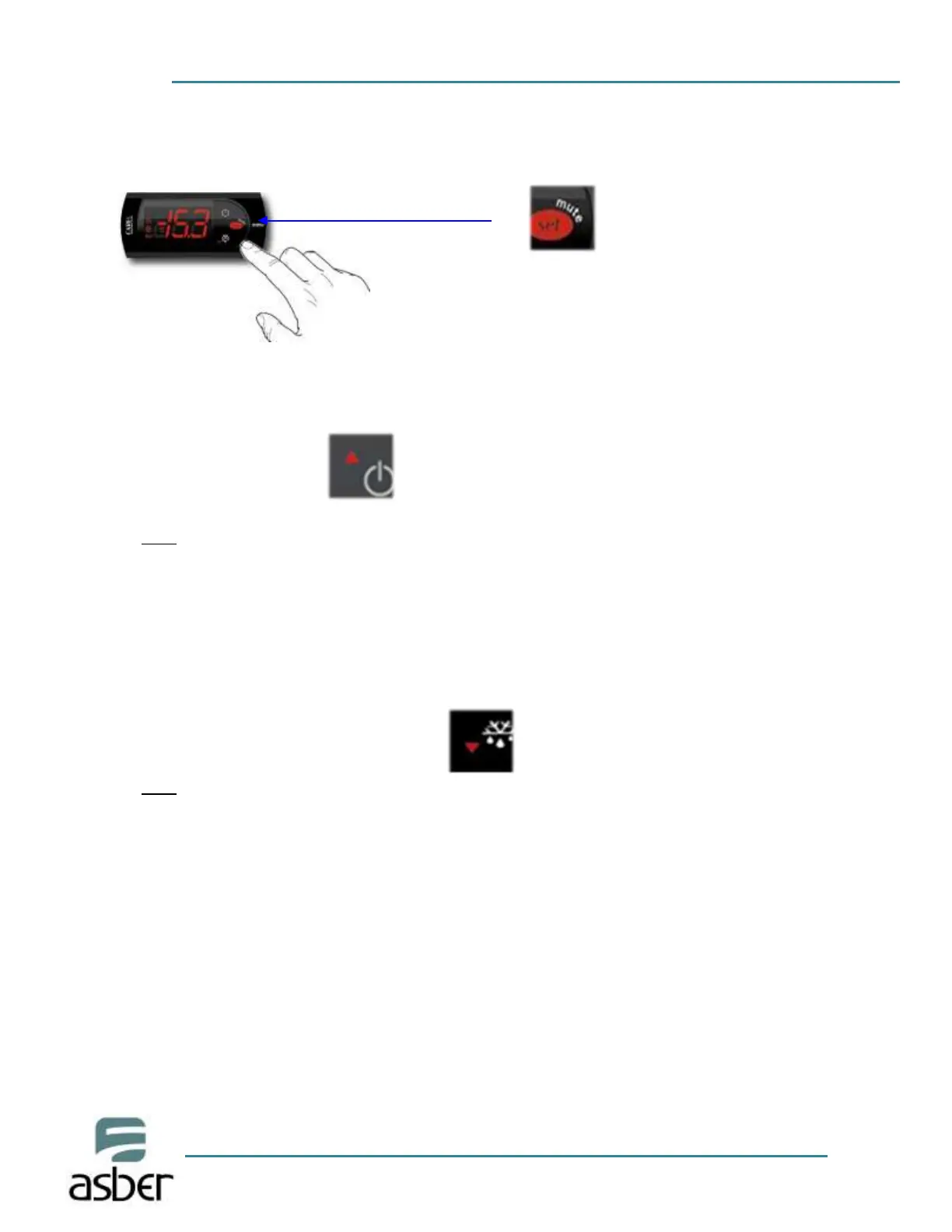
1. Push the SET button for one (1) second. You should see a flashing number.
Release the button.
2. Press the up and down arrows to increase or decrease the set temperature. Then
press the set button to save the new set point.
Note:
The maximum value you can set in the controller is: For refrigerators: 5°C (40°F),
for freezers: -16°C (2°F)
3. If you wish decrease the value of the set point for a new temperature, press the
button DOWN arrow (see the picture below). Press this button to reach the
desired value. Release the button and then press the SET button to keep, and
save, the new value.
Note:
The minimum value you can set in the controller is: For refrigerators:-1°C (30°F),
for Freezers:-23°C (-8°F)
Changing the reading temperature from °F to °C or vice versa
To change the reading of the temperature from °F to °C or vice versa, you need access to
the programming mode in the controller. To do this, press and hold the SET button for
five (5) seconds until “PS” is shown in the display. Release the button and press the SET
button one time. Now you will see the number zero (0). With the button UP arrow, set a
value of “22” and then press the SET button. You will see the “PS” again. Use the button
DOWN arrow to find the parameter “EZY” and press the SET button one time. Using the
UP or DOWN button set a value according to the chart below.



 To Next Page