REACH-INS SERVICE MANUAL/Rev. JUN. 2015
Type C parameters include the type F parameters plus all the other control parameters.
Procedure:
1. Press Prg/Mute one or more times to return to the standard display;
2. Press Prg/Mute for more than 3 seconds (if an alarm is active, the Buzzer is muted): the
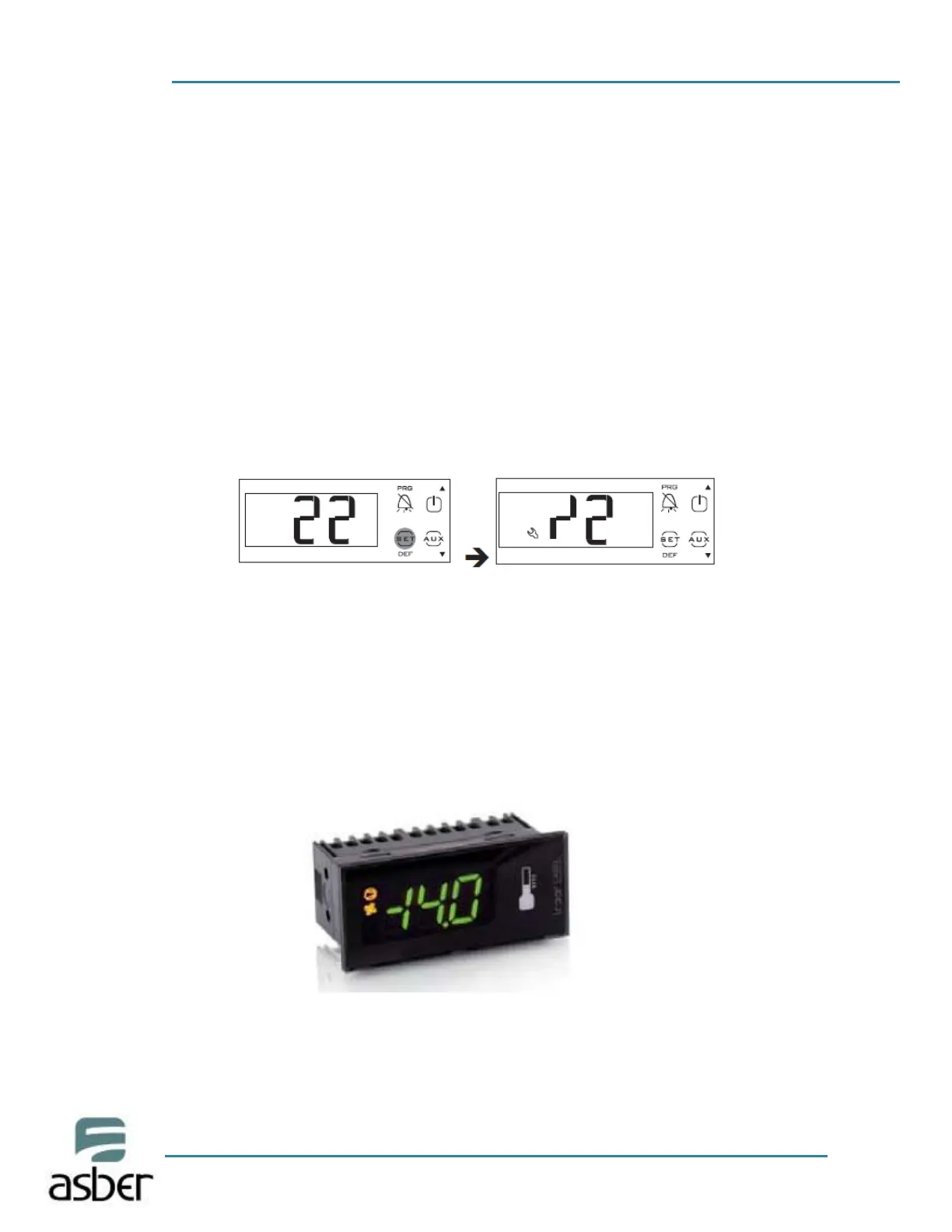
display will show the code PS (Password) and The number 0;
3. Press UP/DOWN and enter the password: 22. Press Set, the display Shows parameter/2;
4. Press UP or DOWN until reaching the desired parameter: when Scrolling, an icon is displayed
that represents the category the Parameter belongs to (see the table below and the
parameter table);
5. Press the SET button to display the value of the parameter;
6. Press UP/DOWN until reaching the desired value;
7. Press Set to temporarily save the new value and display the parameter Code again;
8. Repeat steps 4) to 7) to set other parameters;
9. To permanently save the new values of the parameters, press Prg/Mute for 5 seconds. This
exits the parameter setting procedure.
Important:
• If the controller is powered down before pressing Prg/mute, all the changes made to the
parameters will be lost;
• In the two parameter setting procedures (F and C), the new values are only saved after having
pressed Prg/mute for 5 seconds. When setting the set point, the new value is saved after
confirming with Set.
IF YOU NEED MORE INFORMATION PLEASE CONTACT THE TECHNICAL SUPPORT



 To Next Page