GTLT2 USER MANUAL
Page 12 of 21
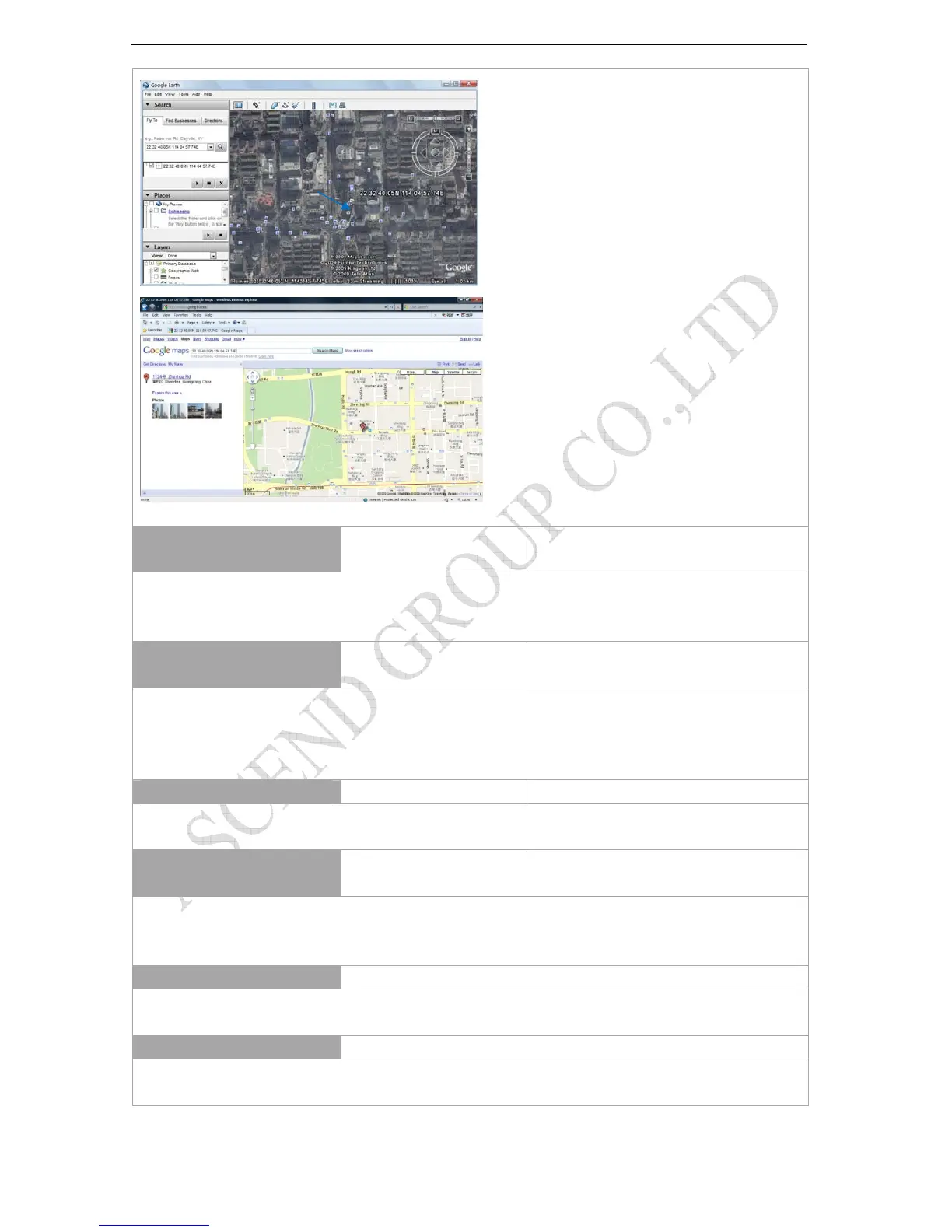
Or you can use local map software on PDA or car navigation device to input the coordinates.
Track by Interval on SMS mode
(Default:0)
4XX**** 4300000
Remarks: To set interval for automatic timed report.
XX is the interval in minute. If XX=00 to turn off tracking by time.
In this example, the tracker will send location data back to your mobile phone every 30 minutes.
Turn on/off Alarm Call (Default:ON)
150****
151****
1500000
1510000
Remarks: (1) 150**** is the command to turn off alarm alert call. After sending this command, the gps tracker will not call to the preset phone
number when sos button pressed/in or out of preset geo-fence area/over-speed alert
(2) 151**** is the command to turn on alarm alert call. After sending this command, the gps tracker will call to the preset phone number
when sos button pressed/in or out of preset geo-fence area/over-speed alert
Over speed alarm (Default:0)
#122#****#X## #122#0000#250##
Remarks: X is the speed KM/H, X=0-999 X=0, close over speed alert function
After sending this command, if speed more than 250, gps tracker will send present location and sms alert: Over speed
Turn On/Off Main Power Cut Alarm
(Default:OFF)
011****
010****
0110000
0100000
Remarks: If the GPS tracker is pulled out from car battery, the gps tracker will send sms alert to authorize phone number.
Turn on main power cut alarm: 011****,**** is the default password. Default:0000
Turn off main power cut alarm: 010****,**** is the default password. Default:0000
Low Power alarm function
Remarks:when GTLT2 working voltage less than preset default voltage values, the gps tracker will send sms alert to authorize phone number.
Total
sending 3 times, 1 minute intervals
ACC detecting charge function
Remarks:GTLT2 via external ACC cable to check car ACC state, when car moving (ACC ON), GTLT2 built-in battery will charge by car battery,
when car stops (ACC OFF),GTLT2 built-in battery will stop charge by car battery.



 To Next Page