GTLT2 USER MANUAL
Page 19 of 21
seconds, 1 location reports per time when car
moving.(ACC ON)
5.5. Upload data in preset time when car stops(ACC OFF)
Send the SMS to the tracker as following format:
Command Remark
Command format:
#809#****#T#N##
**** is the default password. Default:0000
(1) T= Record location by interval, from 10 to 65535 in
the unit of second.
(2)N= Upload Record Location Quantity Per Time, from
1-50.
(3)Upload location data interval=T*N
N=0, close upload data by preset interval, the gps tracker
will reply ”GPRS Timer Stop”
For example:
#809#0000#1800#1##
809 : Command code
0000: password, default 0000
In this example: GTLT2 will send location every half an
hour, 1 location reports per time when car stop。(ACC
OFF)
5.6. Please go to
http://www1.igpstracking.net/
Enter the user name and password we provided.
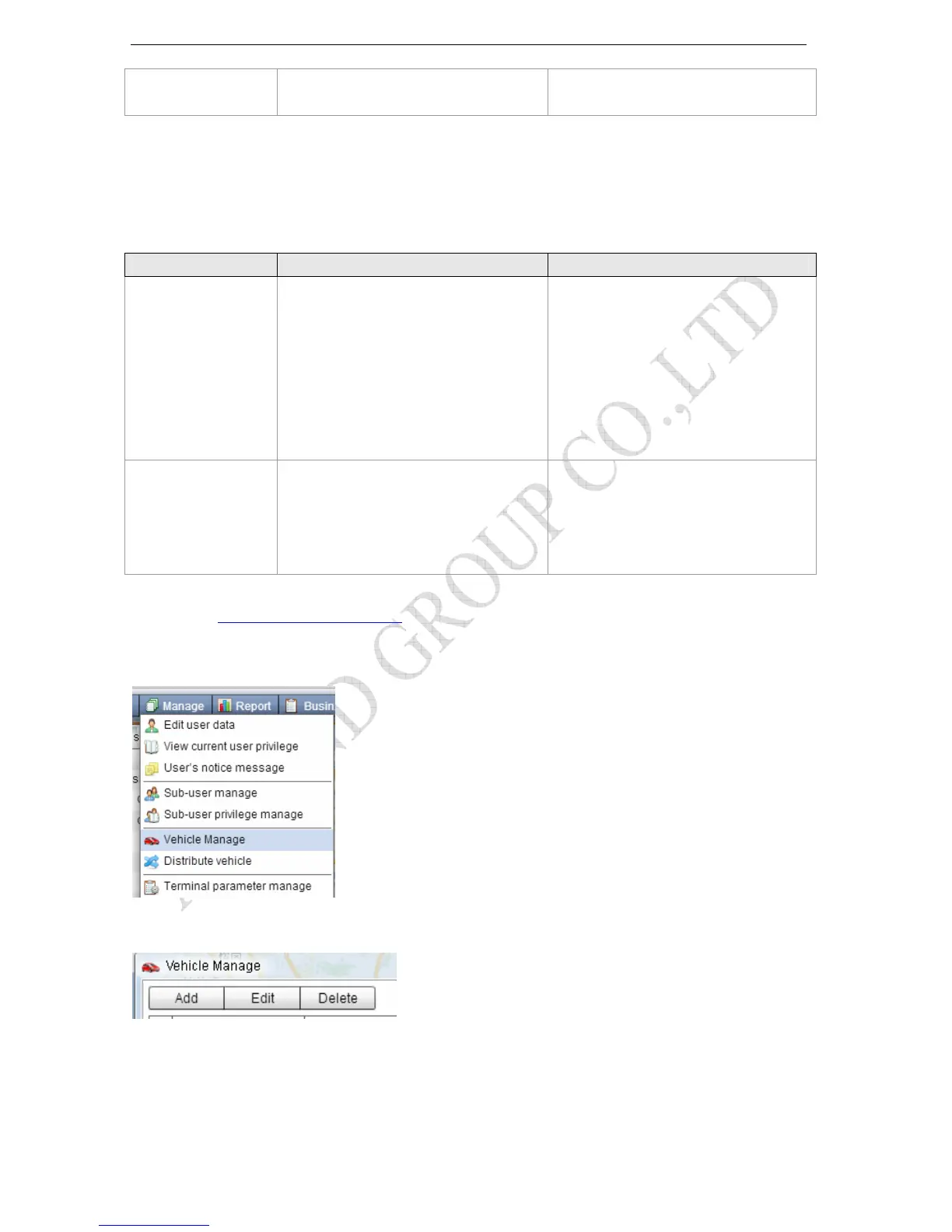
After log in, please go to “Manager- Vehicle Manager”
You will see the below window
Please click “Add” button, you will see the below window:



 To Next Page