15
When programming, leave the handset on-hook. If you lift the handset during programming, the
procedure is aborted. The programming procedure is also automatically aborted if you receive a
call while programming.
The menu system
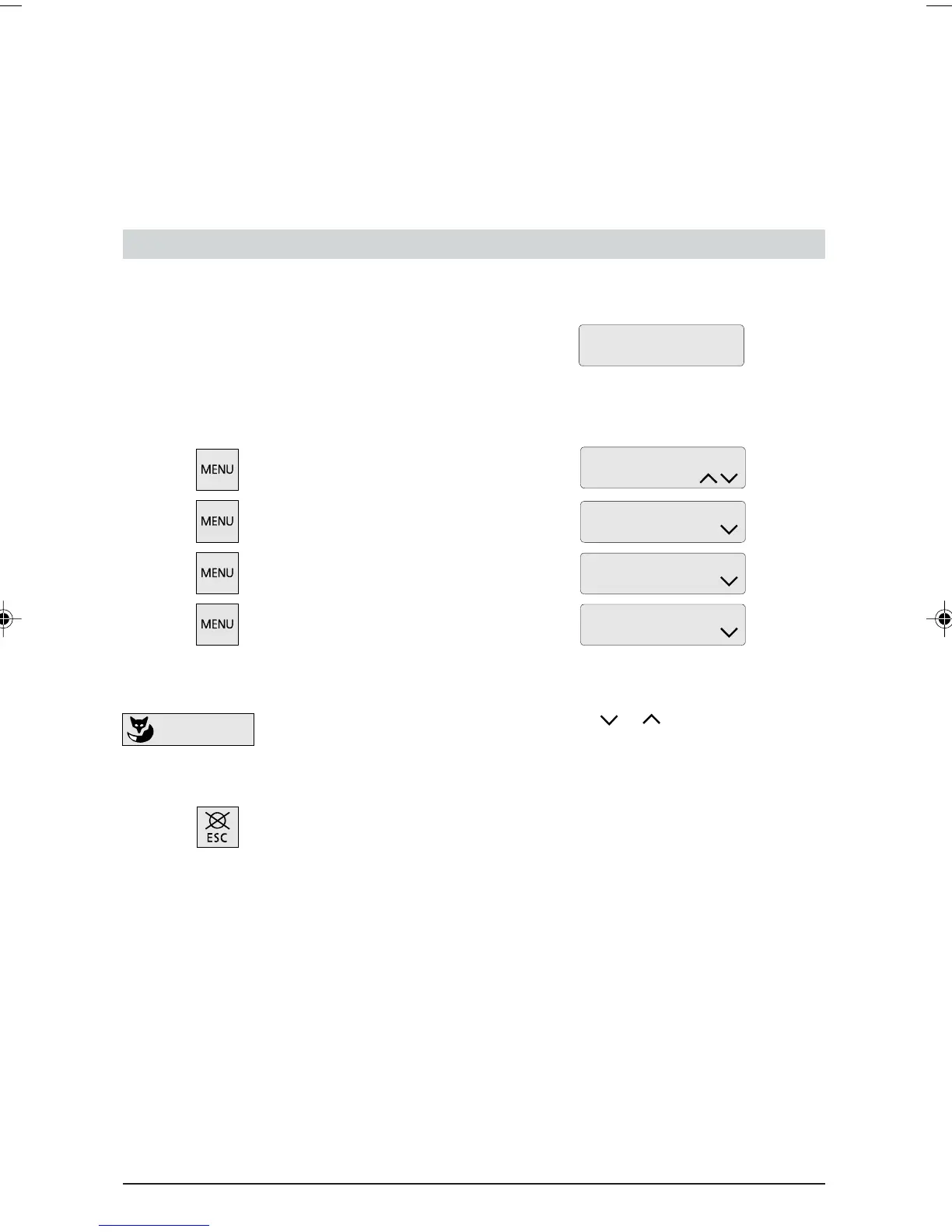
The menu-driven system makes your telephone very simple to operate. The Foxkey and MENU key
allow you to access the various menus and submenus with ease. Use them as follows:
Default display showing date and time:
Press the MENU key as often as required to select the desired menu. The following standard
messages are displayed:
Press MENU key once
Press MENU key a second time
Press MENU key a third time
Press MENU key a fourth time
Press the MENU key a fifth time to return to the default display.
Press the Foxkey under the relevant symbol
or in the display to
access the relevant sub-menus. Press the MENU key again to return to the
main menu.
Press the ESC key to return to the idle display.
Programming your telephone
ETK30_6.PM6 19.03.97, 17:3015



 To Next Page