23
Suppress call waiting
You can suppress the call waiting function if you do not want to be disturbed by a second
incoming call.
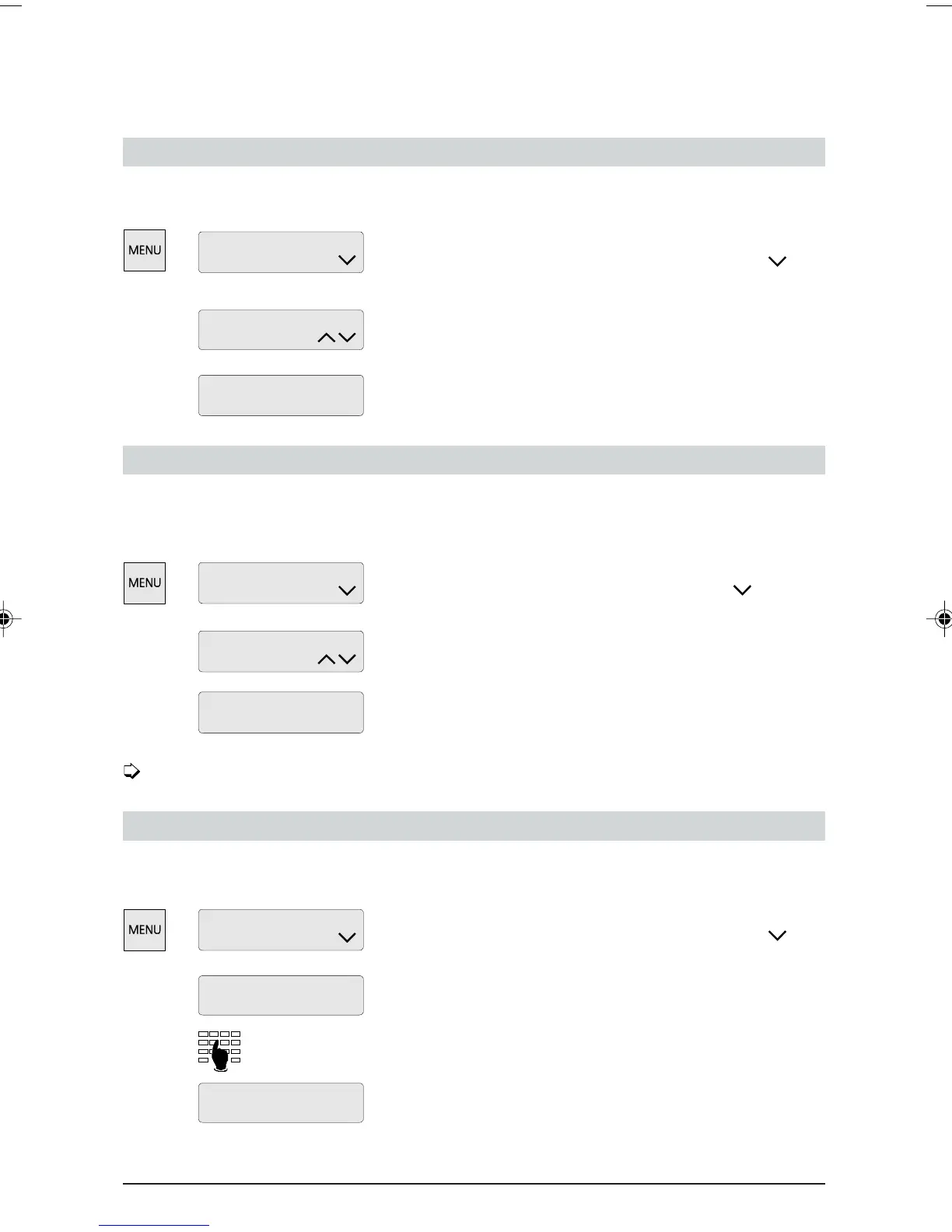
Press the MENU key as often as required until
“Installation” is displayed. Press the Foxkey under
repeatedly until “Call-Waiting” is displayed.
Press the Foxkey under “change”.
Press the Foxkey under “off” and “ok” to suppress the
call waiting function.
Switch on direct name dialling
You can use this function for frequently-dialled numbers stored in your name list. Just press the
associated letter on the alphanumeric keypad to display the name (see the section under “Making
a call”).
Press the MENU key repeatedly until “Installation” is
displayed. Press the Foxkey repeatedly under
until
“Direct namedial” is displayed.
Press the Foxkey under “change”.
Press the Foxkey under “on” and “ok” to activate direct
name dialling.
On-hook dialling is no longer possible.
Programming the charging unit
To obtain an accurate call charge display you must enter the charging unit (factor). You can
obtain the valid charging unit from your telecoms operator.
Press the MENU key as often as required until
“Installation” is displayed. Press the Foxkey under
repeatedly until “Charging unit” is displayed.
Press the Foxkey under “change”.
Enter the desired charging unit.
Press the Foxkey under “ok” to store the new value.
Programming your telephone
Installation
change
Call-Waiting: on
ok
off
Call-Waiting: on
Installation
Direct namedial: off
ok on
Installation
Charging unit:
change
23 Pf.
ok
Charging unit: 23 Pf.
change
Direct namedial: off
ETK30_6.PM6 19.03.97, 17:3323



 To Next Page