26
Function No. Function
01 Call Forward A on/off
02 Call Forward B on/off
03 Call Forward C on/off
04 Park/retrieve call
05 MCID (registration)
06 Initiate/terminate three-way conference call
07 Call transfer (ECT) on public line
81 Call transfer (ECT) in PBX
10 Initiate/terminate enquiry call, switch between calls
11 MSN A; outgoing MSN
12 MSN B; outgoing MSN
13 MSN C; outgoing MSN
* Keypad functions (for PBX operation)
After entering *, enter the relevant keypad information
e.g. #4122#. Display shows F*#4122#.
Enter the appropriate function number.
Press the Foxkey under “ok” to store the function.
The programmed function number is briefly displayed.
The telephone number or function number assigned to an auto-dial key can be deleted
by pressing the Foxkey under “del”.
Deleting auto-dial keys
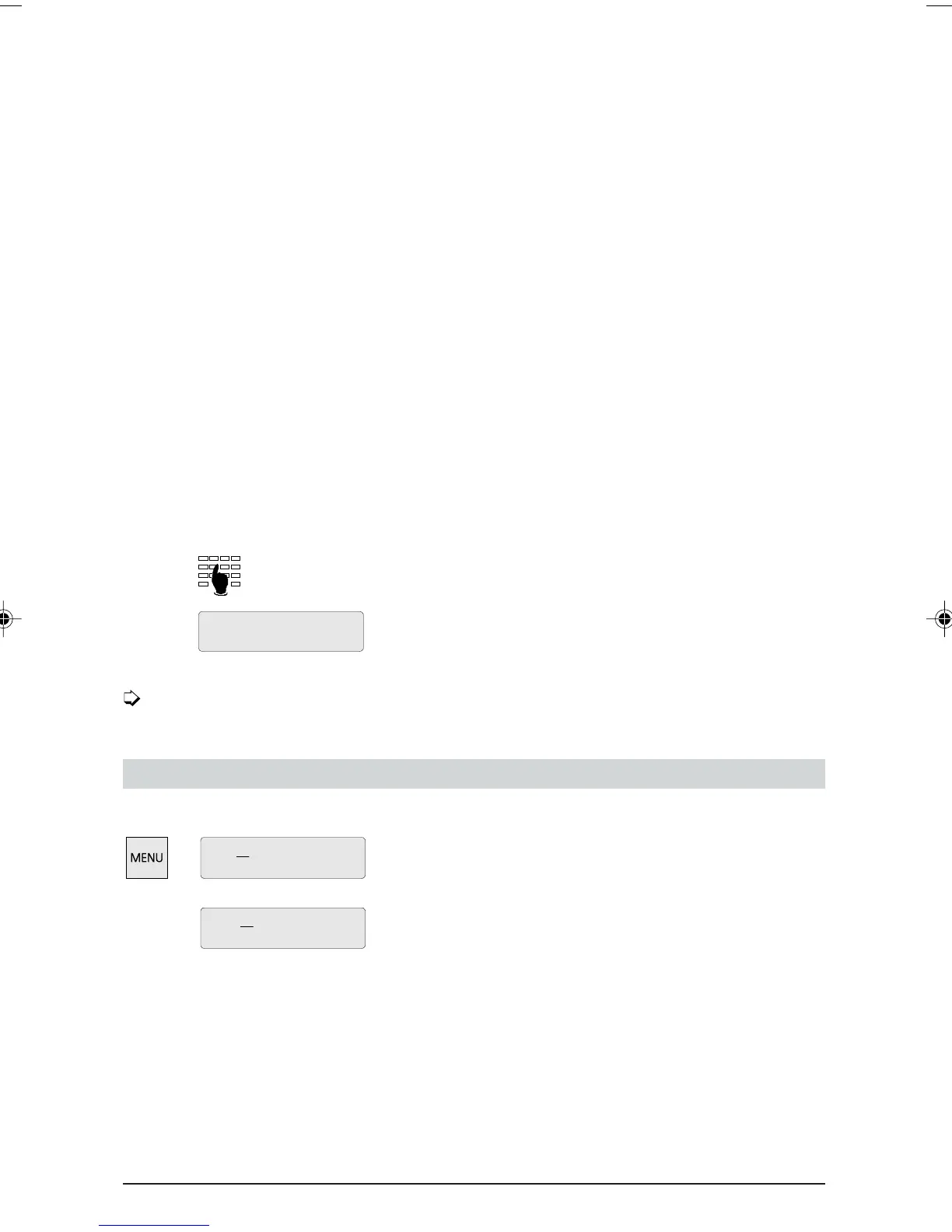
To delete a programmed auto-dial key:
Press the MENU key and the relevant auto-dial key (single
or double click).
Press the Foxkey under “del” to delete the auto-dial key
digit by digit.
Press the Foxkey under “ok” to delete the auto-dial key.
Programming your telephone
Z10: F04
ok del
Z10:
ok delFunction
Z10: F11
ok
del
ETK30_6.PM6 19.03.97, 17:3426



 To Next Page