USER GUIDE XGA LCD PROJECTOR
25
9 CEILING MOUNTING
The projector is prepared for ceiling mounting. As opposed to desktop use
(most tables are approx. 80 cm tall, are flat and have a hard surface finish),
ceilings vary in height and material. Also considerations must be made with
respect to signal and power wiring.
9.1 SELECTING A MOUNT
Various mounting systems are available from different sources. Contact
your dealer for further details or consult vendor catalogs. Be sure that the
vendor has tested the mount with this specific projector for operational
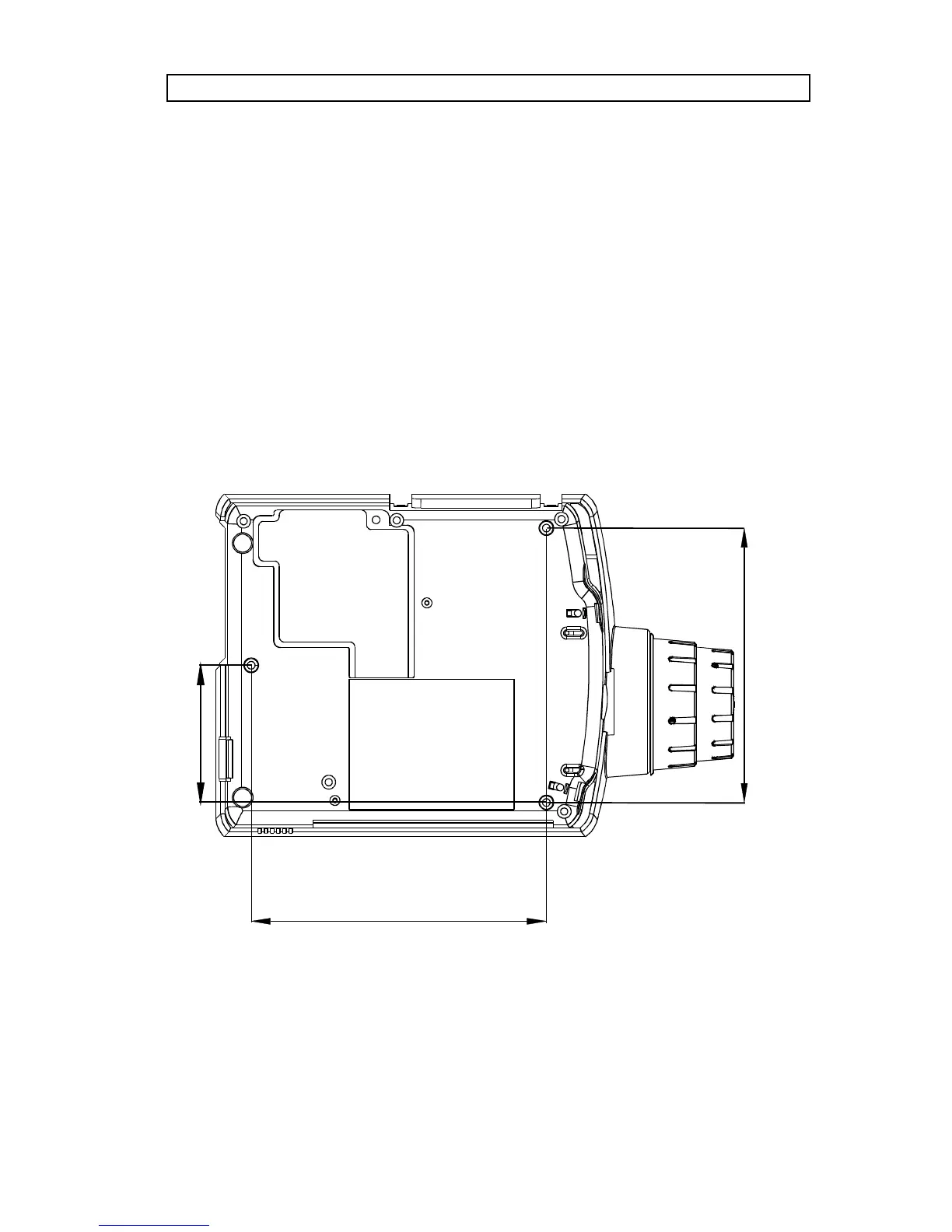
safety. Check that the mounting brackets fit the integral M4 screw mounts of
the projector (illustration below), and that the ventilation slots are not
blocked.
215 mm



 To Next Page