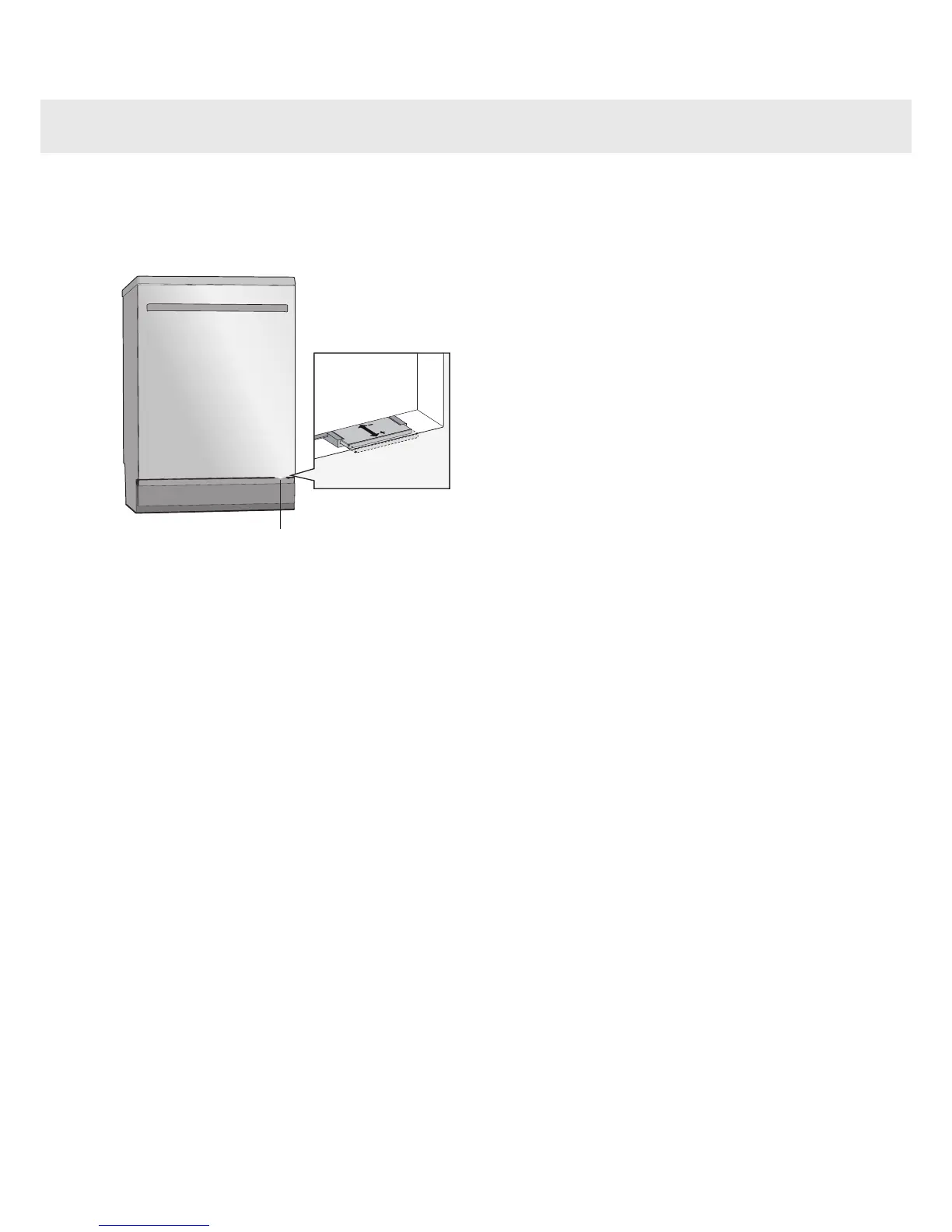
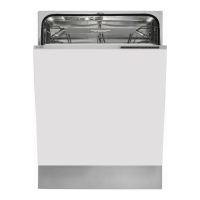
The status light at the bottom on the dishwasher
provides information by means of 3 different colors.
Adjust the status light so that it is seen clearly by
pulling out or pushing in the transparent plastic strip.
Blue
Load more. The program has started, but you can still
load more dishes.
Red
Do not load. You should not load more dishes (risk
of poor dishwashing result).
Flashing red
This indicates a fault. See further in the sections Error
messages and Troubleshooting.
Green
Unload. The dishwashing program is finished.
Standby light for two hours.
Customer Care Center24
1-800-898-1879
www.askousa.com
Status light


 To Next Page