EN 13
Setting the time
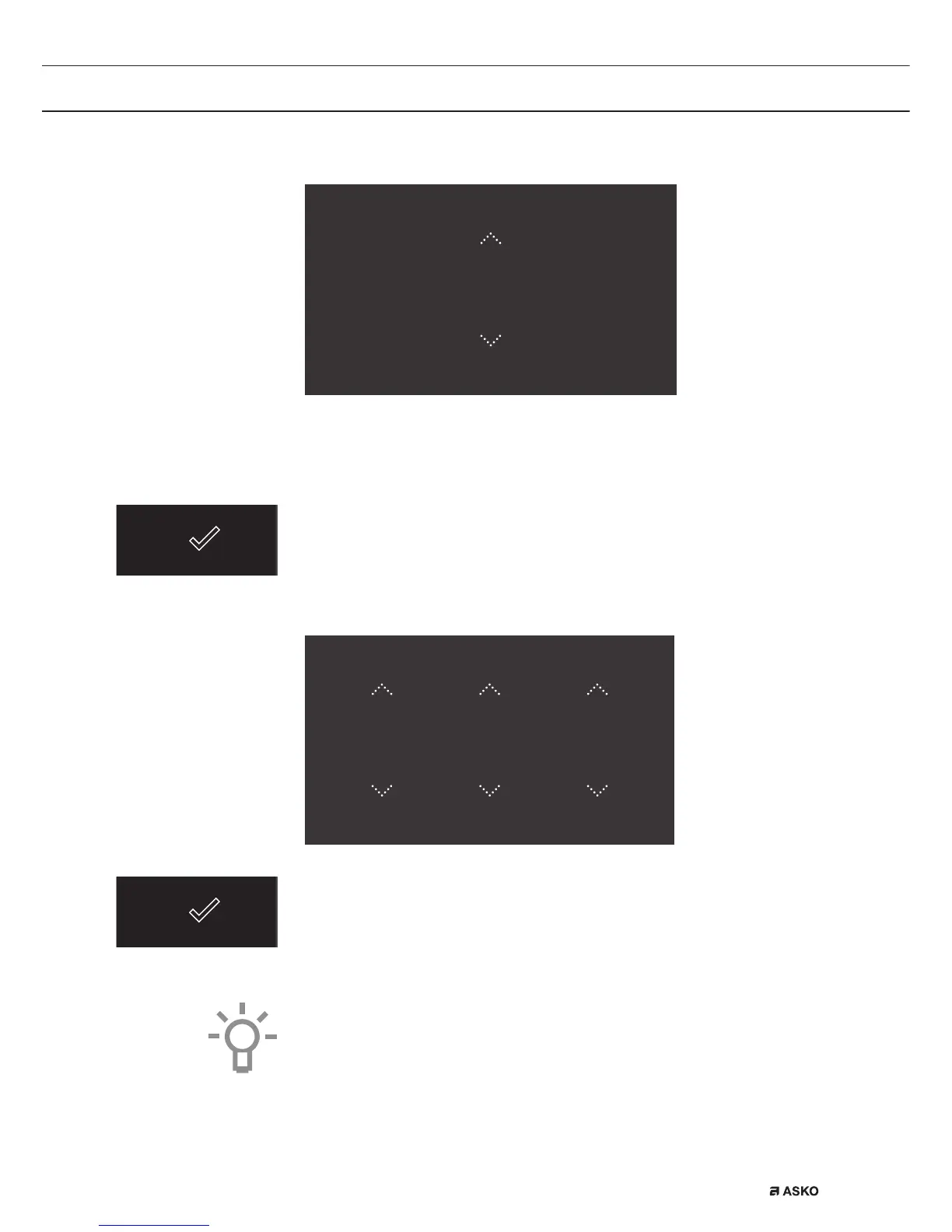
TIME
12
:
00
1. Tap on the arrows above and below the time or swipe over the time
to adjust it.
2. For fast entry, tap in the centre of the time display; a pop-up
keyboard will appear on which the desired time can be typed
(see ‘Opening the Keyboard’ chapter).
3. Press on the confirm key to save the set time.
Setting the date
DATE
DAY MONTH YEAR
01 01 2015
1. Tap on the arrows above and below the day, month or year or swipe
over the day, month or year to adjust these.
2. Press on the confirm key to save the set date.
The appliance is now ready for use.
The language, time and date can be adjusted in the settings menu
(see ‘Settings’ chapter). The settings menu can be opened from the
start display via the ‘Plus’ menu.
INITIAL USE


 To Next Page