EN 25
Hot air + Microwave
PROGRAMS
°C
16 0
:
15
H
:
M
W
6
10
:
15
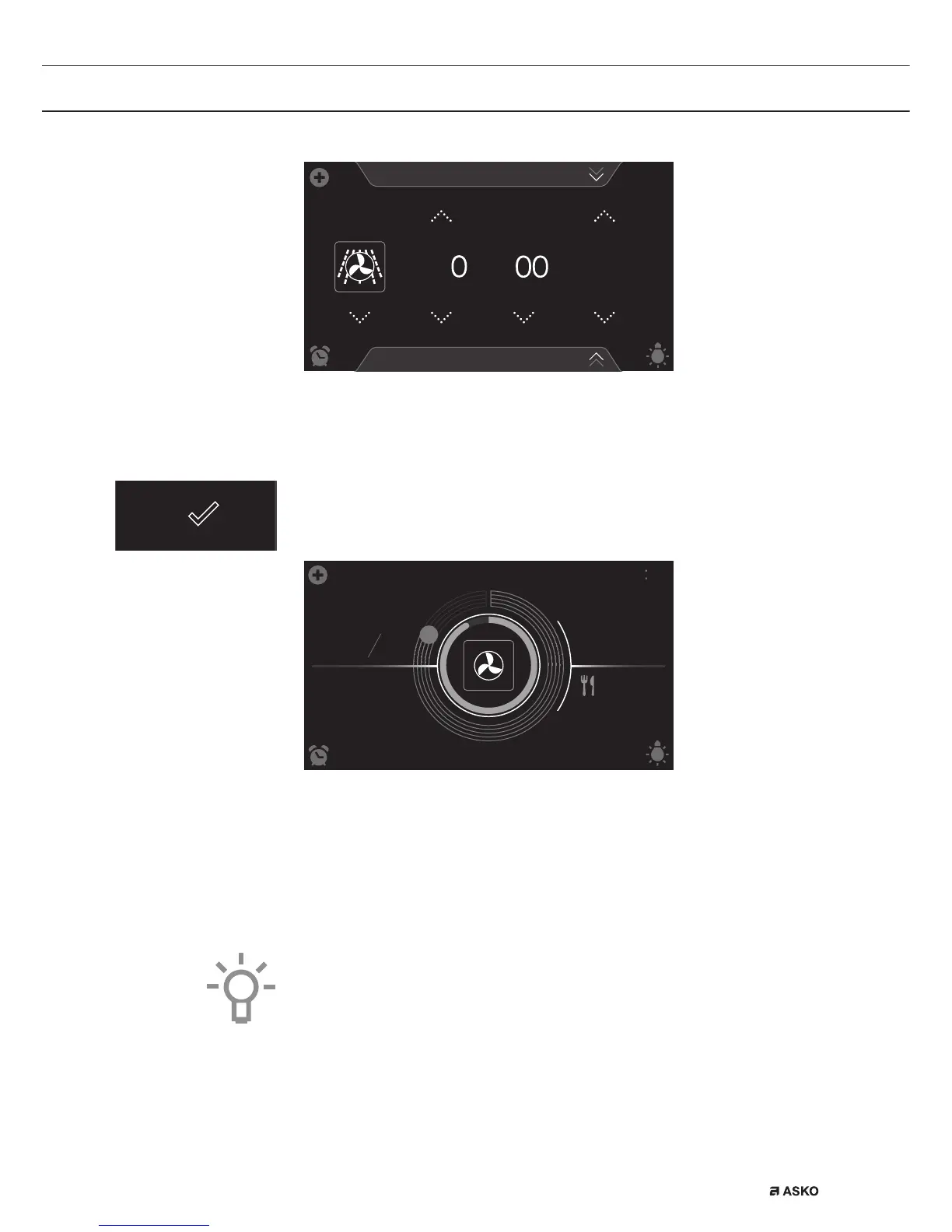
5. Select a combi function (see ‘Function-setting display’ chapter).
6. Select a temperature (see ‘Function-setting display’ chapter).
7. Select a power level (see ‘Function-setting display’ chapter).
8. Select a cooking time (see ‘Function-setting display’ chapter).
9. Select any additional settings using the ‘Plus’ menu.
10. Start cooking the dish using the confirm key.
145
8
:
54
10
:
30
°C
10 21
160
600
W
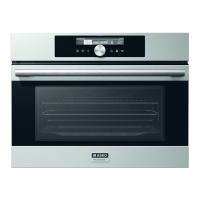
• The following values can now be read in the display:
▷ current temperature (145 °C) / set temperature (160 °C)
▷ selected power level (600 W)
▷ status indicator time (outer circle)
▷ status indicator temperature (inner circle)
▷ cooking time (08:54)
▷ end time (10:30)
• Tap in the centre of the display during cooking to open a pop-up
display with all settings. Adjust these if desired.
• At the end of a dish’s cooking time a sound signal will sound. The
signal can be switched off by opening the oven door or pressing a
key.
• The selected settings can be saved in ‘Favourites’.
Open ‘ADD TO FAVOURITES’ from the ‘Plus’ menu (See ‘Saving a
cooking method’ in the ‘Additional functions’ chapter).
USE


 To Next Page