EN 34
Delete a stage by tapping on the cross next to the settings.
A stage can only be deleted if it has not yet started.
14. By pressing the confirm key again, the oven starts to work according
to stage 1 (the activated stage is displayed in white). When the set
time has elapsed, the following stage will be activated, this being
stage 2 and later stage 3 if this has been set.
The selected settings can be saved in ‘Favourites’.
Open ‘ADD TO FAVOURITES’ from the ‘Plus’ menu (See
‘Saving a cooking method’ in the ‘Additional functions’ chapter).
185
17
:
32
10
:
45
°C
200
°C
10 27
00
:
18
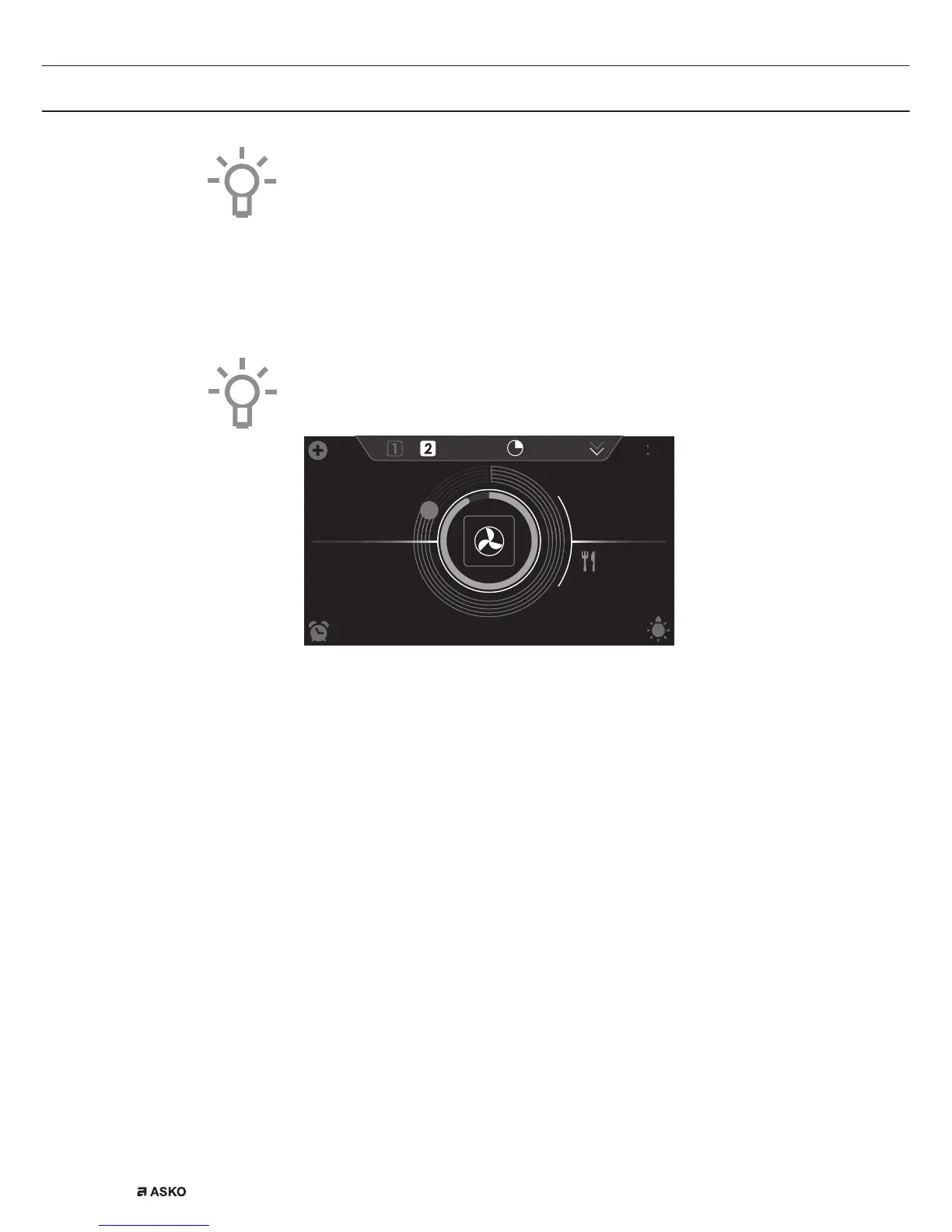
• The following values can now be read in the display:
▷ active stage (2)
▷ total cooking time (00:18)
▷ current temperature (185 °C)
▷ active stage set temperature (200 °C)
▷ active stage status indicator time (outer circle)
▷ active stage status indicator temperature (inner circle)
▷ active stage cooking time (17:32)
▷ total end time (10:45)
USE


 To Next Page