Asoka® User’s Guide
PlugLink 9650 Ethernet Adapter PL9650-E TH
Page 10 of 26
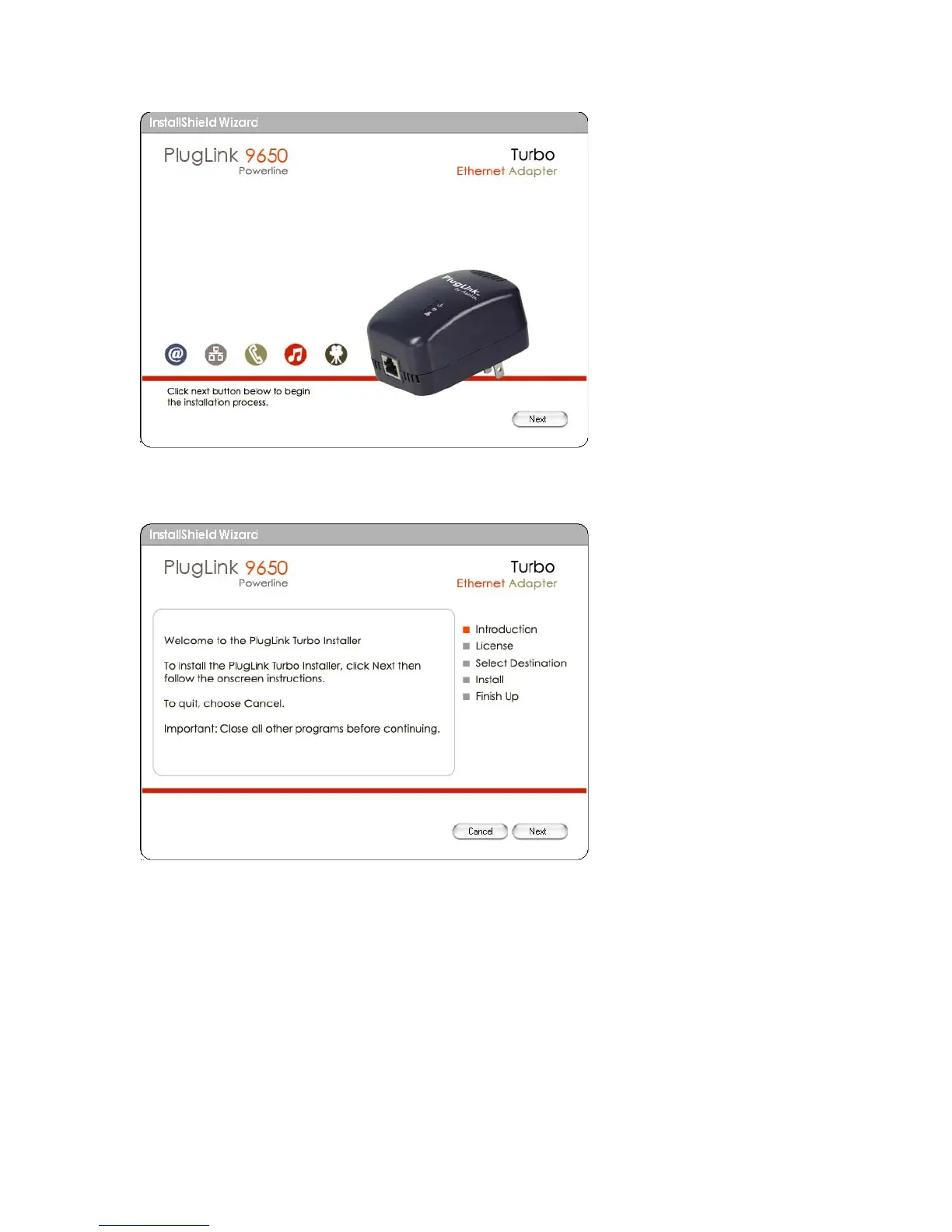
Figure: 5-2: Begin Installation Screen.
5. Click “Next” to continue Installation.
Figure: 5-3: InstallShield Installation Welcome Screen.
6. An End User Software License Agreement (EULA) should appear. Read thoroughly, select “I
Accept” and click “Next” to continue.



 To Next Page