Asoka® User’s Guide
PlugLink 9650 Ethernet Adapter PL9650-E TH
Page 18 of 26
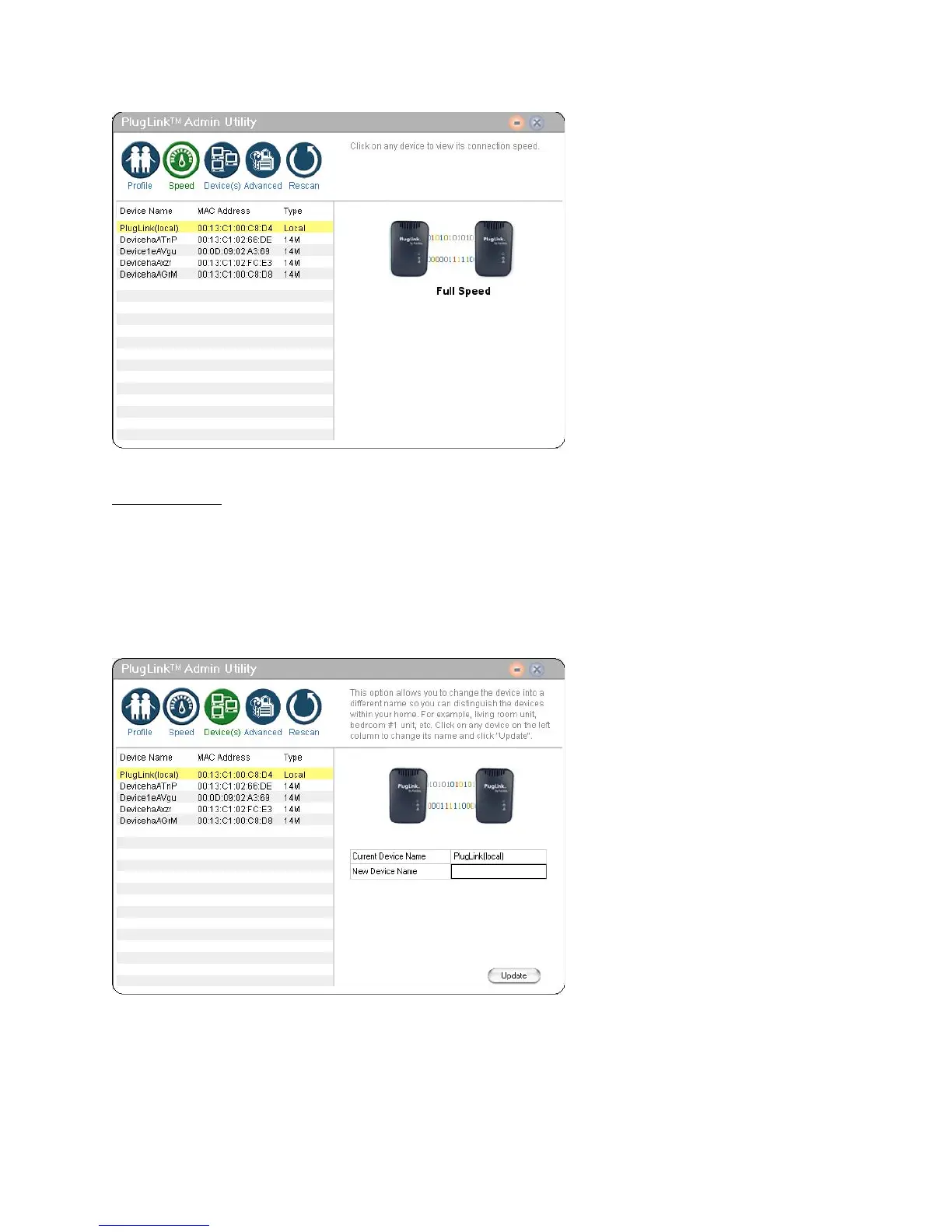
Figure 7-3: Speed Screen.
Device Screen
The Device Screen displays the names of all the devices on your network. It also allows you to
rename devices enabling easier device recognition. To rename the device:
1. Double-click on the device you want to rename on the left.
2. Enter new device name in the field box on the right and click “Update”.
3. A confirmation screen will appear to inform you if the device name change was successful
or unsuccessful.
Figure 7-4: Device Screen



 To Next Page