EN - 25
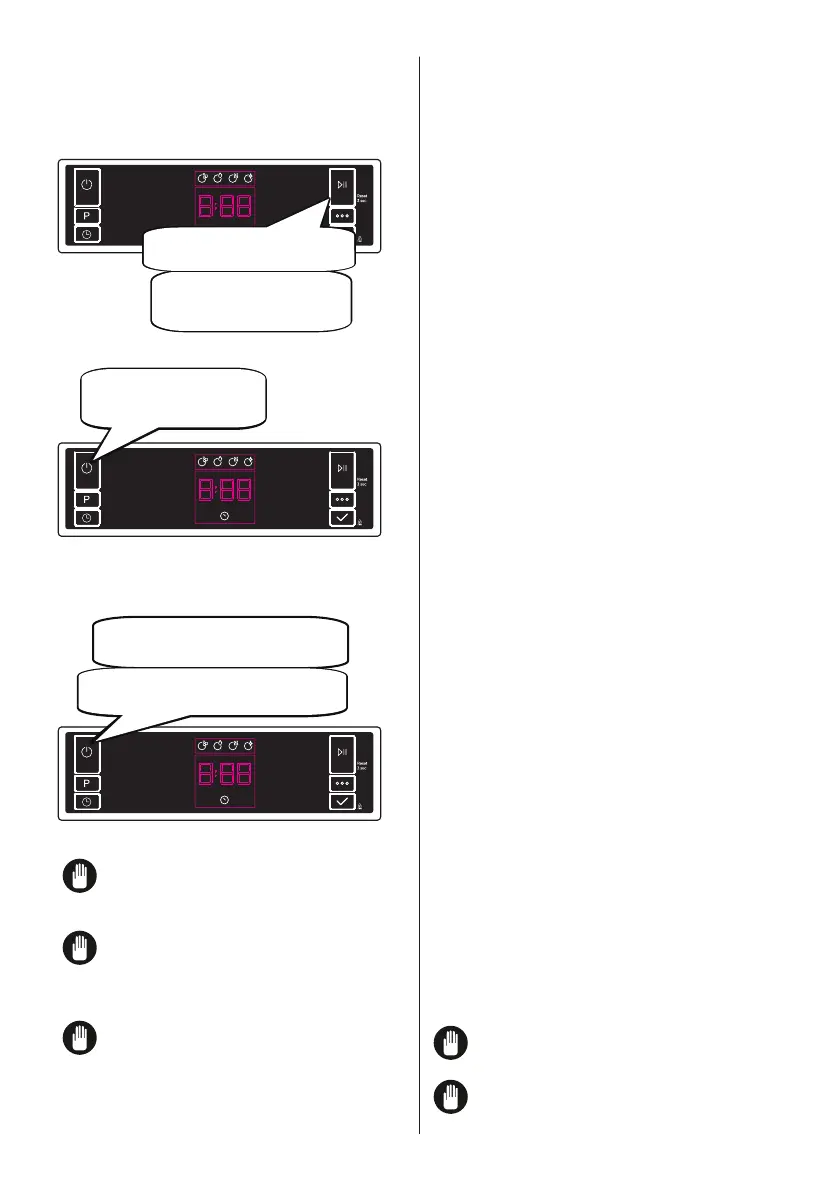
button for 3 seconds.
after the programme has ended and the
End light turns on.
Pull the plug out of the outlet. Turn of the
water tap.
Do not open the door before
the programme ends.
programme, you can leave the door of your
To change the buzzer sound level, follow
the below steps:
Open the door and press Option (6) and
Select (7) buttons at the same time for 3
seconds.
When sound setting is recognized,
buzzer gives a long sound and machine will
To decrease sound level press Select
button (7). To increase sound level, press
Options button (6).
To save the selected sound level, turn off
the machine.
’’S0’’ level means all voices are off. Factory
To activate or deactivate save power mode,
follow the below steps:
Open the door and press Program (2)
and Option (6) buttons at the same time for
3 seconds.
After 3 seconds, the machine will display
When Save Power Mode is activated,
-
rior lights (if avaliable) will turn off 2 minutes
after the door is opened, and the machine
will turn off 15 minutes after any interven-
tion in order to save energy.
When Save Power Mode is deactivated
is deactive, interior lights will be on as long
as the door is open, and the machine will
always be on unless it is turned off by user.
To save the selected setting, turn off the
machine.
In factory setting, Save Power Mode is
active.
This function provides extra hygiene to the
machine thanks to Ion Technology. It opera-
tes as an independent program. This func-
tion is activated by pressing Options button
(6) for 3 seconds in ready state. At the end
indicates that Natural Ion Tech function is
is displayed. If there is no intervention by
user, 24 hours after activation of Natural Ion
Tech function, it is automatically cancelled.
If machine is turned off,
Natural Ion Tech function is cancelled.
Natural Ion Tech function does
not work with any program.



 To Next Page