EasyManua.ls Logo

Aspire ACTIVE AIR ACUTE 8 Series - User Manual

Aspire ACTIVE AIR ACUTE 8 Series
28 pages
Print Icon
To Next Page IconTo Next Page
Loading...
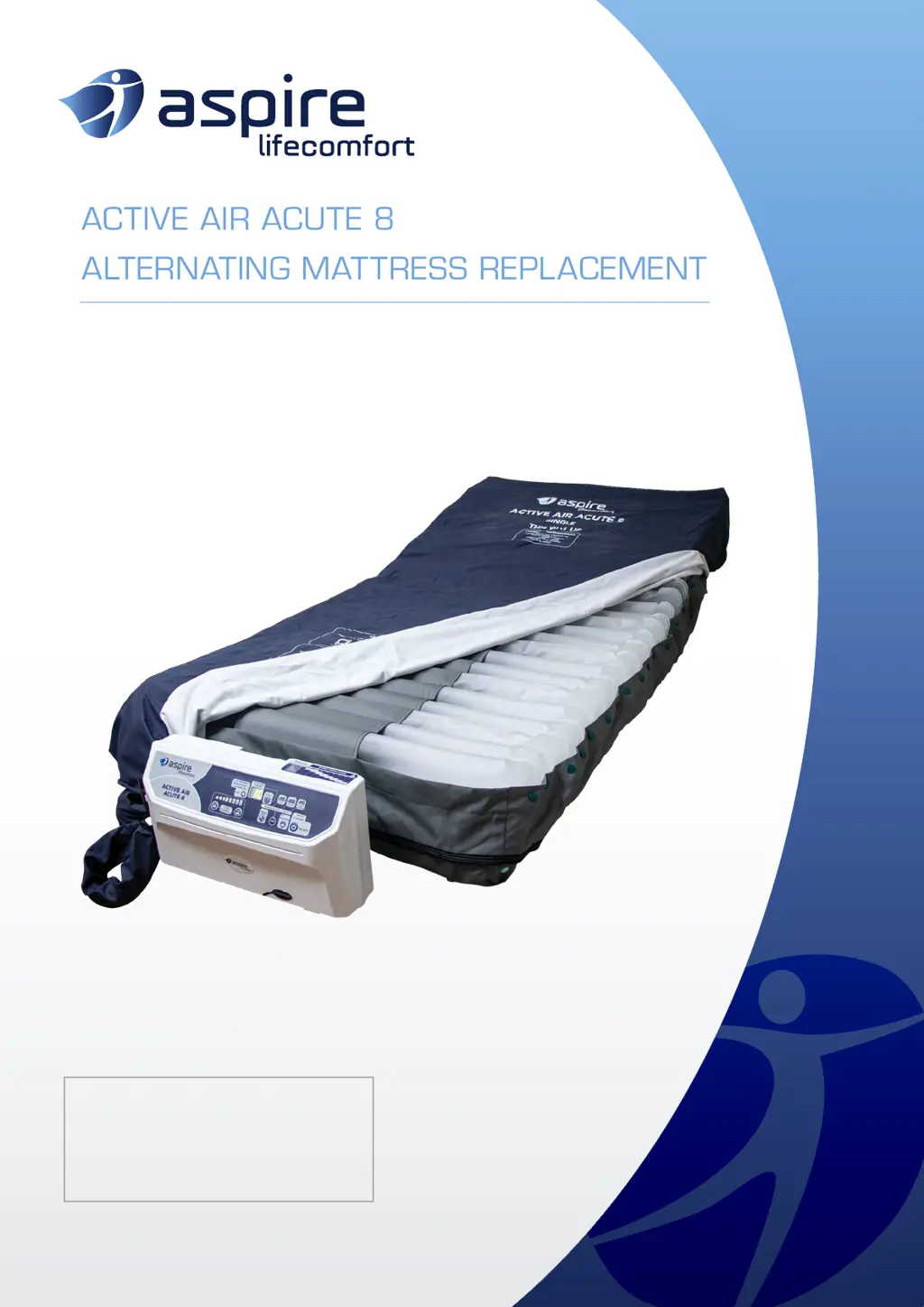
USER MANUAL
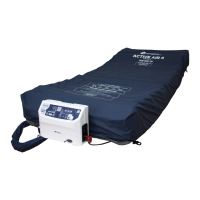
ACTIVE AIR ACUTE 8
ALTERNATING MATTRESS REPLACEMENT
PTM639400 - Single
PTM639410 - King Single

Questions and Answers

  • B
    burnscassandraAug 3, 2025
    What to do if my Aspire Medical Equipment pump is not working?
    • J
      Joshua TylerAug 3, 2025
      If your Aspire Medical Equipment pump isn't working, first ensure it's properly connected to a mains power source. Next, verify that the power switch is in the ON position. If it still fails to operate, contact your Aspire dealer.
  • T
    Timothy PerkinsAug 8, 2025
    What to do if the low pressure LED light is flashing or the alarm is going off on my Aspire ACTIVE AIR ACUTE 8 Medical Equipment?
    • A
      Abigail CampbellAug 8, 2025
      If the low-pressure LED light is flashing or the alarm is sounding on your Aspire Medical Equipment, ensure the CPR valve is in the CLOSED position. Check that all air hoses and tubes are tightly secured and that all coupling connections along the mattress are secured. If the issue persists, contact your Aspire dealer.
  • R
    Regina RobertsAug 12, 2025
    What to do if the alarm is sounding on my Aspire ACTIVE AIR ACUTE 8 Medical Equipment?
    • A
      anna55Aug 12, 2025
      If the alarm is sounding on your Aspire Medical Equipment, press the mute button to allow the system to be verified. If the alarm continues to sound after muting, contact your Aspire dealer for further assistance.
  • M
    Melissa KramerAug 18, 2025
    What to do if my Aspire Medical Equipment pump is on but the mattress will not alternate?
    • S
      Susan RodriguezAug 18, 2025
      If your Aspire Medical Equipment pump is running but the mattress isn't alternating, first, make sure the mattress is fully inflated. Then, check that the ALTERNATING mode is turned ON. Finally, check for SERVICE REQUIRED LED; if it is on, contact your Aspire dealer.
  • D
    Donald HillAug 23, 2025
    What to do if I am bottoming out but no alarm is sounding on my Aspire ACTIVE AIR ACUTE 8 Medical Equipment?
    • B
      butlervictoriaAug 23, 2025
      If you are bottoming out on your Aspire Medical Equipment but no alarm is sounding, verify that the pressure setting is appropriate for the patient. Adjust the comfort dial according to the patient weight range table. Refer to the troubleshooting steps for ‘Low pressure light flashing/alarm is going off’. If the problem continues, contact your Aspire dealer.
  • D
    daniellemillerAug 28, 2025
    Why is my Aspire ACTIVE AIR ACUTE 8 pump so noisy?
    • W
      wfieldsAug 28, 2025
      If your Aspire Medical Equipment pump is noisy, ensure it is correctly mounted and flat against the FOOT end of the bed. If the noise continues, contact your Aspire dealer.

Summary

Symbols and Patient Weight Range

Understanding Safety Symbols

Explains the meaning of warning, mandatory, and prohibited action symbols used in the manual.

Patient Weight Range Guidance

Specifies the recommended patient weight range for optimal mattress performance and safety.

1. Introduction

Clinical Applications and Area of Use

Specifies where and for whom the mattress replacement is suitable for use.

Intended Use

Explains the purpose of the product in preventing pressure injuries and enhancing comfort.

2. Safety Precautions

General Safety Guidelines

Covers general electrical safety, RCD requirements, patient condition consideration, and safe working load.

3. Product Safeguards

Electrical Safety and Handling

Details warnings and precautions related to electrical safety and product handling.

User and Patient Safety

Provides essential safety guidelines for users and caregivers to ensure proper product operation.

5. Assembly and Setup - Part 1

Box Contents Overview

Lists all the components included in the product packaging.

Mattress Placement and Securing

Instructions for correctly placing and securing the mattress replacement onto the bed platform.

5. Assembly and Setup - Part 2

CPR Valve and Pump Positioning

Guidance on setting the CPR valve and correctly positioning the pump unit at the foot end of the bed.

Air Hose Connection

Steps to remove the protective cap from the air hose and connect it to the pump.

5. Assembly and Setup - Part 3

Sensor Cable and Power Connection

Instructions for connecting the sensor cable and the mains power cable to the pump.

5. Assembly and Setup - Part 4

Power Cord Security and Socket Connection

Securing the power cord and connecting the pump's power cable to a wall outlet.

Setting Patient Mode

Instruction to set the appropriate mode for patient care, referring to the Operation section.

6. Operation - Control Panel

Control Panel Overview

Overview of the digital pump's control panel and its various buttons and indicators.

Powering On and Inflation

Steps to turn on the pump and inflate the mattress to normal pressure.

6. Operation - Lockout and Auto Firm

Function Lock Out Procedure

Explains how to lock and unlock the control panel functions to prevent accidental changes.

Auto Firm Feature Usage

Describes the Auto Firm feature for maximum inflation and its automatic mode switching.

6. Operation - Pressure Modes

Static Mode Operation

Explains the Static mode function, its duration, and automatic fallback to Alternating mode.

Alternating Mode Settings

How to activate Alternating mode and adjust cycle times (10-30 minutes).

6. Operation - Constant Low Pressure

Constant Low Pressure Mode

Details the Constant Low Pressure (CLP) mode and provides a pressure chart based on patient weight.

6. Operation - Pressure Adjustment

Comfort (Pressure) Adjustment

Instructions on how to manually increase (FIRM) or decrease (SOFT) the mattress pressure.

6. Operation - Advanced Features

Auto Adjust Functionality

Explanation of the Auto Adjust feature for automatic pressure setting based on patient weight.

Auto Protect (Fowler Function)

Details the Auto Protect feature that increases pressure when the backrest angle is raised.

Mute Alarm Function

How to mute alarms and the safety function of automatic reactivation.

6. Operation - Status Indicators

Low Pressure Indicator

What happens when the pump senses low pressure, including LED indicators and alarm.

Power Failure Indicator

Indicates the 'POWER FAILURE' LED and alarm when power is interrupted.

Service Required Indicator

Explains the 'Service Required' LED and alarm for faults or issues.

6. Operation - CPR

CPR Activation Procedure

Procedure for activating the CPR function for rapid deflation.

7. Product Specifications

Pump Specifications

Technical specifications for the pump unit, including dimensions, weight, and power.

Mattress Replacement Specifications

Technical specifications for both Single and King Single mattress replacements, including dimensions and materials.

8. Cleaning Instructions

Pump Cleaning Procedure

Instructions for cleaning the pump unit using a damp cloth and avoiding immersion.

Mattress Cover Laundering

Procedure for removing and laundering the mattress cover, including washing and drying instructions.

9. Maintenance and Storage

Routine Maintenance Checks

Routine checks for power cables, plugs, mattress cover wear, and air hoses.

Fuse and Air Filter Maintenance

Steps for replacing a blown fuse and instructions for air filter maintenance or replacement.

Storage Guidelines

Guidelines for properly deflating, rolling, and storing the mattress for longevity.

10. Troubleshooting Guide

Common Pump and Connection Issues

Solutions for problems where the pump does not connect with the mattress or is not working.

Mattress Alternation and Alarm Issues

Troubleshooting steps for mattress not alternating, alarms sounding, and noisy pumps.

Error Code Reference

Explanation of common error codes like Power Failure, Low Pressure, AutoFirm Failure, etc.

11. Warranty and Service

Consumer Warranty Policy

Details Aidacare's warranty policy, terms, and conditions for the product.

Service and Contact Information

Provides contact details for servicing, spare parts, and general inquiries to Aidacare.

12. Service Log Book

Service Record Entries

A section for recording periodic maintenance and service history for up to five years.

Aspire ACTIVE AIR ACUTE 8 Series Specifications

General IconGeneral
CategoryMedical Equipment
Model SeriesACUTE 8 Series
Weight CapacityNot applicable
Maximum Vacuum-125 mmHg
Power Supplyrechargeable battery
WeightApprox. 0.9 kg

Related product manuals