28
English
Overclocking
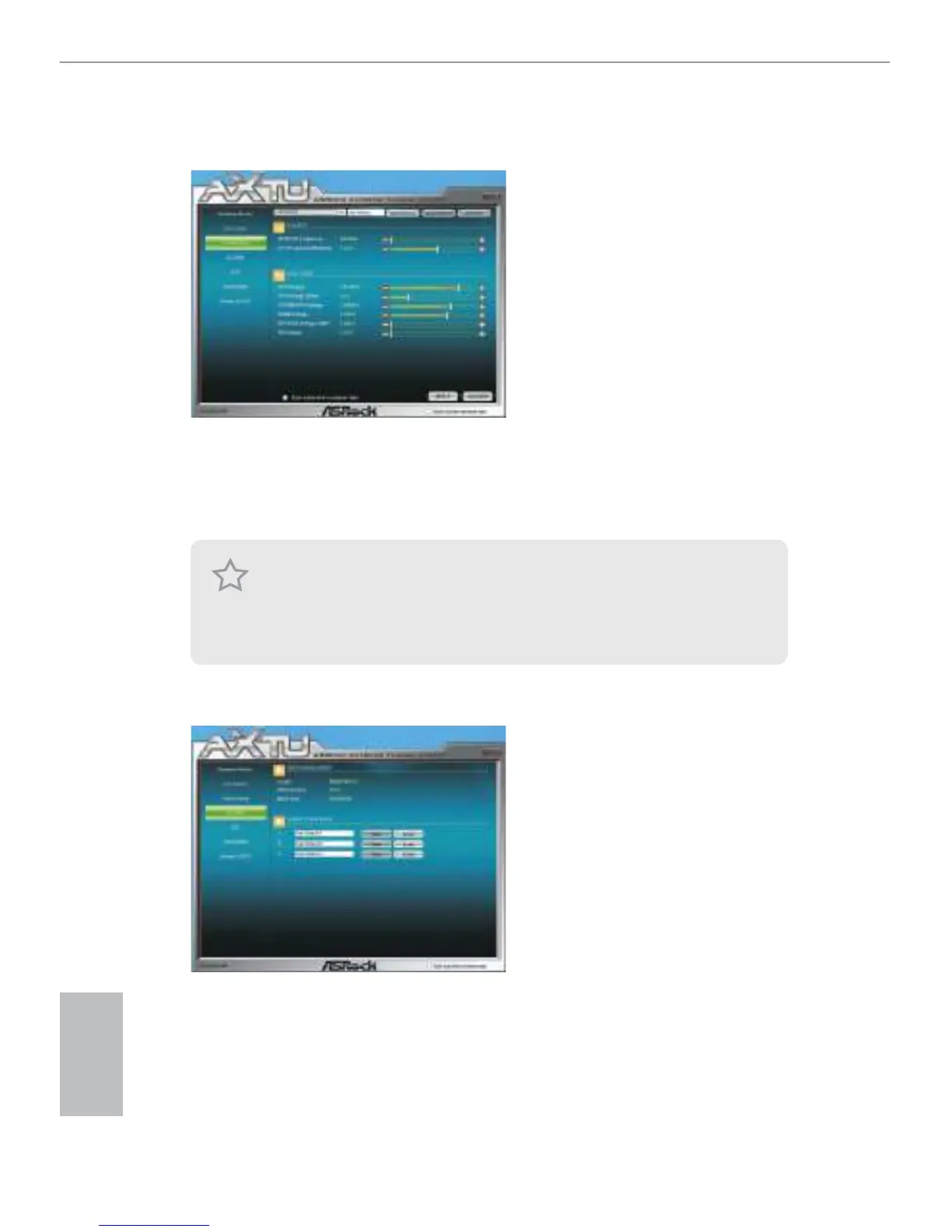
In the Overclocking section, there are Clock and Voltage chapters for users to adjust
settings and pursuit optimal system performance. You are able to ne-tune the CPU
ratio, CPU frequency, and respective voltages by clicking the “+/-” at the display
panel. Aer conrmation of the settings, please click on the “APPLY” button.
OC DNA
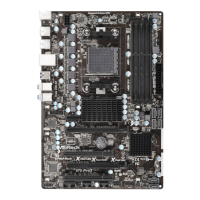
OC DNA provides a convenient way to record the OC settings and share with
others. It helps you to save your overclocking record under the operating system
and simplies the complicated recording process of overclocking settings. With OC
DNA, you can save your OC settings as a prole and share with your friends. Your
friends then can load the OC prole to their own system to get the same OC settings
as yours. Please be noticed that the OC prole can only be shared and worked on
the same motherboard.
Overclocking and over-voltage may aect your system’s stability, or even cause damage
to your hardware devices. It should be done at your own risk and expense. We are not
responsible for the possible damage caused by overclocking and overvoltage. If system
hangs aer overclocking, please remove the AC power cord and plug the AC power cord
back on again before you power on your system.



 To Next Page